Genesis: The Complete Owner’s Guide — Warranty, Reliability, and Brand Facts
Genesis is the standalone luxury division of Hyundai Motor Group. Every Genesis model — including the G70, G80, G90, GV70, and GV80 — is built and backed by Hyundai, but the ownership experience is designed to compete with BMW, Mercedes-Benz, and Lexus. The most important thing to know upfront: Genesis offers a 10-year/100,000-mile powertrain warranty and a 3-year/36,000-mile complimentary maintenance program, both of which exceed most European luxury rivals. This guide covers what those warranties actually include, which models hold up best over time, and what you should expect from Genesis Connected Services and concierge support.

Genesis Ownership Basics: Who Makes It and What You Get
Genesis launched as a standalone brand in 2015, but it is wholly owned and manufactured by Hyundai Motor Group. The engineering and platform architecture are shared with Hyundai — for example, the G80 and the Hyundai Grandeur share a platform, and the GV70 uses a modified version of the same rear-drive architecture found in the G70. That matters for parts availability and repair costs, which tend to be lower than BMW or Mercedes equivalents because you can sometimes use Hyundai components under the skin.
Every new Genesis sold in the US includes three core ownership programs:
| Program | Coverage |
|---|---|
| New Vehicle Limited Warranty | 5 years / 60,000 miles (bumper-to-bumper) |
| Powertrain Limited Warranty | 10 years / 100,000 miles (transferable to 5 years / 60,000 miles for second owner) |
| Anti-Perforation Warranty | 7 years / unlimited miles |
| Complimentary Maintenance | 3 years / 36,000 miles |
| 24/7 Roadside Assistance | 5 years / unlimited miles |

The powertrain warranty is the headline number. It covers the engine, transmission, transaxle, drive shafts, axles, and transfer case. It does not cover routine wear items (brake pads, wiper blades, tires) or cosmetic issues like paint peel after the bumper-to-bumper period ends.
The 10-Year/100,000-Mile Powertrain Warranty: What’s Covered and What’s Not
Covered Components
- Engine: cylinder block, cylinder head, all internal lubricated parts, timing chains, oil pump, water pump, valve covers, intake manifold, and the turbocharger assembly (on turbo models like the G70 2.0T and GV70 3.5T)
- Transmission: the automatic transmission case, internal parts, torque converter, and the transfer case on all-wheel-drive models
- Driveline: drive shafts, constant-velocity joints, axle shafts, and the differential
What the Warranty Excludes
- Normal wear items: brake rotors and pads, clutch discs, spark plugs, filters, and belt replacements
- Maintenance neglect: oil changes, coolant flushes, or transmission fluid services that you skip can void coverage for related failures. For example, if you miss two consecutive oil changes and the engine develops a sludge-related knock, Genesis can deny the claim.
- Aftermarket modifications: tuned ECUs, larger turbochargers, or suspension lifts on a GV70 can give Genesis a reason to deny a powertrain claim. Even a simple cold-air intake can trigger a denial if the dealer can argue it caused the issue.
- Transfer after sale: if you buy a used Genesis from a non-dealer, the powertrain warranty drops to 5 years / 60,000 miles unless you buy from a Genesis certified pre-owned dealer (CPO cars keep the full 10-year/100K). To verify transfer eligibility, call Genesis Customer Care at 1-844-340-9741 with the VIN.
How to Verify Coverage
Call a Genesis dealer with your VIN, or check the warranty status through the Genesis Owner Portal at genesis.com. You will need the 17-character VIN and proof of in-service date. If the car has a salvage or rebuilt title, the powertrain warranty is voided entirely.
Verification step after a repair: After a warranty repair, ask the dealer for a printed warranty claim summary. The summary should list the parts replaced, the labor op code, and the claim number. If the repair was for a covered component and the dealer did not provide a summary, request it before leaving — it serves as proof that the warranty honored the claim, and it protects you if the same issue recurs.
Complimentary Maintenance Program: What You Get for Free
Genesis includes scheduled maintenance at no charge for the first 3 years or 36,000 miles, whichever comes first. The program covers:
- Oil and filter changes every 7,500 miles (synthetic 5W-30 for gasoline engines; the recommended oil is QUARTZ 9000 FUTURE FGC 5W-30 or Mobil Super Synthetic 5W-30 or above)
- Tire rotations every 7,500 miles
- Multi-point inspections at each visit
- Cabin air filter and engine air filter replacement (one of each during the 3-year period)
- Battery replacement if needed during a covered visit
The complimentary maintenance does not cover alignment, balancing, or wheel straightening. It also does not include brake fluid flushes or coolant replacement — those are separate services at owner cost.
Which models get what: The G70 2.0T and 3.3T, G80 2.5T and 3.5T, G90 3.5T, GV70 2.5T and 3.5T, and GV80 2.5T and 3.5T all follow the same schedule. Diesel or electric models (if applicable) require different intervals, and Genesis dealers will confirm those at the service desk.
Failure mode to watch for: Some dealers perform the oil change but skip the tire rotation to save time. If your car pulls slightly after a complimentary visit, the rotation was likely missed. After each service, check the tire wear pattern: the front tires should have visibly similar tread depth to the rears. If they don’t, ask the service advisor to redo the rotation. You can also check the service invoice — rotation is typically listed as a line item with a $0 charge.
Reliability Data by Model: Which Genesis Models Hold Up Best
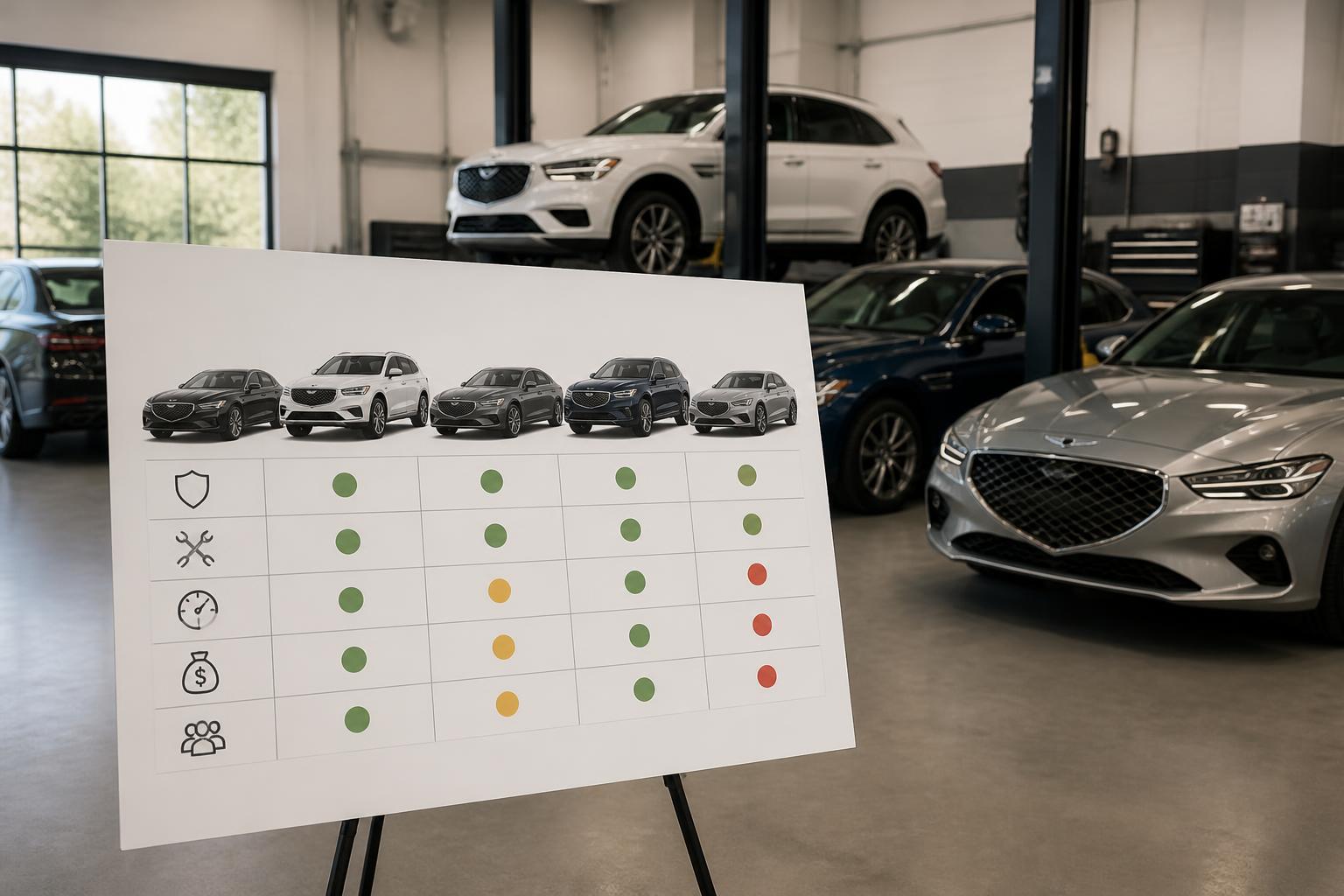
Genesis reliability is good overall but not uniform across the lineup. Most issues are concentrated in the first 2–3 model years of a new generation.
| Model | Notable Reliability Data | Common Problem Areas |
|---|---|---|
| G70 (2019–2021) | J.D. Power initial quality score above luxury segment average | Infotainment freezing, sunroof rattle on early 2019 cars, rear differential whine on AWD 3.3T (rare) |
| G70 (2022–present) | Fewer reported issues; IIHS Top Safety Pick+ | No major pattern complaints yet |
| G80 (2017–2020) | Consumer Reports average rating; better than BMW 5 Series same years | Transmission hesitation at low speed on 8-speed, infotainment lag |
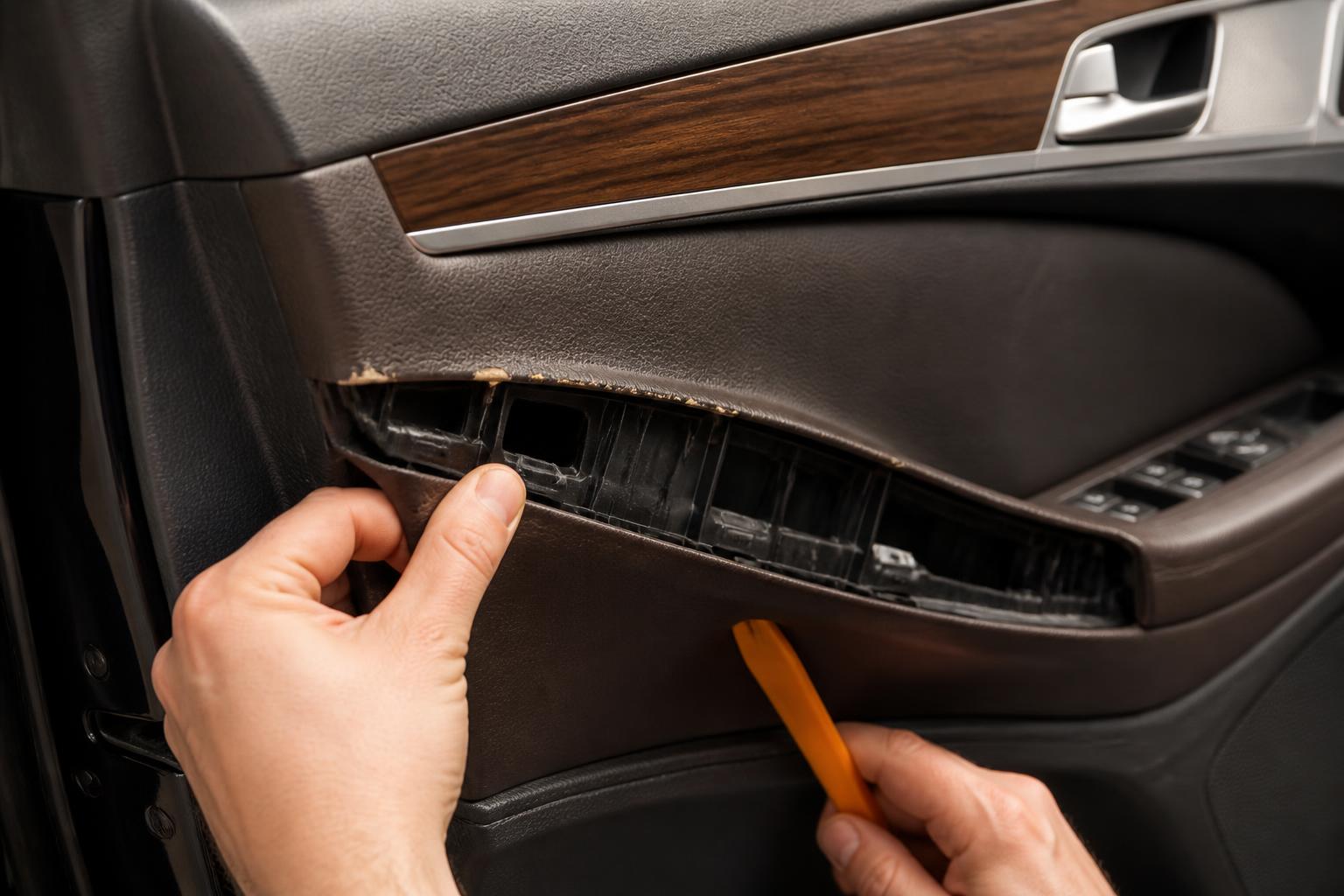
| G80 (2021–present) | J.D. Power VDS above segment average | Some reports of seat memory loss, wireless charging pad overheating |
| G90 (2017–2019) | Higher-than-average engine and electrical claims in early years | Engine oil consumption on 3.3L V6, air suspension compressor failure on long-wheelbase models |
| G90 (2020–present) | Improved markedly; few major complaints | Occasional sunroof leak, adaptive cruise sensor misalignment |
| GV70 (2022–present) | Consumer Reports recommended; above average | Steering column creak, some HVAC vent rattle (fixed under warranty) |
| GV80 (2021–present) | Mixed — strong initial quality but higher-than-ideal electrical GR | Pre-collision warning false alarms (software update available), 12V battery drain in some 2021 units |
Bottom line: The G80 (2021+) and GV70 (2022+) are the most reliable picks right now. The G90 2017–2019 had enough powertrain and electrical claims that a pre-purchase inspection is worth the cost.
Common Problems Across the Genesis Lineup
There are a few issues that show up across multiple models. Knowing them helps you catch them early.
- Infotainment system lag: Early examples of the 10.25-inch touchscreen (2019–2020 G70 and G80) could take 3–5 seconds to respond to inputs. Genesis released a USB-based software update; check your model year at the dealer. Verification step after update: After the update, the system should respond to a touch within 1 second. Test the map zoom and radio preset buttons — if lag persists, the update may not have applied correctly, and you should request a reflash at the dealership.
- Transmission behavior: The 8-speed automatic in pre-2021 G80s sometimes delayed engagement from Park to Drive. A transmission control module (TCM) software update resolves it. Failure mode: If you don’t get the update, the delay can worsen over time and eventually cause a harsh engagement that feels like a clunk. The safer next move is to schedule the TCM update before the transmission develops mechanical wear.
- Key fob range: Some owners report the key fob only works within 10–15 feet of the car. This is usually a low battery in the fob (CR2032, replace yourself) or a weak signal from the car’s receiver. Try holding the fob against the driver door handle as a backup. Recurrence pattern: If the range drops again within two months after a new battery, the fob’s internal circuit may be failing — that means a replacement fob (about $250 from a dealer) is needed.
- Genesis Connected Services intermittent connectivity: The app-based remote start, climate control, and vehicle status sometimes fail to connect. This is usually a server-side issue; a dealer visit rarely helps unless the telematics unit itself fails. What to do first: Force-close the app and restart your phone. If that doesn’t work, log out and log back in. If the issue persists for more than 24 hours, call Genesis Connected Services support at 1-800-576-4872 — they can reset your account on the server side.
Genesis Connected Services and Key Fob Basics
Genesis Connected Services is a subscription-based telematics platform included free for the first 3 years (bumper-to-bumper period). After that, it costs roughly $15–$20 per month depending on the package level.
What it does:
- Remote start and climate control via the Genesis app
- Vehicle status (fuel level, tire pressure, door lock status)
- Stolen vehicle recovery and geofencing
- Emergency SOS (automatic collision notification and manual SOS button in the headliner)
- Over-the-air map updates (GV70 and GV80 only)
The key fob for most Genesis models supports remote start (press and hold the remote start button for 2 seconds), trunk release, and the panic alarm. On the GV70 and GV80, the fob also works as a digital key that can unlock the car by proximity. The fob uses a CR2032 battery; replace it when the lock/unlock range drops below 10 feet. Digital key failure mode: If your GV70 or GV80 does not unlock when you approach, the fob battery may be fine but the car’s hands-free sensor might be blocked. Try touching the door handle with the fob in your front pocket. If that works, the sensor is clean but the proximity antenna alignment is off — a dealer visit can recalibrate it.
Genesis Concierge Service: What It Costs and How to Use It
Genesis offers a concierge service on most models (standard on G90 and GV80, optional on G70 and G80). You call or text a dedicated number, and Genesis schedules your service appointment, sends a valet to pick up the car, and leaves you with a loaner (a Genesis model) or a rental.
The valet pickup radius varies by dealer; most cover within 15–20 miles. The service is free for the first 3 years with a new car. After that, some dealers charge a fee for pickup and drop-off.
The big value: if you live within a dealer’s service area, you never have to sit in a waiting room. The downside is that appointment availability is limited — you typically need to book at least 48 hours in advance, and same-day pickup is rare. After the complimentary 3-year period ends, you can still use the concierge service, but you’ll pay a fee of around $50–$75 per pickup and drop-off, depending on the dealer.
Final note on using the concierge: When the valet arrives, walk around the car with them and note any existing damage on the service form. This prevents disputes about scratches or dings that were already there. If the loaner car is a different model (e.g., a GV70 when you own a G80), ask the service advisor if you can request a specific model for next time — many dealers will accommodate if you call early.
This guide should help you navigate Genesis ownership from warranty coverage to everyday maintenance and concierge support. Use the verification steps and failure-mode notes to avoid common pitfalls, and always verify coverage before authorizing repair work.

Greedy Wheels is the founder and lead editor at Wheels Greed. With over 15 years of hands-on automotive experience — from rebuilding engines in a home garage to managing fleet maintenance for a regional logistics company — he brings real-world mechanical knowledge to every guide.
His work has been featured in automotive forums, owner communities, and dealership training materials. When he’s not researching the latest car owner questions, you’ll find him at a local track day, wrenching on his project car, or testing the newest OBD2 diagnostic tools.
At Wheels Greed, every article is reviewed against manufacturer service manuals, NHTSA bulletins, and verified owner reports. No AI-generated fluff. No guesswork. Just practical answers from someone who has turned the wrench.