Subaru Key Fob: Complete Guide to Battery, Programming, and Remote Start
Most Subaru key fob issues boil down to a dead battery, a model-year restriction on DIY programming, or a simple procedural error with remote start or PIN code access. This guide covers battery replacement for every modern Subaru (Outback, Forester, Crosstrek, Impreza, Legacy, Ascent, WRX, and BRZ), how to program a new fob based on your vehicle’s year, remote start via fob and app, PIN code access, and the steps to take when the car won’t detect the fob at all.
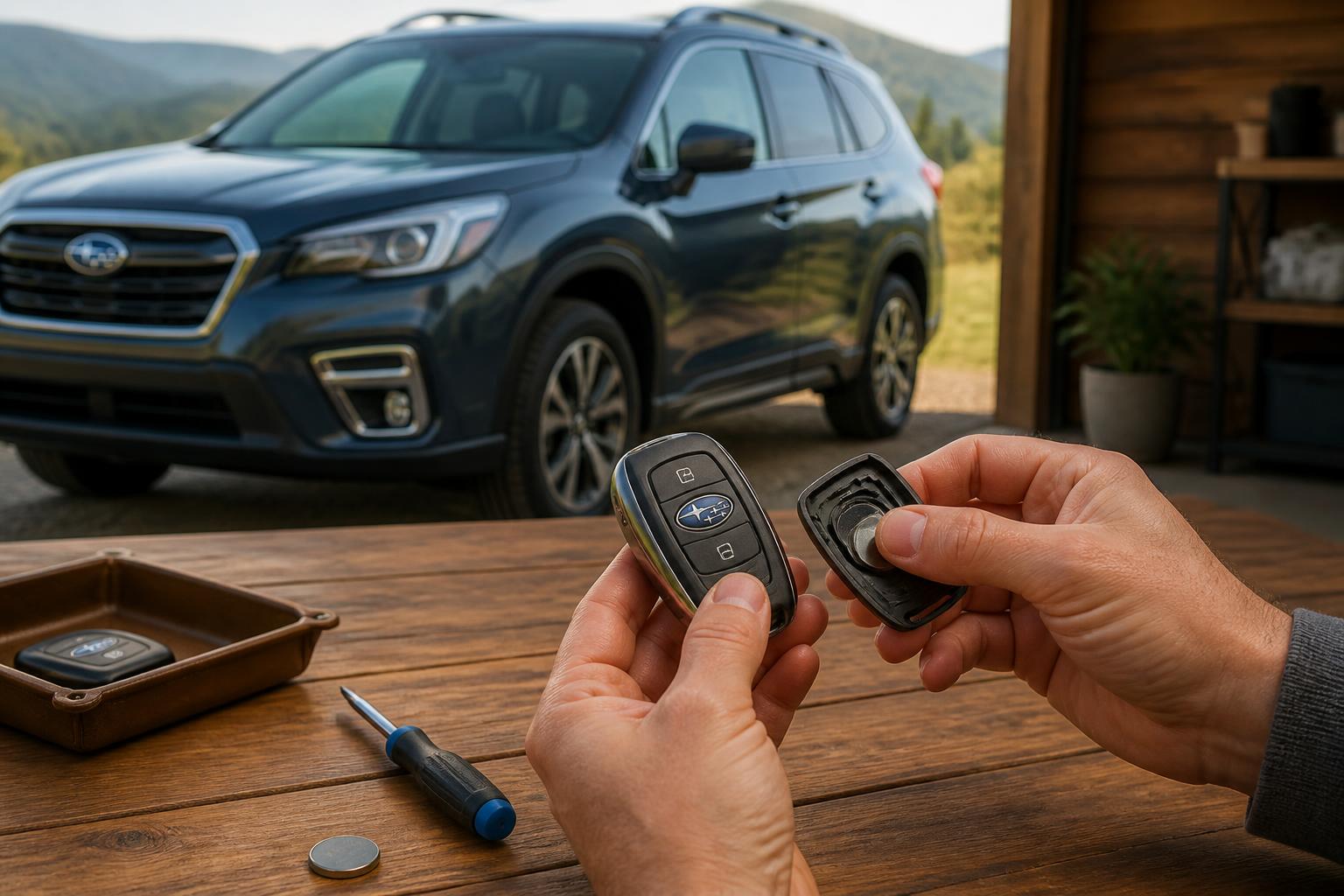
Change the Battery Without Breaking the Fob
Most Subaru fobs from 2016 onward use a CR2032 coin-cell battery and a snap-together housing with no screws. Earlier fobs (roughly 2010–2015) often use a CR2025 and require a small Phillips screwdriver. The replacement itself is straightforward, but the housing design is where owners get into trouble.
What you need: a CR2032 (most 2016+ models), a CR2025 (some older fobs), or check the old battery for the exact number. A small flathead screwdriver is helpful.
Step-by-step (snap‑together fobs – 2016+)
1. Slide the mechanical key release button on the back or side of the fob and pull the key blade out completely.
2. Find the notch. Look at the gap where the key blade was — you will see a small slot or notch in the plastic.
3. Insert the screwdriver into the notch at the base of the fob where the key came out. Gently twist to separate the two halves.
4. Pry the old battery out by sliding it toward you — do not scrape the metal contacts with the screwdriver tip.
5. Insert the new battery positive (+) side facing up.
6. Align the two halves and press firmly until they snap shut.
Pre‑2016 fobs often require a small Phillips screwdriver to remove a single visible screw before prying. For example, a 2015 Impreza fob uses a screw; a 2019 Outback fob does not.
| Model range | Typical battery | Fob type |
|---|---|---|
| 2010–2015 Outback, Legacy, Impreza | CR2025 (check label) | Screw + snap |
| 2016+ Outback, Forester, Crosstrek, Ascent, WRX, BRZ | CR2032 | Snap only |
Failure mode to avoid: The number one mistake is prying at the seam near the buttons instead of the designated notch. This cracks the plastic housing or breaks the internal retaining clips. If the fob feels loose or the buttons stick after reassembly, you likely damaged the housing and will need a new fob shell.
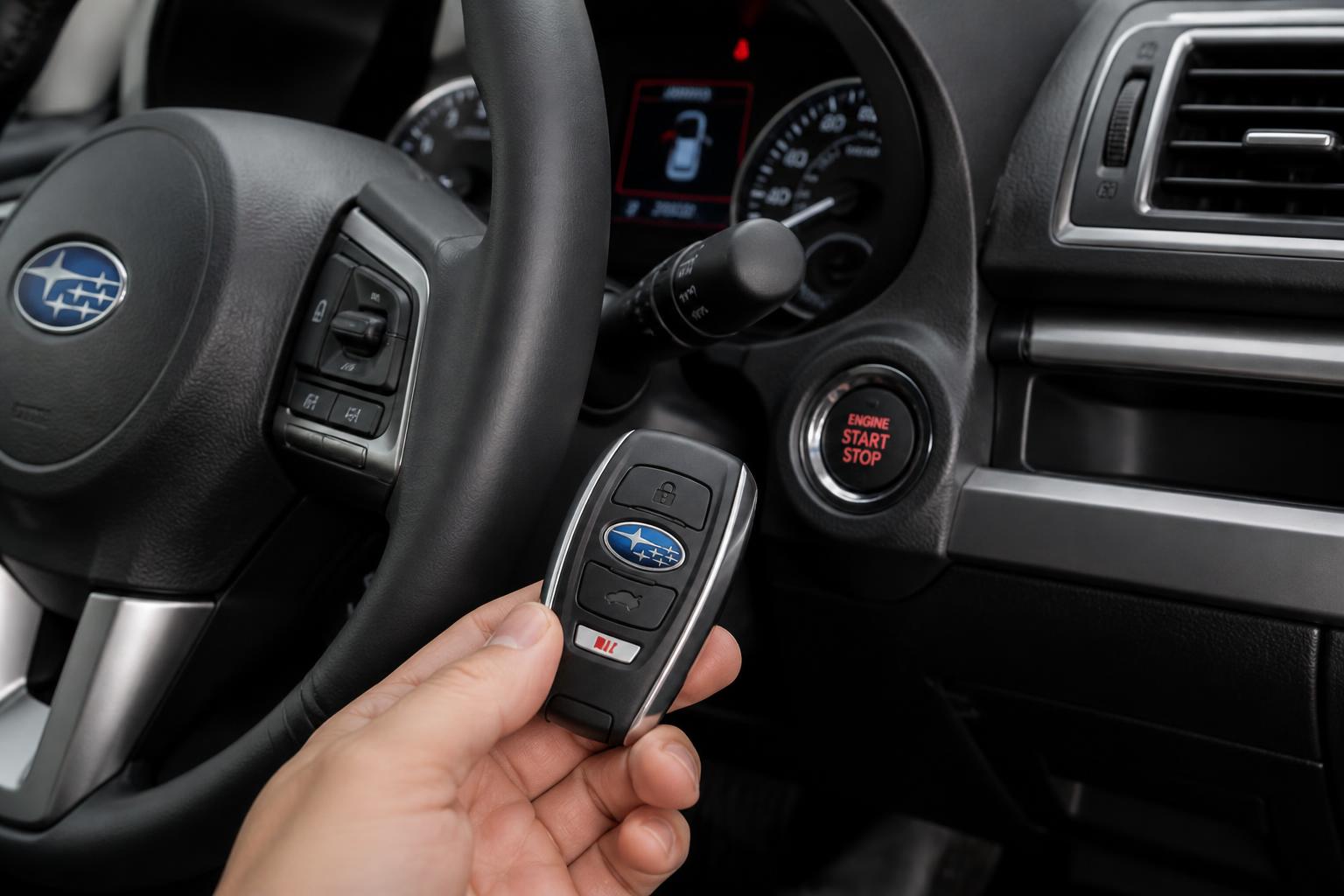
Verification and success check: After installing the new battery, press any fob button. The LED should flash brightly. If the light is dim or does not flash, the battery is likely installed upside down or the fob circuit board may have been damaged during prying.
Program a New or Replacement Fob
Whether you can program a fob yourself depends entirely on the model year and whether your Subaru uses a traditional key or push‑button start. This is the single most important distinction to make before buying a replacement fob.
DIY Programming (pre‑2018 models with a physical key)
Older Subarus (typically 2015 and earlier, and some 2016–2017 models) allow you to pair a new fob using the ignition and door lock sequence. The exact steps vary slightly by model, but the general method for most 2010–2017 Outback, Legacy, Impreza, and Forester models is:
1. Sit in the driver’s seat with the driver’s door open.
2. Insert and remove the key from the ignition six times within 10 seconds. The door locks should cycle (lock/unlock) to confirm you are in programming mode. If they do not cycle, timing was off — start over.
3. Turn the ignition to ON (not start) once.
4. Press the LOCK button on the new fob, then UNLOCK.
5. Turn the ignition OFF to exit programming mode.
Stop threshold: If the locks do not cycle after the 6-key insertion sequence even after two clean attempts, do not keep trying. The security module may not support consumer programming, or the fob you purchased may be incompatible. Move to a dealer or locksmith at this point.
Dealer or Locksmith Programming (2018+ push‑button start)
All 2018‑and‑newer Subarus with keyless access (push‑button start) require dealer or professional locksmith programming. The security module is locked, and consumer tools cannot write to it. Do not follow online methods claiming otherwise — you will not succeed and could temporarily lock the fob out.
Expected cost:
- Programming: roughly $50–$150 at a dealer (0.5–1 hour of labor)
- OEM fob: $150–$300
- Locksmiths often charge slightly less for programming but may charge a premium for Subaru fobs due to their secure protocol.
Real-world example: A 2020 Ascent requires dealer programming. A 2017 Forester with a traditional key can be DIY‑programmed.
Important: A used fob purchased online must be erased and reprogrammed by a dealer or locksmith for 2018+ models. Simply changing the battery will not make it work with your car — the fob is tied to the previous vehicle’s module.
Remote Start via Fob and App
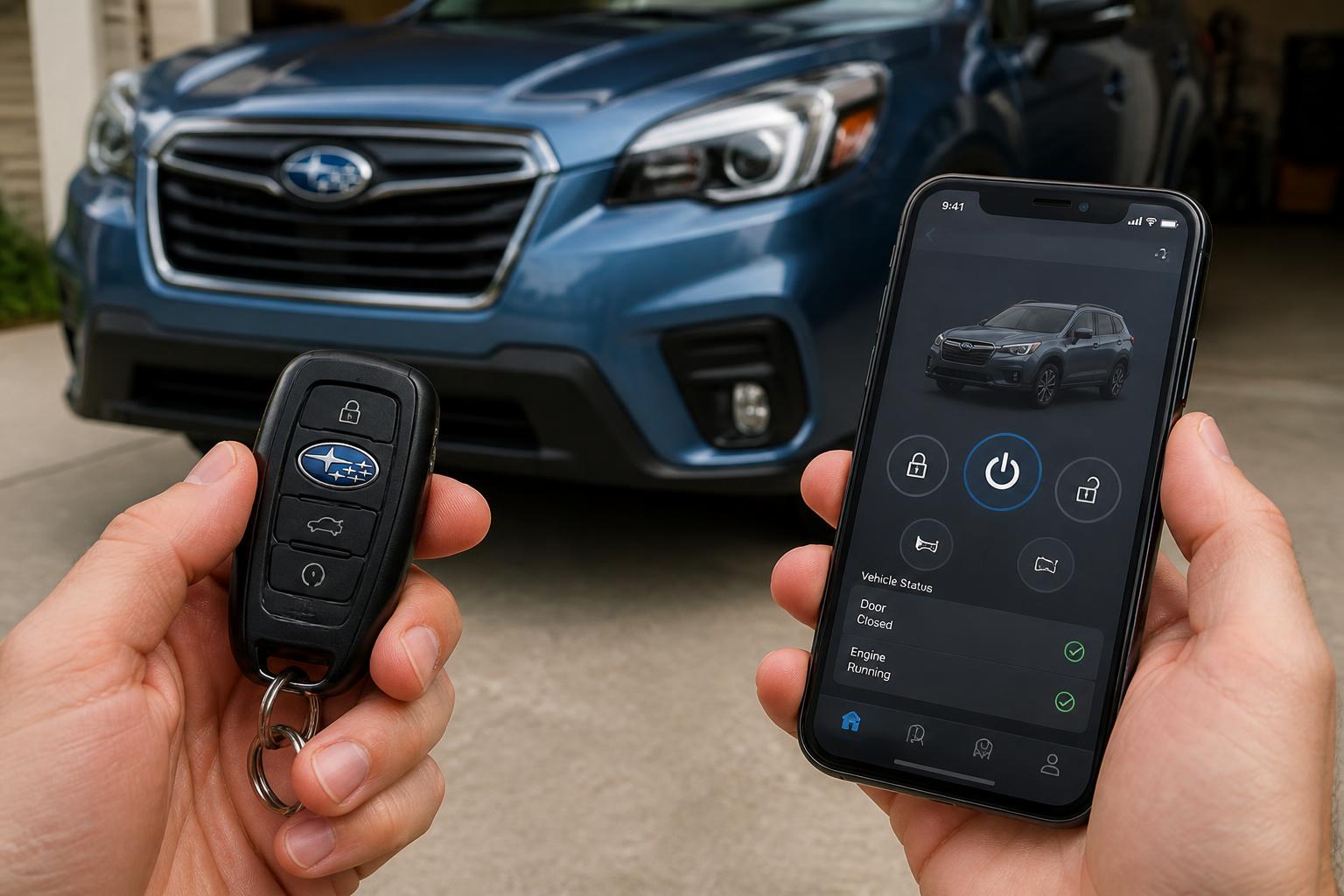
Subaru offers two remote start methods: the fob itself and the Starlink smartphone app. Both require the factory remote start system, which is standard on most 2019+ models and available as an accessory on earlier years.
Fob Remote Start
On models with a dedicated remote start button (a circular arrow icon) on the fob:
1. Press the LOCK button once.
2. Within 5 seconds, press and hold the remote start button for approximately 2 seconds until the parking lights flash.
3. The engine will start. The fob must be within roughly 200 ft (60 m) of the vehicle.
On some 2019–2020 models without a dedicated remote start button on the fob, you press LOCK three times rapidly instead. The timing is deliberate: each press should last about half a second, with a brief pause between presses of no more than one second. If the parking lights flash twice after the third press, the engine should start within a few seconds.
Success check after fob remote start: The parking lights will flash steadily while the engine is running. The engine will run for 10 minutes by default, then shut off automatically. You can extend the run time once by repeating the remote start sequence before the timer expires. To enter the car while it is running, unlock the doors with the fob as usual — the engine will stay on. Press the START button with the fob inside to drive away.
Starlink App Remote Start
For models equipped with Subaru Starlink (2018+ models with an active subscription plan):
1. Download the MySubaru app and log in with your Starlink account credentials.
2. Select Remote Engine Start from the main menu.
3. Confirm the command. The app will send the start request over cellular data, and the parking lights will flash to confirm activation.
Range advantage: The app works from any location with cellular service — there is no distance limit as long as both your phone and the car have signal. This is the primary advantage over fob-based remote start.
Subscription requirement: Remote start via the app requires an active Safety Plus or Security Plus plan. The basic Safety plan (free for the first three years on new vehicles) does not include remote start. Check your subscription status in the MySubaru app under Account > Subscriptions. If remote start is greyed out, your plan likely does not include it.
Starlink reliability note: Some owners report delays of 10–30 seconds between sending the command and engine startup, especially in areas with weak cellular coverage. This is normal and does not indicate a vehicle malfunction.
PIN Code Access
PIN code access allows you to unlock and even start your Subaru using the keypad on the rear hatch or trunk. It is a useful backup if your fob battery dies or if you need to give someone access without handing over the key.
How PIN Code Access Works
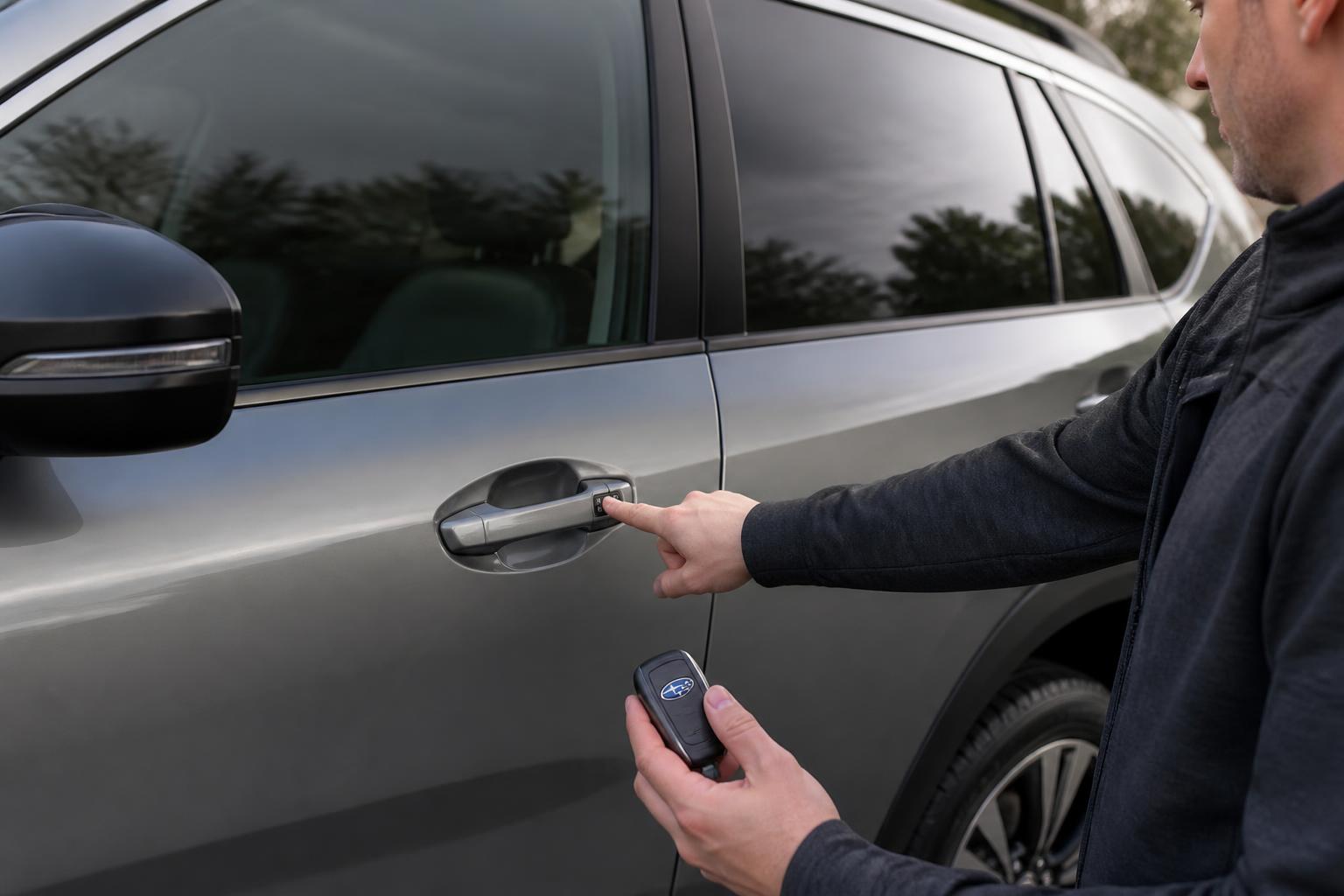
On most 2019+ Subaru models (Outback, Forester, Crosstrek, Ascent, Legacy), the PIN code is entered using the tailgate release button. The system does not require a physical keypad — it uses the existing button on the rear hatch.
Setting Your PIN Code
1. Open the driver’s door and press the UNLOCK button on the interior door panel.
2. Close the door and leave it closed.
3. From outside the vehicle, press and hold the tailgate release button on the rear hatch for approximately 10 seconds. The parking lights will flash twice to confirm you are in programming mode.
4. Enter your 5-digit PIN by pressing the tailgate button in sequences. For example, for PIN 1-2-3-4-5: press once, pause, press twice, pause, press three times, pause, press four times, pause, press five times.
5. After entering the full PIN, press and hold the tailgate button for 3 seconds. The parking lights will flash twice to confirm the PIN is saved.
Unlocking with PIN Code:
- Press the tailgate button once to wake the system.
- Enter your 5-digit PIN using the same press-sequence method.
- After the final digit, the doors will unlock automatically.
Starting with PIN Code (models with push-button start):
- Unlock the doors using PIN code access.
- Enter the vehicle and place the fob in the designated backup slot (usually inside the center console or cupholder — check your owner’s manual for the exact location).
- Press the START button. The vehicle will recognize the fob and start normally.
When the Fob Isn’t Detected
If your Subaru displays a “Key Not Detected” or “No Key” message on the dashboard, the problem is usually one of three things: a dead fob battery, radio interference, or a failed fob antenna module in the vehicle.
Quick Checks First
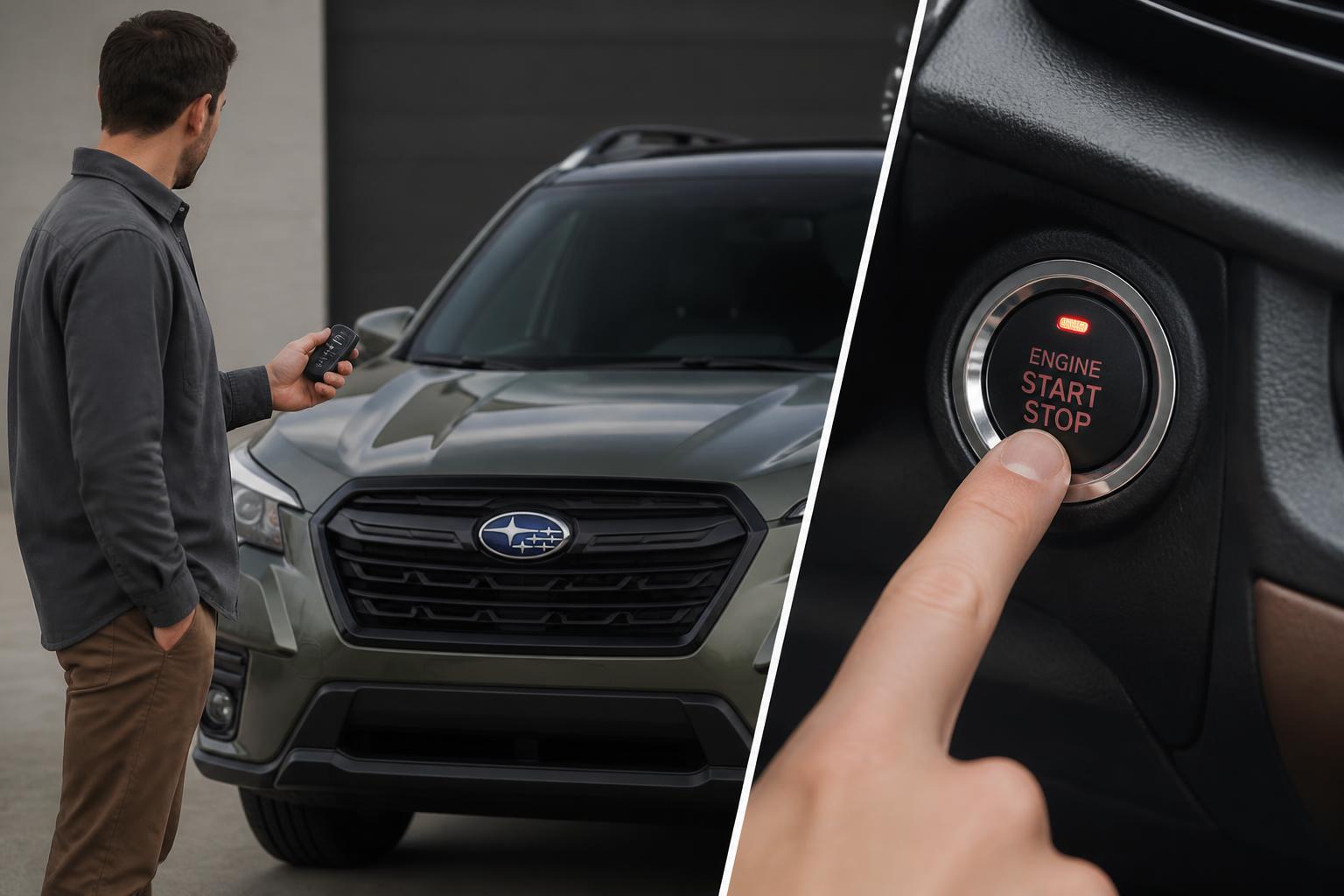
1. Try the backup slot. Place the fob directly against the START button or in the backup slot (center console or cupholder). If the car starts, the fob battery is weak but not completely dead — replace it as soon as possible.
2. Hold the fob against the START button. On most 2019+ models, pressing START with the fob touching the button will allow the vehicle to read the fob through its internal antenna, bypassing the frequency check.
3. Change the fob battery. This resolves roughly 80% of “no key” errors. Use the battery replacement steps above.
4. Check for interference. If you park near power lines, cell towers, or LED streetlights, radio interference can block the fob signal. Move the vehicle to a different parking spot and try again.
Deeper Causes
If the vehicle still does not detect the fob after replacing the battery and trying the backup slot:
- Failed fob antenna module. The antenna that reads the fob signal can fail due to water intrusion (especially in the driver’s door handle) or electrical issues. This requires dealer diagnosis.
- Dead vehicle battery. A weak or dead 12V car battery can prevent the system from powering the fob reader. Check the dome light brightness or battery voltage (should be 12.4V or higher at rest).
- Fob hardware failure. If the fob was dropped in water or physically damaged, the internal board may be dead. A replacement fob and programming will be needed.
Stop threshold: If the fob works in the backup slot but not from normal range after a fresh battery, and you have ruled out interference, schedule a dealer
Explore This Topic
Related guides in this cluster:

Greedy Wheels is the founder and lead editor at Wheels Greed. With over 15 years of hands-on automotive experience — from rebuilding engines in a home garage to managing fleet maintenance for a regional logistics company — he brings real-world mechanical knowledge to every guide.
His work has been featured in automotive forums, owner communities, and dealership training materials. When he’s not researching the latest car owner questions, you’ll find him at a local track day, wrenching on his project car, or testing the newest OBD2 diagnostic tools.
At Wheels Greed, every article is reviewed against manufacturer service manuals, NHTSA bulletins, and verified owner reports. No AI-generated fluff. No guesswork. Just practical answers from someone who has turned the wrench.