Subaru Legacy: The Complete Owner’s Guide (All Generations)
If you own or are considering a Subaru Legacy, this guide covers every generation from 1989 to the present, with the specific maintenance numbers, common problem patterns, and step-by-step procedures you need to keep the sedan on the road past 200,000 miles. The sections below are ordered by what owners actually need — start with the engine oil details that affect longevity, then move into generation-specific repairs, key fob programming, and Starlink fixes.
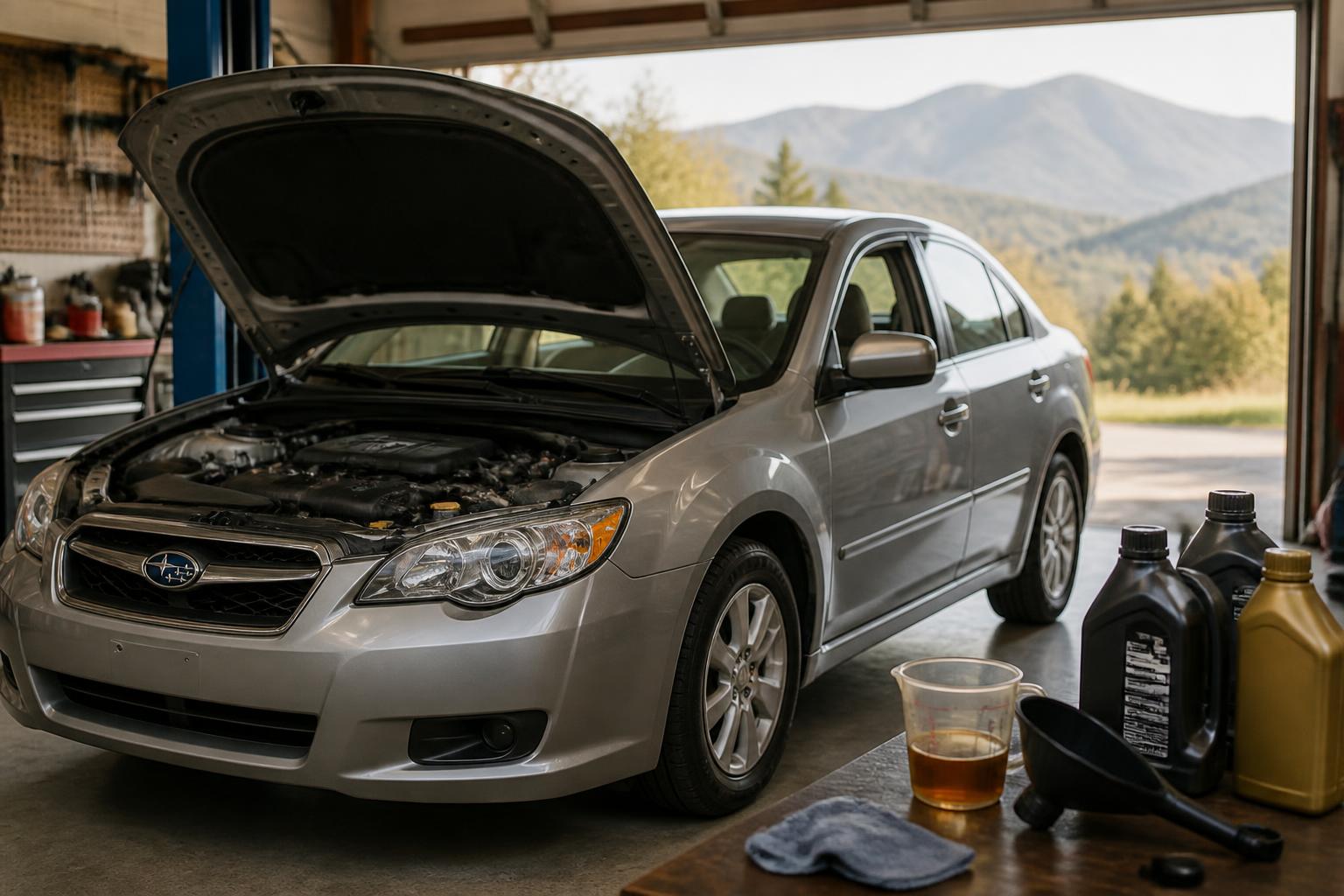
Oil Type and Capacity: Match the Right Oil to Your Engine
Using the wrong viscosity on a boxer engine can cause increased wear or oil starvation. The capacity also varies enough that you should never assume one number fits all.
2.5L Naturally Aspirated (EJ25 and FB25)
- Oil capacity (with filter): 4.8–5.1 quarts. Fill with 5 quarts, then check the dipstick and add as needed.
- Recommended oil: 5W-30 full synthetic. QUARTZ 9000 FUTURE FGC 5W-30 or Mobil Super Synthetic 5W-30 are good choices.
- Interval: Every 6,000 miles or 6 months, whichever comes first. If you drive in severe conditions (heavy stop-and-go, extreme temperatures), tighten that to 3,000–5,000 miles.
2.5L Turbo (EJ255/EJ257, 2005–2009 Legacy GT)
- Oil capacity: 5.1–5.3 quarts.
- Recommended oil: 5W-30 full synthetic meeting ILSAC GF-6 or higher.
- Interval: Every 3,000–5,000 miles. The turbo generates more heat, so the oil degrades faster. If you notice a faint burning smell after hard driving, shorten your interval.
3.6L Naturally Aspirated (EZ36, 2010–2019)
- Oil capacity: 6.5–6.9 quarts.
- Recommended oil: 5W-30 full synthetic.
- Interval: Every 6,000 miles. This engine is generally forgiving, but low oil level is a common cause of the timing chain tensioner noise at startup.
2.4L Turbo (FA24, 2020–present)
- Oil capacity: 5.5 quarts.
- Recommended oil: 0W-20 full synthetic. Subaru recommends its own genuine synthetic or an equivalent (check for API SP or ILSAC GF-6A certification).
- Interval: Every 6,000 miles.
Verification step after an oil change: Let the engine run for 30 seconds, shut it off, wait 2 minutes, then check the dipstick. The level should be between the high and low marks. If it’s above the high mark, you risk foaming and aeration; if it’s below the low mark, top up immediately.
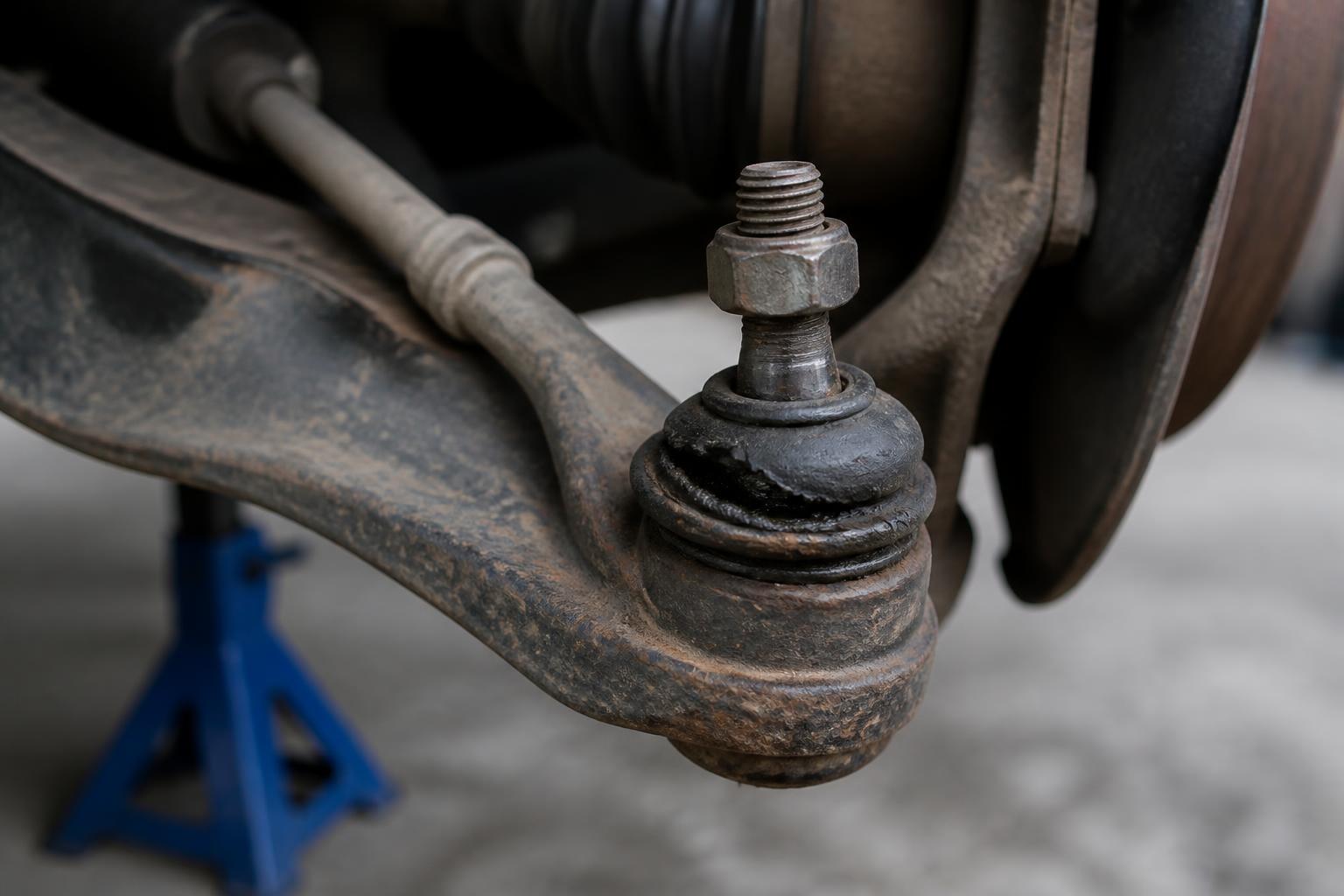
Failure mode to watch for: The EJ25 engine in 2000–2004 models has a known issue with oil consumption after a missed oil change interval. If you go 8,000+ miles between changes, the oil control rings can clog, leading to blue smoke on startup and a $2,500–$3,500 rebuild. Stick to the tighter schedule if you own one of those.
Common Problems You Should Know About (by Generation)
Not every generation shares the same weak points. These are the specific issues that owners encounter most often, with instructions on what to check and when to escalate.
1st–3rd Generations (1989–2004): Head Gasket Failure
The 2.5L EJ25 engine in 1996–2004 models is famous for external head gasket leaks. Symptoms: oil or coolant seepage from the sides of the engine block, a sweet smell from the heater, and a coolant reservoir that needs topping off every few weeks.
What to check first: Look at the sides of the engine just above the oil pan. If you see reddish-brown crust or green coolant residue, the gasket is leaking externally. Internal failure (coolant in the oil) produces a milky dipstick — stop driving immediately if you see that.
Branch: If the leak is external and small, you can monitor the coolant level and drive for a while, but plan to replace the gaskets within 1,000–2,000 miles. If the leak is internal or the engine overheats, stop driving and arrange a tow.
Stop threshold: Once the engine has overheated even once from a head gasket leak, the cylinder heads may be warped. At that point, a head gasket job alone may not fix the issue; you may need to have the heads resurfaced, which adds $300–$500 to the typical $1,500–$2,500 repair cost.
4th Generation (2005–2009): Turbo Engine Oil Starvation
The 2.5L turbo in the Legacy GT has a known oil-feed line issue: the banjo bolt filters clog over time, starving the turbo of oil and causing bearing failure.
What to do: Remove and discard the banjo bolt filters at every oil change, or install a turbo oil-restrictor kit after cleaning the lines. Signs that the filters are already clogged: a high-pitched whine from the turbo under load, or oil smoke from the exhaust on deceleration.
Verification after cleaning: After removing the filters, start the engine and listen for unusual turbo noise. Take a 10-minute drive with a few full-throttle pulls (safely on a highway on-ramp). If the whine is gone, the fix worked. If the whine persists, the turbo bearings may already be damaged — replacement costs $1,200–$2,000.
5th Generation (2010–2014): CVT Valve Body and Torque Converter
The Lineartronic CVT in early fifth-gen cars had valve body issues. Symptoms: hesitation when accelerating from a stop, shudder at low speeds, or a check-engine light with codes P2764 or P2765.
Your first check: Look up your VIN on Subaru’s warranty extension page — Subaru issued extended coverage (10 years/100,000 miles from original sale) for the valve body on certain 2010–2013 models. If your car qualifies, a dealer will replace the valve body at no charge.
Branch: If you’re outside the extended-warranty window, try a CVT fluid change ($250–$400 at an independent shop). Use only Subaru High Torque CVT Fluid — generic fluid can cause shudder. If the shudder returns within 5,000 miles, the valve body likely needs replacement ($800–$1,200). Still shuddering after a valve body replacement? The torque converter may be the next culprit; replacement costs $1,500–$2,500.
Stop threshold: If the car hesitates badly enough to cause a safety concern (e.g., it won’t pull into traffic), stop driving and have it towed. A failing CVT can leave you stranded.
6th Generation (2015–2019): Infotainment and AC Evaporator
The Starlink screen in 2015–2017 models can freeze, reboot, or lose Bluetooth. The AC evaporator core also fails at a high rate, producing a loss of cold air and a sweet smell inside.
Infotainment freezes: See the Starlink reset section below for the DIY fix. If the screen reboots repeatedly after the reset, you need a firmware update (free under basic warranty) or a head-unit replacement ($800–$1,200).
AC evaporator failure: If the AC blows warm and you smell coolant (sweet) inside, the evaporator core is leaking. Replacement typically costs $1,200–$1,800 because the entire dashboard must be removed. This is not a DIY job for most owners.
7th Generation (2020–present): Windshield Cracking
The 2020–2022 models have a known tendency for windshield cracks to spread from small chips. Subaru TSB 12-226-20R acknowledges the issue.
What to check first: Inspect the windshield edges near the Eyesight camera housing. If you see a hairline crack starting from that area, get it repaired before it spreads. Some dealers offer partial goodwill coverage even outside the warranty period.
Stop threshold: If the crack is longer than 6 inches or crosses the driver’s line of sight, replace the windshield immediately. Replacement with Eyesight recalibration costs $1,000–$1,500. A failed recalibration can cause the Eyesight system to disengage — verify that lane-keeping and adaptive cruise control work after replacement.
Key Fob Programming: DIY Steps and When to Go to the Dealer
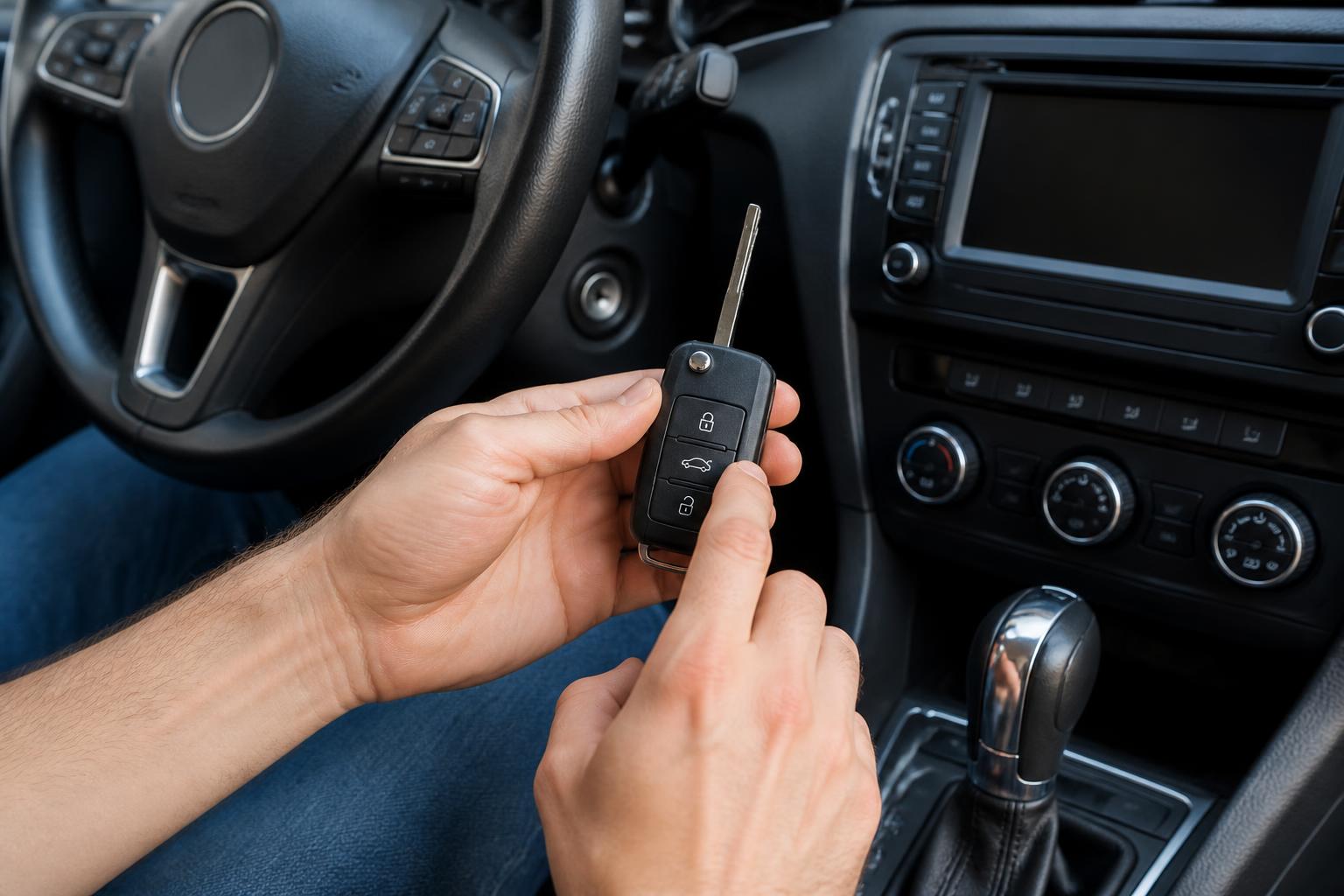
If your key fob stops working, the first step is always a new battery (CR2032). If that doesn’t fix it, programming depends on the generation.
2005–2009 Legacy (4th Gen) — DIY Programming Allowed
Preparation: Have a working fob (if you have one) and the new fob. Make sure all doors are closed and unlocked. Sit in the driver’s seat.
Steps:
1. Insert and remove the ignition key six times within 10 seconds. The hazard lights will flash once.
2. Turn the ignition to ON (not start) and then back to OFF.
3. Within 20 seconds, press any button on the new fob. The hazard lights will flash once.
4. Repeat step 3 for additional fobs (up to four total).
5. Turn the ignition to ON to exit programming mode.
Verification: Press the lock button on the fob. The doors should lock, and the hazard lights should flash once. Then press unlock — the driver’s door should unlock, and the lights flash twice.
Failure mode: If the hazard lights never flash during step 1, you may be moving the key too slowly or the car already has four fobs programmed. Try again with a faster rhythm. If it still fails, the new fob may be incompatible (check the FCC ID on the back).
Branch: If you have no working fob, you cannot enter programming mode with this method — you’ll need a dealer or a locksmith with a Subaru scanner to erase all fobs and start fresh.
Stop threshold: After three attempts with no success, stop trying and take the fobs to a dealership. Attempting to force the programming can lock the system temporarily, requiring a diagnostic tool to reset.
2010–present (5th–7th Gen) — Dealer Required
These models require a Subaru SSM (Subaru Select Monitor) or equivalent diagnostic tool to program fobs. No DIY method is available.
Cost estimate: Programming $50–$150, plus fob cost: $80–$250 from a dealer, $30–$60 for an aftermarket compatible fob (check compatibility on the fob’s FCC number).
Verification: After programming, test all buttons — lock, unlock, trunk release, and panic. If the remote start doesn’t work (on models that have it), the fob may need a separate programming step for the remote engine start function.
Failure mode: If you bought a used fob online and it doesn’t work after dealer programming, the fob may have a corrupted circuit. Purchase a new fob from a Subaru parts department to avoid this.
Subaru Starlink Infotainment: Reset Steps and Common Fixes
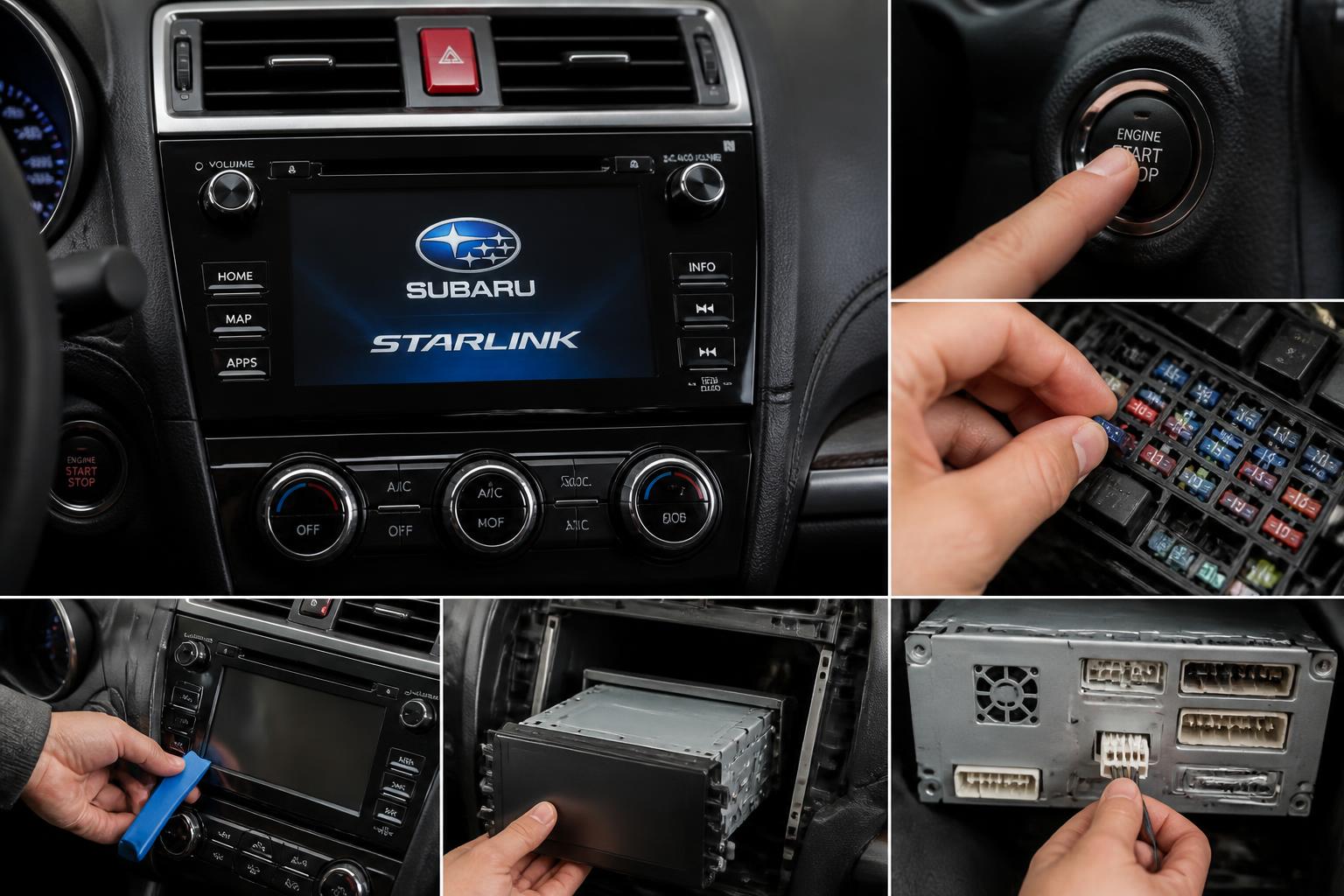
Starlink controls audio, navigation, smartphone projection, and emergency services. The system can freeze or drop Bluetooth on 2015–2018 models.
How to Reset a Frozen Screen
Preparation: Park safely, shift into Park, and leave the engine running or the ignition in the ON position.
Steps:
1. Press and hold the power/volume knob for 10–15 seconds. The screen will go black.
2. Wait 30 seconds.
3. Press the power button once. The Subaru logo will appear, and the system will reboot.
Verification: After the reboot, test audio, Bluetooth, and CarPlay/Android Auto. If the system operates normally for at least two minutes, the reset worked.
Branch: If the screen remains black after the reboot, try disconnecting the car’s negative battery terminal for 10 minutes. Reconnect and start the car. This forces a full hardware reset. If the screen still doesn’t come on, the head unit may have failed — schedule a dealer visit.
Failure mode: Some 2015–2016 units will freeze again within a week even after a reset. That points to a firmware issue. Check with a dealer for a free firmware update (TSB 15-204-17R for some models). If the update doesn’t help, the internal memory chip may be failing; replacement is $800–$1,200.
Stop threshold: If the screen repeatedly freezes while driving and you cannot control audio or climate (if climate is integrated), do not attempt to reset while moving. Pull over safely. If the system becomes a distraction, have it repaired before your next long trip.
Dimensions and Practicality
The Legacy is a midsize sedan with steady interior space growth. Here are the key numbers for the two most recent generations, which matter most for determining if you fit and cargo capacity.
| Measurement | 2015–2019 Legacy | 2020–2024 Legacy |
|---|---|---|
| Overall length | 188.8 inches | 191.1 inches |
| Wheelbase | 108.3 inches | 108.3 inches |
| Front legroom | 42.9 inches | 42.8 inches |
| Rear legroom | 38.1 inches | 39.5 inches |
| Cargo volume (trunk) | 15 cu ft | 15.1 cu ft |
| Curb weight |
Explore This Topic
Related guides in this cluster:

Greedy Wheels is the founder and lead editor at Wheels Greed. With over 15 years of hands-on automotive experience — from rebuilding engines in a home garage to managing fleet maintenance for a regional logistics company — he brings real-world mechanical knowledge to every guide.
His work has been featured in automotive forums, owner communities, and dealership training materials. When he’s not researching the latest car owner questions, you’ll find him at a local track day, wrenching on his project car, or testing the newest OBD2 diagnostic tools.
At Wheels Greed, every article is reviewed against manufacturer service manuals, NHTSA bulletins, and verified owner reports. No AI-generated fluff. No guesswork. Just practical answers from someone who has turned the wrench.