Toyota Connected Services and DCM: What It Is, Cost, and How to Disable It
If you own a recent Toyota, your car likely has a Data Communication Module (DCM) that connects it to the cellular network. This module powers Toyota Connected Services—a bundle of features like automatic crash notification, remote start via the Toyota app, and vehicle health reports. The DCM comes standard on most Toyota models built after 2018. Below you’ll find exactly what each service costs, how long the free trials last, and the concrete steps to disable data sharing or fully disconnect the module if privacy is your priority.
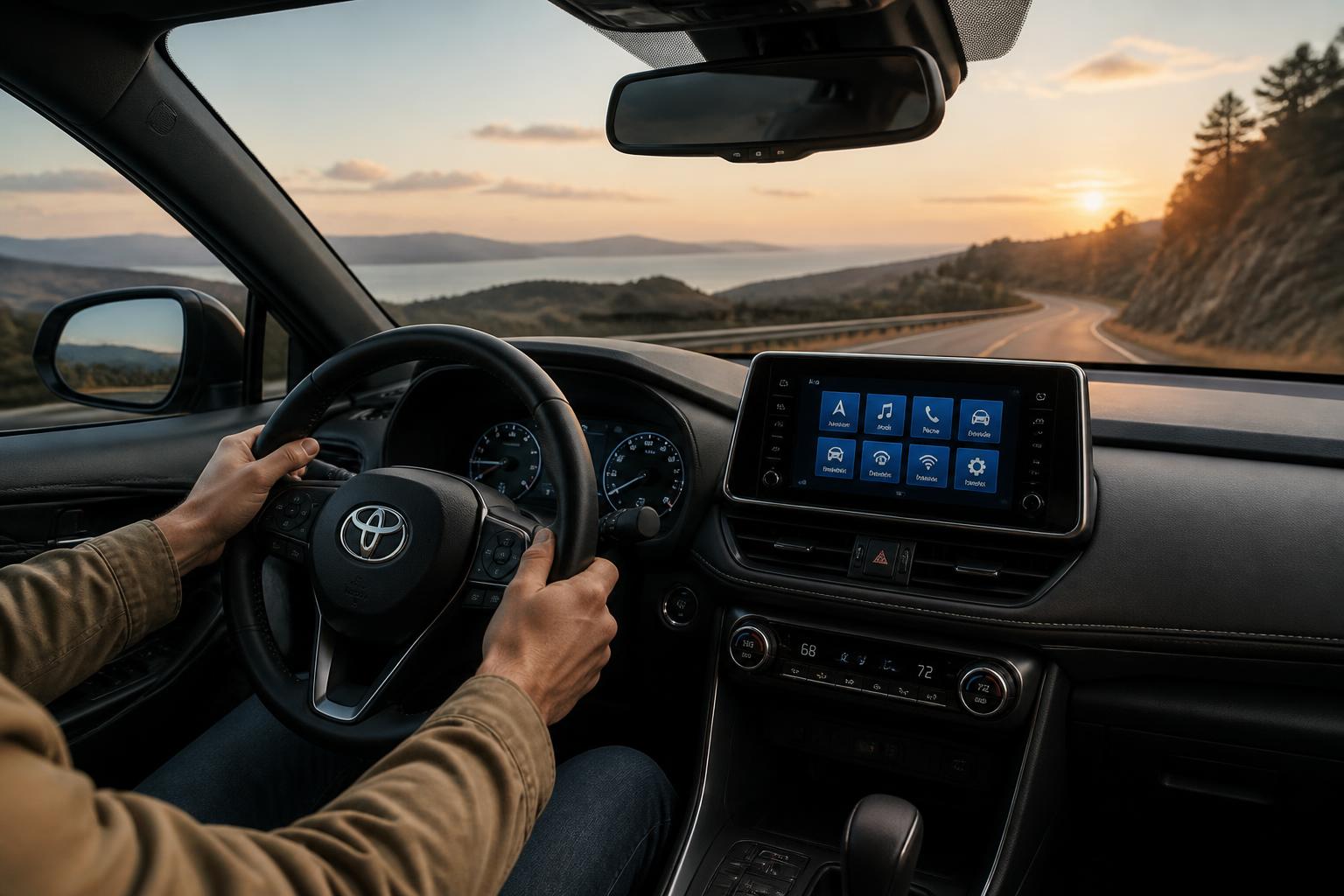
What the DCM Actually Does
The Data Communication Module (DCM) is a small cellular modem built into your vehicle. It communicates with Toyota’s servers using a 4G LTE connection (older models may use 3G) and enables all Toyota Connected Services. Without the DCM, features like remote engine start, stolen vehicle locator, and automatic collision notification won’t work. The module is always powered when the car’s battery is connected, though some services require an active subscription.
Toyota first began including DCMs in the 2016–2017 model years on select vehicles, but it became standard across the lineup starting with 2018 models. For example, a 2019 Toyota RAV4, 2020 Camry, and 2021 Tacoma all have a factory-installed DCM. If you bought a used Toyota built before 2018, it may not have a DCM at all.

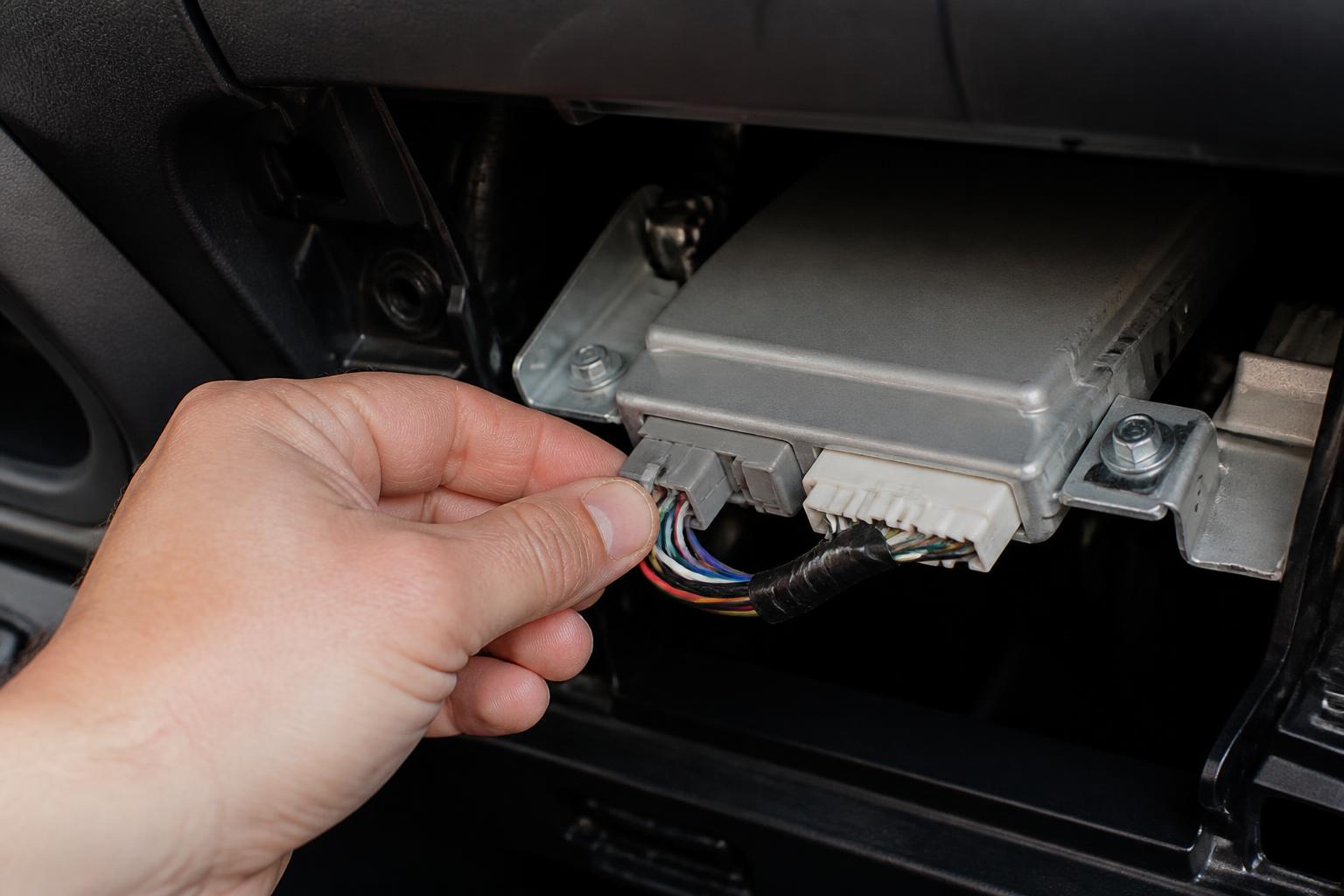
One practical detail: the DCM is not a standalone box on all models. In some vehicles (like the 2020+ Highlander), the module lives behind the glove box and also houses the GPS antenna for the navigation system. That means pulling the DCM fuse may also kill the built-in GPS signal for the infotainment screen—a trade-off owners don’t always expect.
What Each Connected Service Costs and How Long the Free Trial Lasts
Toyota divides its connected services into several tiers. Most services come with a free trial period; after that you pay a monthly or annual fee. Prices below reflect Toyota’s current US pricing (as of 2025) for a single-vehicle subscription. Verify with your local dealer or the Toyota app because prices can vary by model and regional promotion.
| Service | What It Does | Free Trial | Cost After Trial |
|---|---|---|---|
| Safety Connect | Automatic collision notification, roadside assistance, stolen vehicle locator, and emergency call button. | 1 year | $8/month or $80/year |
| Remote Connect | Remote lock/unlock, remote start, vehicle status check, and car finder via the Toyota app. | 1 year | $8/month or $80/year |
| Service Connect | Vehicle health reports, maintenance alerts, and driving log data. | 10 years (no charge) | $0 – included for 10 years, then $8/month or $80/year after that |
| Wi-Fi Connect | In-car 4G LTE hotspot (AT&T network). | Up to 2 GB or 1 month (whichever comes first) | $15/month for unlimited data (data-only plan); pricing varies by carrier/data allowance |
| Destination Assist | Live agent navigation help and POI send-to-car. | 1 year | $8/month or $80/year |
- Safety Connect and Remote Connect require the DCM to work; without an active subscription, those features stop.
- Service Connect remains active for 10 years at no extra cost. Toyota uses it to send you maintenance reminders based on your mileage and driving habits.
- Wi-Fi Connect is an optional add‑on; you can buy a data-only plan without subscribing to other services.
- Destination Assist is a concierge service; many owners find Google Maps or Apple Maps through Android Auto/Apple CarPlay sufficient.
How to Check Your Current Subscription Status
Open the Toyota app on your phone (iOS or Android). Sign in with your Toyota account. On the home screen, tap “Connected Services” (or the gear icon). You’ll see each service listed with its expiration date. If a service has expired, the app will prompt you to renew.
Which Toyota Models and Years Have the DCM?
Toyota began phasing in the DCM around the 2016 model year, but widespread adoption started in 2018. Here’s a quick reference:
- 2018 and newer: Nearly all Toyota models sold in the US come with a factory‑installed DCM. This includes Camry, Corolla, RAV4, Highlander, Tacoma, Tundra, Sienna, Prius, Avalon, 4Runner (2020+), and others.
- 2016–2017: Select models had DCM as optional or standard on higher trims. Examples: 2016 Prius, 2017 RAV4 Limited, 2017 Camry XSE. If you own one, check the Toyota app to see if your VIN is recognized.
- Before 2016: No factory DCM. Aftermarket solutions (like an OBD‑II dongle) are required for connected services.
If you’re unsure, you can look up your VIN on Toyota’s connected services page or enter it in the Toyota app. The app will confirm whether your vehicle is equipped with DCM and which services are available.
How to Disable Toyota Connected Services and the DCM
You have two levels of control: disable subscription services (stop monthly billing) or physically power down the DCM (stops all data transmission). Choose based on your privacy comfort and safety needs.
To Stop Subscription Billing
1. Open the Toyota app and go to “My Account” or “Manage Subscriptions.”
2. Select each service you don’t want (e.g., Safety Connect, Remote Connect).
3. Tap “Cancel Subscription.” You may be asked to confirm. Once canceled, you won’t be charged again, but the services will stop immediately (or at the end of the current billing cycle).
4. For Wi-Fi Connect, contact AT&T directly or manage through the app’s “Data” section.
Canceling subscriptions does not turn off the DCM itself. The module remains powered and can still send signals such as the vehicle’s diagnostic codes if Service Connect is still active. For full privacy, you need the next step.
To Disable the DCM (Stops All Data Sharing)
Warning: Disabling the DCM will also disable Safety Connect, automatic collision notification, and the SOS emergency button. If you are involved in a crash, the vehicle will not automatically call for help. Only proceed if you fully accept this trade‑off.
Method A – Pull the Fuse (Most Common)
1. Locate your vehicle’s interior fuse box (usually under the dashboard on the driver’s side or behind the glove compartment).
2. Open the fuse box cover and find the fuse labeled “DCM”, “Telematics”, or “TEL” (consult your owner’s manual for exact location and fuse number).
3. Using a fuse puller (or needle‑nose pliers), remove that fuse. Keep it in a safe place.
4. The DCM will lose power. The car will still drive normally, but you will lose all connected services, including in‑app remote features and vehicle location tracking.
Method B – Disconnect the DCM Unit (harder, but more permanent)
- If you prefer not to use the fuse method, you can physically unplug the DCM. The module is typically located behind the glove box, under the center console, or behind the infotainment screen. This is a complex task that often requires trim removal. Unless you have experience with automotive electronics, have a professional do it.
Common Mistake and What to Do If Something Goes Wrong
Pulling the wrong fuse is the most frequent error. Some fuse boxes label a “DCM” fuse, but on certain models (e.g., 2021 RAV4 Hybrid) that same circuit may also power the infotainment display or the instrument cluster. If you remove the fuse and immediately lose radio, backup camera, or dashboard lights, replace the fuse at once and double-check your owner’s manual for the correct DCM/telematics fuse number. A safe stop threshold: if any unexpected warning lights appear (check engine, ABS, or airbag) or a non‑connected system fails, reinsert the fuse and stop the procedure. Not all fuse boxes share the same layout; a dealer or certified mechanic can verify the correct circuit if your owner’s manual is unclear.
How to Confirm the DCM Is Disabled
- Open the Toyota app. If the DCM is disabled, the app will show an error such as “Unable to connect to vehicle” or “Vehicle is offline.”
- You will no longer receive Service Connect notifications or health reports.
- The SOS and roadside assistance buttons inside the car will not work (they will not light up or connect to a call center).
Privacy Implications of Keeping the DCM Active
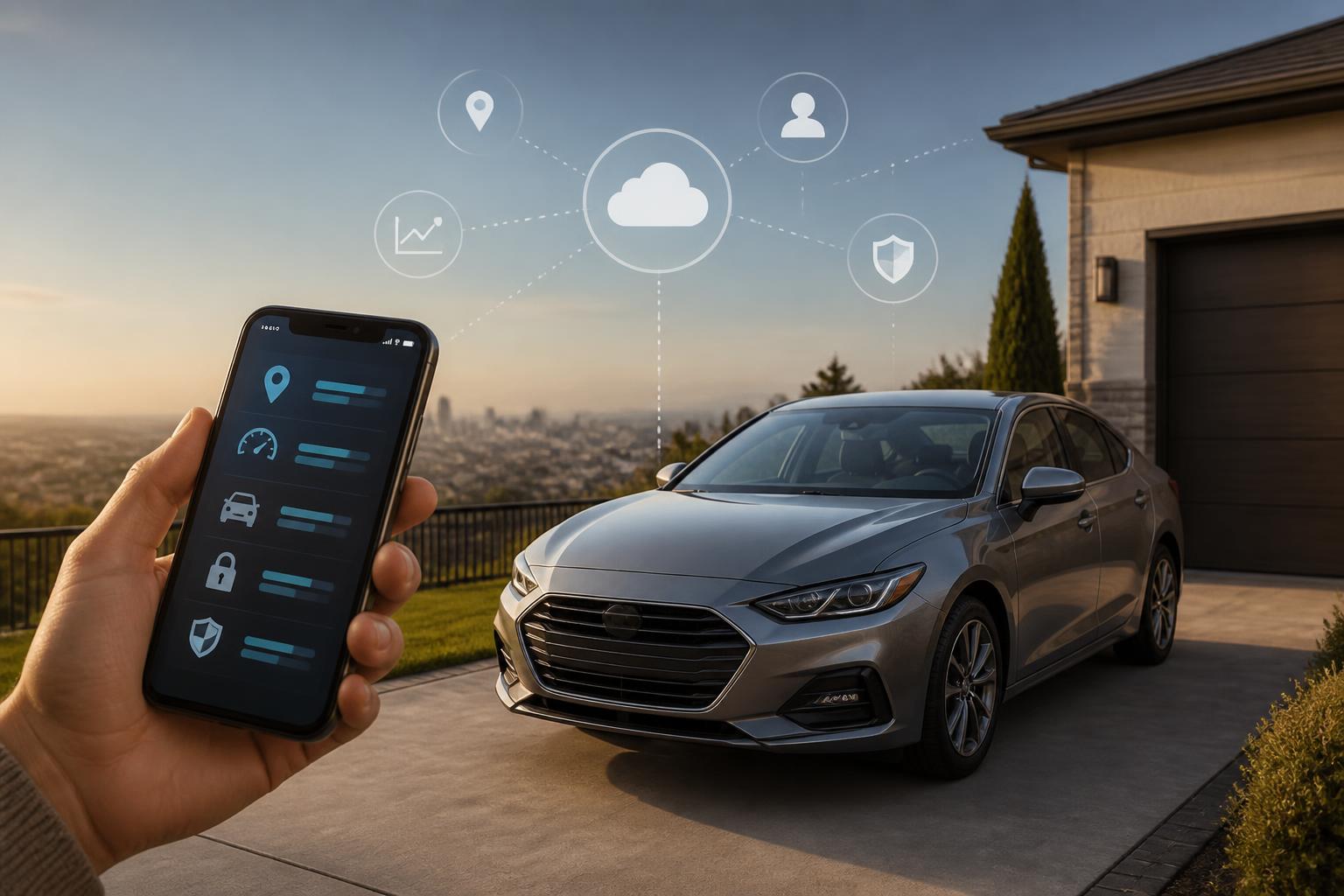
If you keep the DCM on but cancel subscriptions, the module still collects basic vehicle health data and may communicate with Toyota servers (especially if Service Connect is still within its 10‑year free period). Toyota’s privacy policy states that it collects vehicle location, driving data, and diagnostic information to provide services and improve products. You can opt out of data sharing for certain features by adjusting the privacy settings in the Toyota app (under “Data & Privacy” or “Connected Services Privacy”). However, the DCM’s hardware remains active and can still transmit the vehicle’s location to Toyota if Safety Connect is not fully turned off. For maximum privacy, disabling the DCM via fuse removal is the most reliable method.
FAQ
Can I remove the DCM completely from my Toyota?
Yes, but doing so is not a simple plug‑and‑play removal. The DCM is usually integrated into the wiring harness. Removing it could cause warning lights or error messages on the dashboard. Most owners use the fuse‑pull method instead.
Will disabling the DCM affect my car’s warranty?
Removing a fuse is reversible and does not permanently alter the vehicle. It should not void the warranty. Physically cutting or disconnecting the DCM module could be considered modification; check with your dealer before proceeding.
What happens if I let the free trial expire but keep the DCM active?
The module stays powered but does not send or receive data for services that require a subscription (Safety Connect, Remote Connect). Service Connect continues for 10 years at no charge. The DCM remains connected to the cellular network and can still be used for over‑the‑air updates if Toyota pushes them.
Explore This Topic

Greedy Wheels is the founder and lead editor at Wheels Greed. With over 15 years of hands-on automotive experience — from rebuilding engines in a home garage to managing fleet maintenance for a regional logistics company — he brings real-world mechanical knowledge to every guide.
His work has been featured in automotive forums, owner communities, and dealership training materials. When he’s not researching the latest car owner questions, you’ll find him at a local track day, wrenching on his project car, or testing the newest OBD2 diagnostic tools.
At Wheels Greed, every article is reviewed against manufacturer service manuals, NHTSA bulletins, and verified owner reports. No AI-generated fluff. No guesswork. Just practical answers from someone who has turned the wrench.