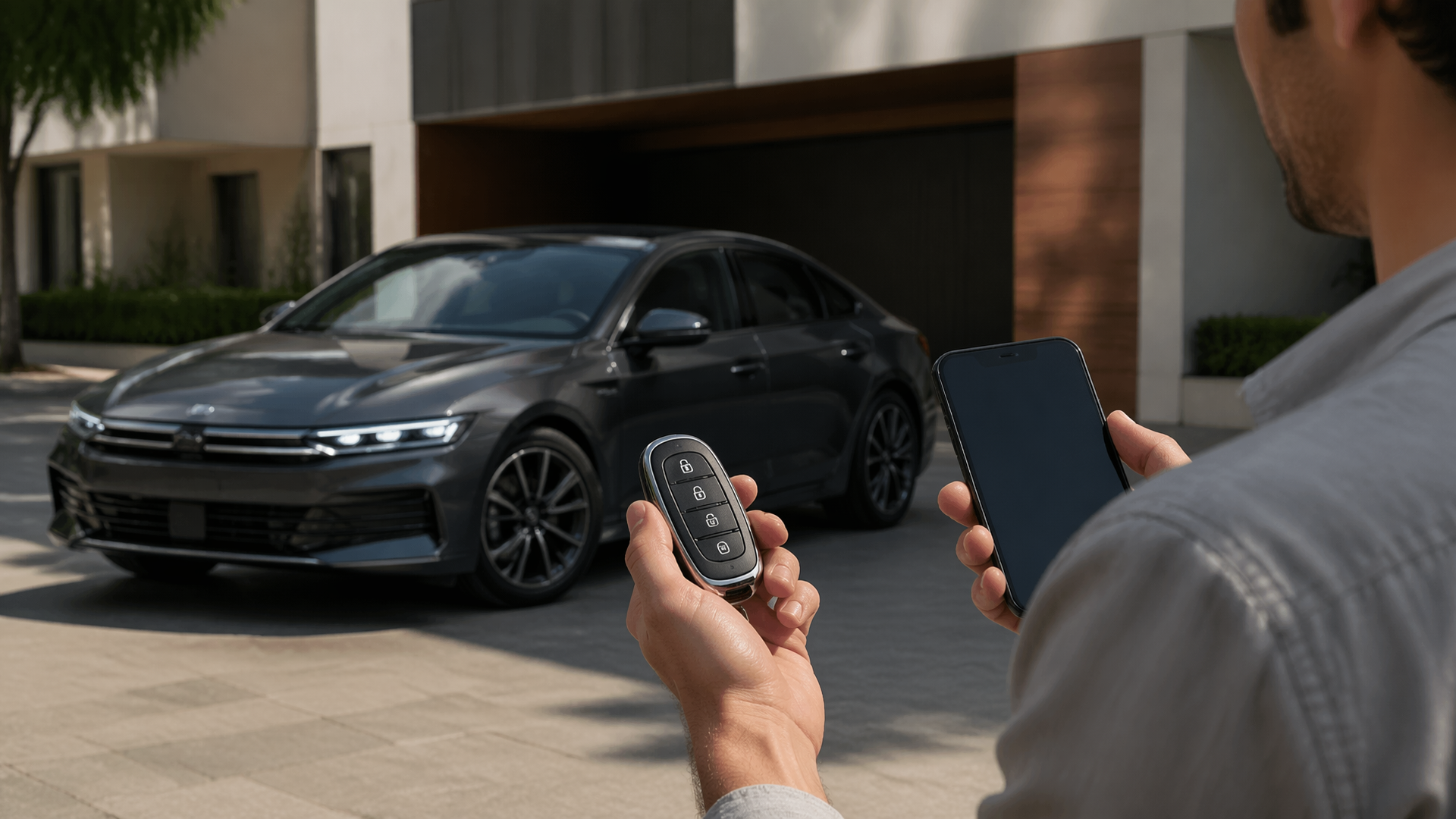
Hyundai key fob remote start not working: what to check in the app and on the fob
If your Hyundai’s remote start isn’t engaging when you press the button on your key fob or through the Bluelink app, several common issues could be at play. Before heading to the dealership, a quick check of your fob’s battery, the vehicle’s status, and your Bluelink subscription can often pinpoint the problem. Many times, a simple reset or a fresh battery is all that’s needed to get your remote start functioning again.
Confirm Vehicle is Ready for Remote Start
The most frequent reason for remote start failure is that the vehicle itself isn’t in a state where it can be started remotely. Modern vehicles have numerous safety interlocks to prevent accidental activation or starting in unsafe conditions.
- Doors and Trunk: Ensure every door, including the trunk or liftgate, is fully closed and latched. Even a slightly ajar door will prevent remote start from engaging.
- Hood: Confirm the hood is securely closed. Many Hyundais have a hood sensor that will disable remote start if the hood is not properly shut.
- Key in Ignition: Remote start systems are designed to prevent the vehicle from starting if the key is already in the ignition. Make sure the key is not in the vehicle’s ignition cylinder.
- Transmission: The vehicle must be in Park (P) for remote start to function. If the transmission is not fully engaged in Park, the system will not engage.
- Check Engine Light: If your “Check Engine” light is illuminated, the remote start system will likely be disabled as a safety precaution.
If any of these conditions are not met, the remote start will not function. Close all doors, ensure the hood is latched, the transmission is in Park, and no key is in the ignition. Once these are confirmed, try the remote start again.
Replace the Key Fob Battery
A weak or dead battery in your key fob is a frequent culprit for any remote function not working, including remote start.
- Battery Type: Most Hyundai fobs use a CR2032 or CR2025 coin cell battery. Refer to your owner’s manual for the exact type for your model year.
- Replacement: If you suspect the battery is low, replace it with a fresh one. You can often find instructions for safely opening your fob in your owner’s manual or through a quick online search for your specific Hyundai model.
- Verification: After replacing the battery, try using the remote start function again. If it works, the old battery was the issue.
Check Bluelink App and Subscription Status
For Hyundais equipped with Bluelink connected services, the smartphone app is another way to use remote start. Issues here can stem from the app, your subscription, or your phone’s connection.
- Subscription Status: Bluelink services, including remote start, require an active subscription. Check your Bluelink account online or through the app to ensure your subscription hasn’t expired. Trials often have a limited duration.
- App Connectivity: Ensure your smartphone has a stable internet connection (Wi-Fi or cellular data).
- App Updates: Make sure you are using the latest version of the Bluelink app. Outdated versions can sometimes cause functionality issues.
- Vehicle Connection: Within the Bluelink app, confirm that your vehicle is showing as “connected” or “online.” If it shows as offline, there might be a communication issue between the vehicle and the Bluelink servers.
- Re-syncing: Sometimes, simply logging out of the Bluelink app and logging back in can resolve minor connection glitches.
If your Bluelink subscription is active and the app shows your vehicle as connected, try initiating the remote start from the app. If it works, the issue was likely with the app or subscription status. If it still fails, the problem may be with the key fob or the vehicle’s system.
Investigate Potential System Lockouts or Errors
In certain situations, the remote start system itself might be temporarily locked out or displaying an error that isn’t immediately obvious.
- “Remote Start Disabled” Message: Some Hyundai models will display a message on the dashboard or within the Bluelink app indicating that remote start is disabled. This often relates to one of the vehicle readiness checks mentioned earlier.
- System Reset: If other checks have failed, try a basic system reset. For some models, this can be achieved by disconnecting the vehicle’s battery for a few minutes. Consult your owner’s manual for the correct procedure and any potential side effects, such as resetting other vehicle settings.
- Key Fob Reset: Some key fobs can be reset by pressing and holding a combination of buttons for a set period. Again, your owner’s manual is the best resource for this specific procedure.
When to Seek Professional Help
If you’ve gone through these checks and your Hyundai’s remote start still isn’t working, it’s time to consult your owner’s manual for model-specific troubleshooting or contact your Hyundai dealership. There could be a more complex electrical issue, a faulty sensor, or a problem with the remote start module that requires professional diagnosis and repair. If the issue persists after checking the fob battery, vehicle readiness, and Bluelink status, it’s advisable to schedule a service appointment.
Explore This Topic
- Hyundai Remote Start Not Working After Bluelink Trial Ends
- Hyundai Remote Start How To
- Hyundai Carplay Not Working

Greedy Wheels is the founder and lead editor at Wheels Greed. With over 15 years of hands-on automotive experience — from rebuilding engines in a home garage to managing fleet maintenance for a regional logistics company — he brings real-world mechanical knowledge to every guide.
His work has been featured in automotive forums, owner communities, and dealership training materials. When he’s not researching the latest car owner questions, you’ll find him at a local track day, wrenching on his project car, or testing the newest OBD2 diagnostic tools.
At Wheels Greed, every article is reviewed against manufacturer service manuals, NHTSA bulletins, and verified owner reports. No AI-generated fluff. No guesswork. Just practical answers from someone who has turned the wrench.