How to turn off Honda lane departure or driver-assist alerts without resetting everything
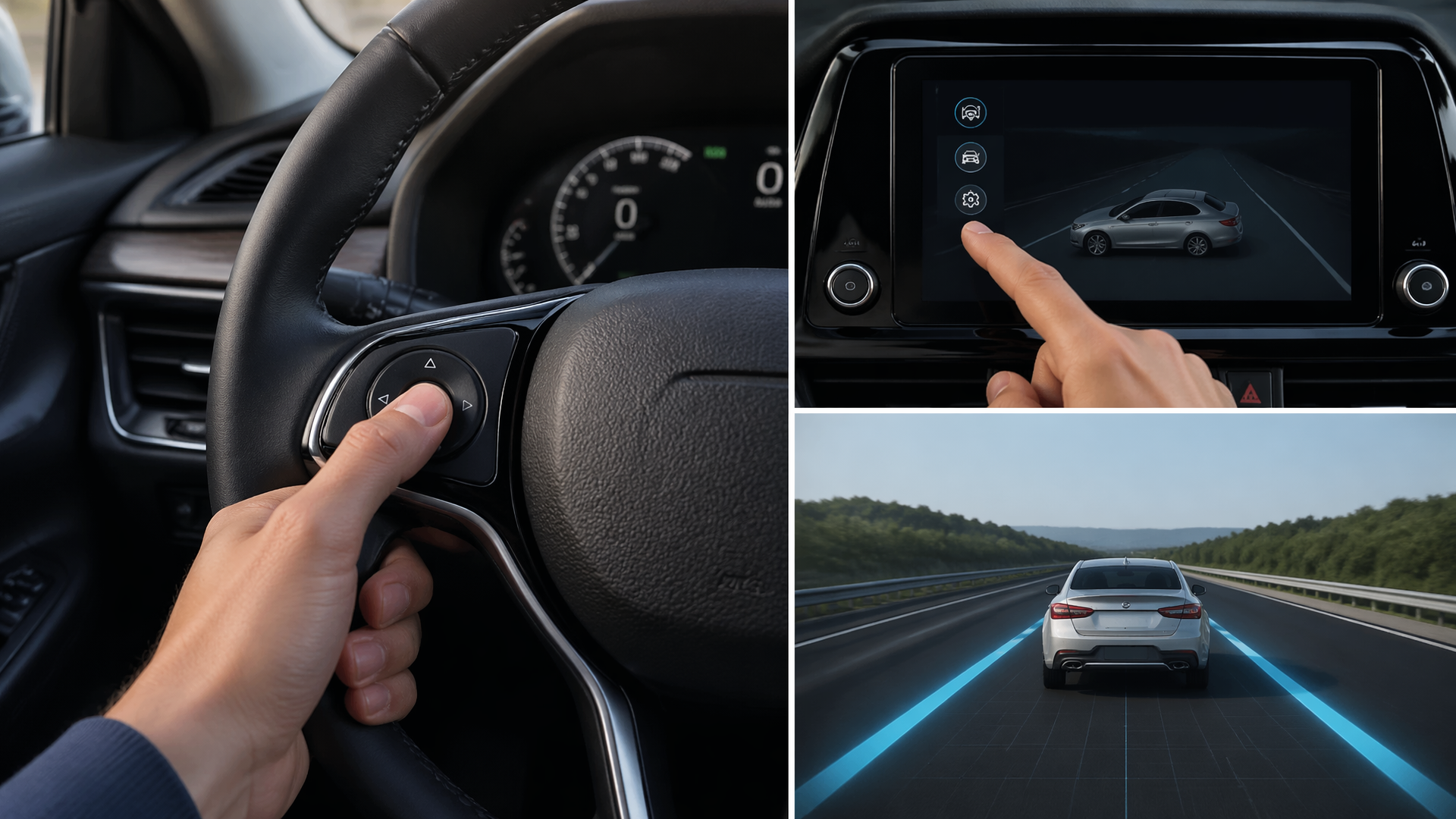
If you’re looking to disable specific Honda driver-assist alerts, such as the Lane Departure Warning (LDW) or other driver-assist features, without affecting your entire vehicle’s settings, you can usually do so through your vehicle’s infotainment system or steering wheel controls. The exact steps can vary slightly depending on your Honda model year and trim level, but the general process involves navigating to the vehicle settings menu and toggling individual features off.
Accessing and Adjusting Driver-Assist Settings
The most direct way to manage these alerts is by navigating through your Honda’s infotainment system or using physical controls.
For this job, you may need:
- Auto trim removal tool setCheck price on AmazonWe may earn a commission
- Bolt extractor kitCheck price on AmazonWe may earn a commission
Affiliate disclosure: We may earn a commission from qualifying purchases.
1. Locate the Settings Menu: On your vehicle’s central touchscreen, find and select the “Settings” or “Vehicle” icon. If your model uses physical buttons, you may need to use the “DISP” or “INFO” button on the steering wheel or dashboard to cycle through menu options until you reach the relevant settings.
2. Navigate to Driver Assist Features: Within the main settings menu, look for a section clearly labeled “Driver Assist,” “Honda Sensing,” “Safety Support,” or a similar designation. This is the hub for managing most of your vehicle’s active safety technologies.
3. Select the Specific Feature: You will see a list of available driver-assist functions. Choose the individual alert you wish to disable, such as “Lane Departure Warning” (LDW), “Road Departure Mitigation” (RDM), or “Collision Mitigation Braking System” (CMBS).
4. Toggle the Alert Off: Each feature will have a corresponding control, typically a checkbox, toggle switch, or an on/off button. Select this control to deactivate the specific alert. Some systems may present a confirmation prompt asking you to verify your selection.
Understanding Model and Trim Variations
It’s important to note that the exact wording of menu items and the precise location of these settings can differ significantly between Honda models and model years. Newer vehicles often consolidate all adjustments within the touchscreen interface, while older models might integrate more controls on the steering wheel. For instance, features like Lane Keeping Assist System (LKAS) are frequently grouped with LDW under the broader “Honda Sensing” suite. Always consult your specific owner’s manual for the most accurate instructions tailored to your vehicle.
Verifying That Alerts Are Disabled
Once you’ve adjusted the settings, it’s crucial to confirm that the specific alert has been successfully turned off before relying on the change.
1. Conduct a Short Test Drive: Take your Honda for a brief, safe drive in conditions where the alert you disabled would normally activate. For example, drive on a road with clear lane markings to test the Lane Departure Warning.
2. Monitor System Behavior: Pay close attention to your dashboard for any warning lights, audible chimes, or steering wheel vibrations that would typically indicate the feature you intended to disable is active.
3. Re-check Settings Menu: If possible, return to the vehicle’s settings menu while parked and visually confirm that the toggle or checkbox for the deactivated feature remains in the “off” position.
How Settings Persist (or Don’t)
Many Honda driver-assist features are designed to reset to their default “on” state each time the vehicle is started, a common safety measure. If you find that your chosen settings do not remain off after restarting the engine, look within the driver-assist menu for options like “Last Mode Memory” or “Persistent Settings.” If such an option is not available or does not resolve the issue, your vehicle’s system may be designed to reset automatically for safety compliance.
When Settings Are Unavailable or Revert
It’s important to be aware that not all driver-assist features can be permanently disabled through the menu system, and some may be interconnected. For example, disabling certain safety functions might automatically disable or grey out other related options, or require a specific sequence of actions to deactivate. If you cannot find the option to turn off a particular alert, or if it consistently reactivates after the vehicle is turned off and on, your vehicle may have specific limitations or configurations. In such scenarios, refer to your owner’s manual for detailed explanations, or contact an authorized Honda dealership for further assistance. They can confirm if the feature is intended to reset automatically or if there might be a technical issue requiring their attention.

Greedy Wheels is the founder and lead editor at Wheels Greed. With over 15 years of hands-on automotive experience — from rebuilding engines in a home garage to managing fleet maintenance for a regional logistics company — he brings real-world mechanical knowledge to every guide.
His work has been featured in automotive forums, owner communities, and dealership training materials. When he’s not researching the latest car owner questions, you’ll find him at a local track day, wrenching on his project car, or testing the newest OBD2 diagnostic tools.
At Wheels Greed, every article is reviewed against manufacturer service manuals, NHTSA bulletins, and verified owner reports. No AI-generated fluff. No guesswork. Just practical answers from someone who has turned the wrench.