How to disable Toyota tracking or app data sharing settings
If you’re looking to manage or disable tracking and app data sharing on your Toyota, the process typically involves adjusting settings within both the vehicle’s infotainment system and, if applicable, the associated Toyota mobile application. The exact steps can differ based on your Toyota model year, trim level, and the specific connected services you use. Generally, these settings allow you to control how your vehicle collects and shares data, such as driving history, location, and system diagnostics.
Navigating Your Toyota’s Data Privacy Settings
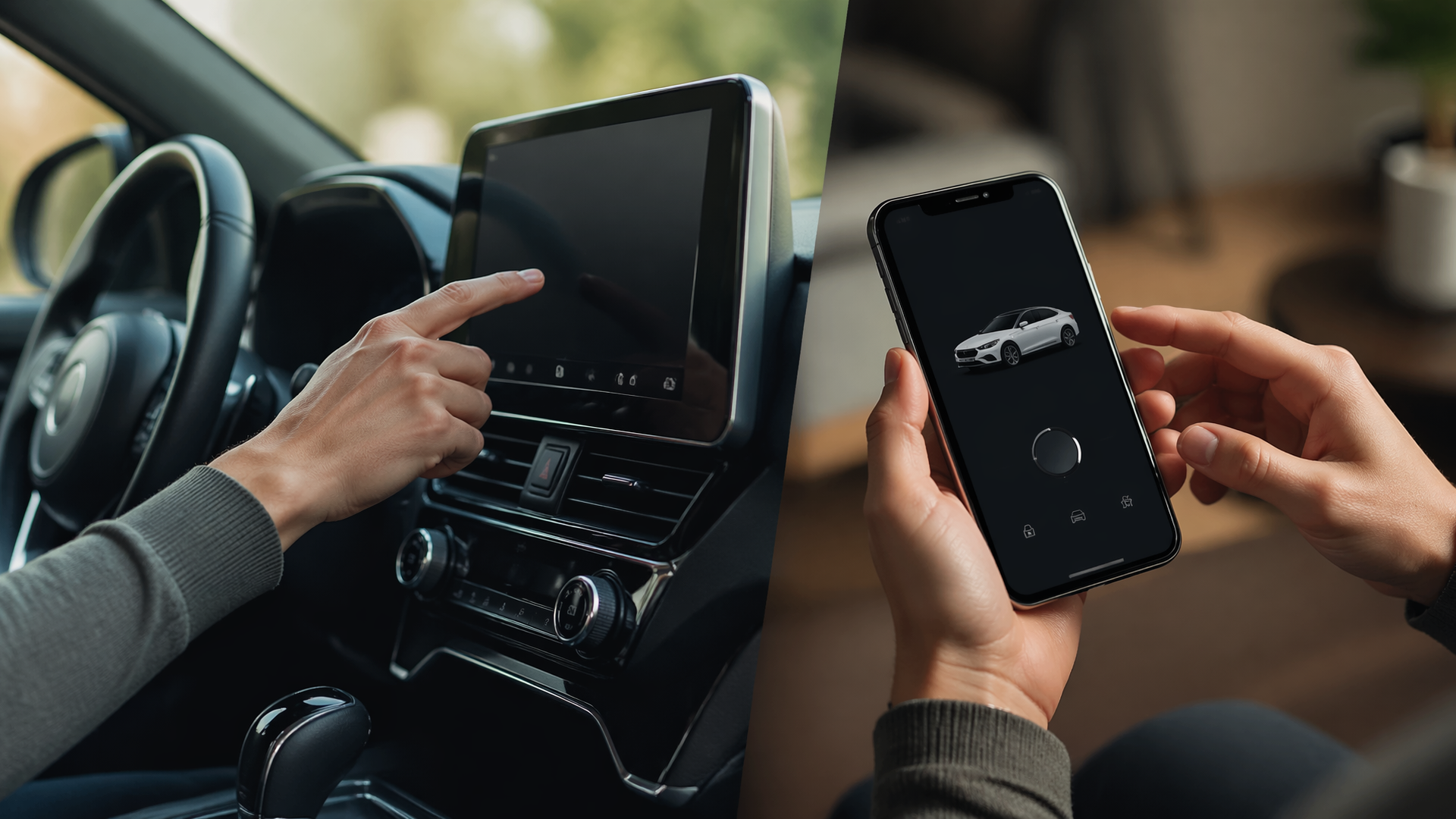
Most Toyota vehicles allow you to manage data sharing directly from the infotainment touchscreen. To begin, access the main menu of your vehicle’s infotainment system and look for sections like “Settings,” “System,” “Connected Services,” or “Vehicle Settings.” Within these menus, you should find options related to data privacy, data sharing, or telematics.
For this job, you may need:
- BOSILLEY magnetic car phone holderCheck price on AmazonWe may earn a commission
- REDTIGER 4K dash camCheck price on AmazonWe may earn a commission
Affiliate disclosure: We may earn a commission from qualifying purchases.
For many recent Toyota models, the path might be Settings > System > Data Settings or Settings > Connected Services > Privacy. Here, you can typically toggle off specific data collection features. Common options include disabling “Diagnostic Data,” “Usage-Based Marketing Information,” or “Location Services.” Be aware that disabling some of these features may impact the functionality of certain connected services, such as remote start via the app or personalized recommendations.
Model Year and Trim Differences: The precise location and naming of these settings are not universal across all Toyota vehicles. If you own a model from a different year or with a different trim, consult your vehicle’s owner’s manual for the exact menu path. Older models may have fewer data-sharing controls, while newer models with advanced telematics systems often provide more granular settings.
Managing Data Shared Through the Toyota App
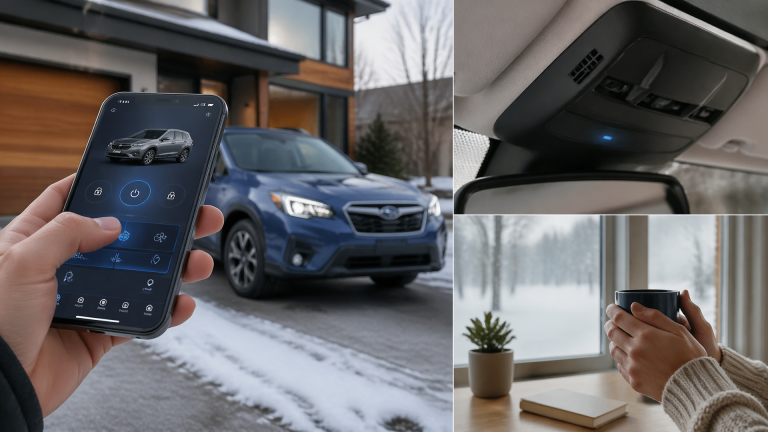
In addition to the vehicle’s settings, the Toyota mobile application itself often has its own privacy controls. If you use the Toyota app or a specific connected service app, open it on your smartphone. Navigate to the app’s settings or profile section and look for “Privacy,” “Account Settings,” or “Data Permissions.”
Within the app’s privacy settings, you can usually manage permissions for location access, push notifications, and marketing communications. You may be able to opt out of sharing certain types of usage data collected by the app. It’s important to review these app-specific settings as they may operate independently of the vehicle’s internal settings. For example, even if you disable location sharing in the car, the app might still request location access for features like finding your parked car.
Verifying Your Settings Changes
After adjusting your tracking and data-sharing preferences, it’s crucial to confirm that the changes have been applied correctly.
Vehicle Settings Confirmation:
1. Revisit Data Menus: Navigate back to the data settings menu in your vehicle’s infotainment system. Ensure that the toggles for the features you wish to disable are now in the “off” or “unchecked” position.
2. Restart Infotainment: For some changes to take full effect, you may need to restart the infotainment system. This can often be done by turning the vehicle off and then on again, or by finding a specific “restart system” option within the infotainment settings.
3. Test Connected Services: If you disabled a setting that affects a connected service (e.g., remote start), try using that service to see if it still functions. If it no longer works as before, your change was likely successful in disabling that specific data flow.
App Settings Confirmation:
1. Refresh the App: Close and reopen the Toyota mobile app. Check if any previously accessible features that relied on the disabled data are now unavailable or display an error message.
2. Check Phone Permissions: On your smartphone’s operating system settings, review the app permissions for the Toyota app. Confirm that any permissions you intended to revoke, such as location access, are indeed denied.
Understanding Data Sharing Limitations and Trade-offs
It’s important to understand that completely disabling all tracking and data sharing may not be possible for all features. Certain data collection is often considered essential for vehicle operation, safety, and basic connected services. For instance, even with privacy settings adjusted, Toyota may still collect anonymized diagnostic data for safety recalls or to improve overall vehicle performance and reliability.
Furthermore, some data sharing might be tied to specific subscription services or feature packages. If you have a premium connected services package, certain data collection might be a prerequisite for those services to function. Disabling these may deactivate the service entirely. For example, disabling location services could prevent the “find my car” feature from working, or opting out of diagnostic data might disable remote vehicle health reports. Always review the terms of service and privacy policy associated with your Toyota’s connected features for a comprehensive understanding of what data is collected and how it is used. If you are unsure about specific settings or their implications, contacting Toyota customer support or your local Toyota dealership is recommended for clarification.

Greedy Wheels is the founder and lead editor at Wheels Greed. With over 15 years of hands-on automotive experience — from rebuilding engines in a home garage to managing fleet maintenance for a regional logistics company — he brings real-world mechanical knowledge to every guide.
His work has been featured in automotive forums, owner communities, and dealership training materials. When he’s not researching the latest car owner questions, you’ll find him at a local track day, wrenching on his project car, or testing the newest OBD2 diagnostic tools.
At Wheels Greed, every article is reviewed against manufacturer service manuals, NHTSA bulletins, and verified owner reports. No AI-generated fluff. No guesswork. Just practical answers from someone who has turned the wrench.