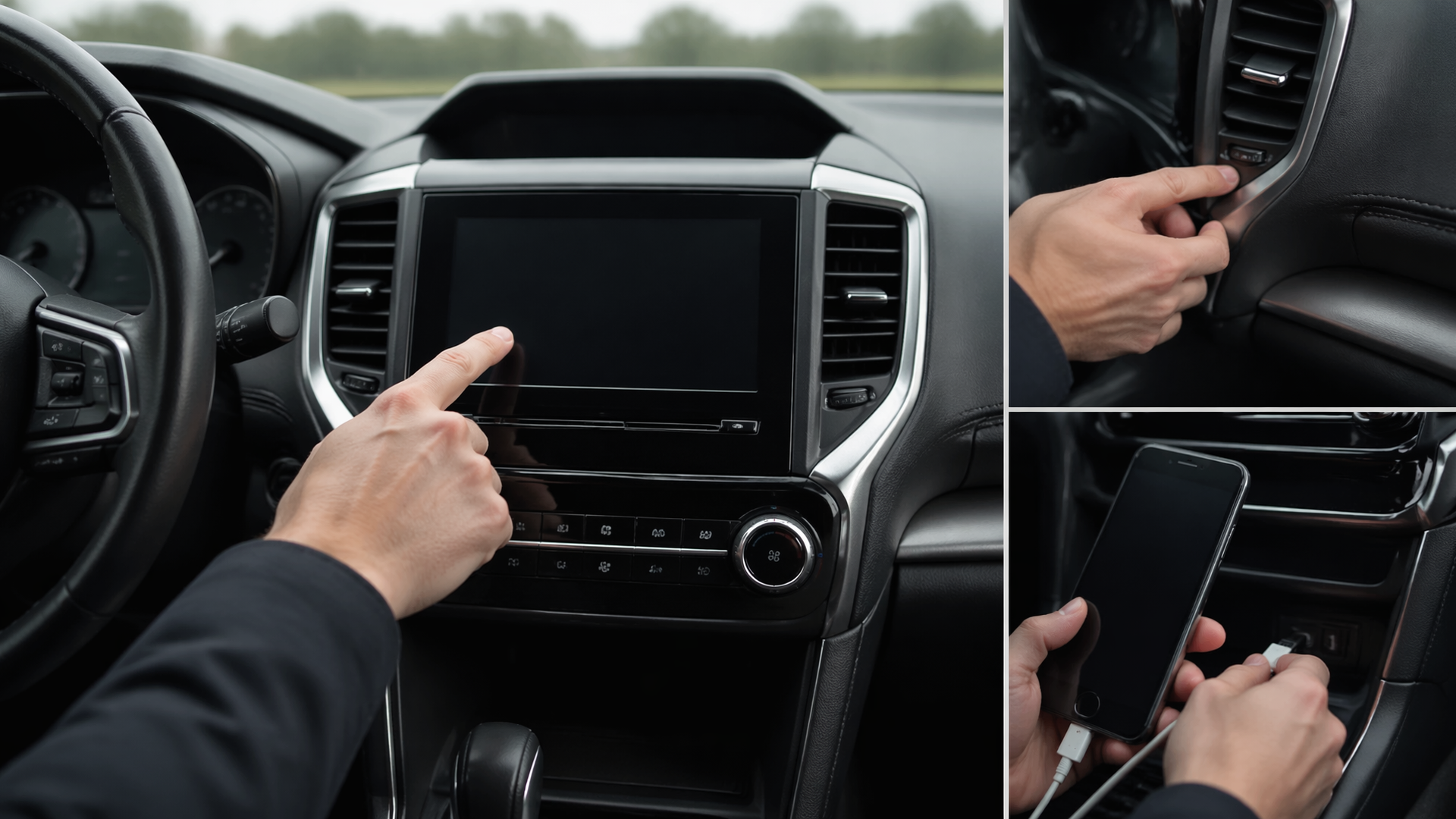
How to Reset Your Subaru Outback Infotainment Screen
If your 2019 Subaru Outback infotainment screen is exhibiting errors, particularly when trying to connect your smartphone, performing a system reset is often the most effective initial step to resolve temporary software glitches. This guide provides straightforward methods to address common issues and restore normal functionality.
Performing a Basic System Reboot
For most 2019 Subaru Outback models, a simple power cycle can clear minor software glitches affecting the infotainment system. This process involves a complete shutdown and restart of the vehicle’s electrical components.
1. Turn off the vehicle completely. Ensure the engine is off and all accessories are powered down.
2. Open and close the driver’s door. This action ensures that all vehicle systems, including the infotainment unit, fully power down.
3. Wait for 5 to 10 minutes. This waiting period allows the infotainment system’s internal memory to clear any residual data that might be causing errors or unresponsiveness.
4. Restart the vehicle. Turn the ignition to the ‘ON’ position and check if the infotainment screen is functioning correctly.
Verification: After restarting, observe the screen to confirm it displays the normal home interface, responds accurately to touch inputs, and recognizes connected devices without displaying any error messages.
Troubleshooting Smartphone Connection Errors
When specific “smartphone error messages” appear during device connection, the problem often stems from the connection method or the smartphone’s software.
- Inspect Your USB Cable: If you connect your phone via USB, ensure you are using a high-quality, undamaged cable. A faulty or incompatible cable is a frequent cause of persistent connection problems. Try using a different, known-good cable to rule this out as the source of the error.
- Activate Bluetooth: Confirm that Bluetooth is enabled on both your smartphone and within the Subaru Outback’s infotainment system settings. Ensure the vehicle’s Bluetooth is discoverable.
- Re-Pair Your Phone: Navigate to the Bluetooth settings on the infotainment screen. Select your smartphone from the list of paired devices and choose the option to “forget” or “delete” it. Then, initiate a new pairing process by searching for the vehicle from your phone and following the on-screen prompts within the car to establish a fresh connection.
Verification: After successfully re-pairing your phone, attempt to connect it again. If the process is successful, the error message should disappear, and your smartphone should be recognized by the system for features like calls and media playback.
When to Seek Professional Assistance
If the basic system reboot and smartphone connection troubleshooting steps do not resolve your infotainment screen issues, or if the screen remains completely black, frozen, or displays persistent error codes, it may indicate a more significant problem requiring expert attention.
- Check for Software Updates: Visit the official Subaru website and use your vehicle’s VIN to check for any available infotainment software updates. These updates are often released to address known bugs and improve system stability. If an update is available and not user-installable, you may need to visit a dealership.
- Refer to Your Owner’s Manual: Your Subaru Outback’s owner’s manual contains specific troubleshooting guidance for infotainment system errors tailored to your model year and features.
- Contact Subaru Support or a Dealership: If the screen continues to be unresponsive, displays recurring error codes, or the reset procedures are ineffective, it is advisable to contact your local Subaru dealership. They possess specialized diagnostic tools to identify potential hardware failures or deeper software corruption that requires professional repair.
Failure Indicator: A common sign that a deeper issue is present is if a soft reset temporarily fixes the problem, but the error returns shortly afterward. This pattern often points to an underlying software conflict or a failing hardware component within the infotainment unit itself, necessitating professional diagnosis and repair.
Frequently Asked Questions
Q: How do I know if my 2019 Subaru Outback infotainment screen needs a reset?
A: You likely need to reset your infotainment screen if it is frozen, unresponsive to touch, displaying error messages, or failing to connect to your smartphone.
Q: Is there a hard reset for the Subaru Outback infotainment system?
A: The primary reset method involves turning off the vehicle, opening and closing the driver’s door, waiting for 5-10 minutes, and then restarting the vehicle. This is considered the standard soft reset for most issues. For persistent problems, professional diagnosis at a dealership may be required.
Q: Can a bad USB cable cause my phone to show an error message on the Outback screen?
A: Yes, a damaged or low-quality USB cable can prevent proper data transfer, leading to connection errors or the infotainment system not recognizing your smartphone. Using a different, known-good cable is a crucial troubleshooting step.
Q: What if the reset doesn’t fix the error message on my 2019 Outback?
A: If the reset and basic connection troubleshooting do not resolve the error message, the issue might be with the vehicle’s software, the smartphone’s operating system, or a hardware problem with the infotainment unit or its connections. In such cases, consulting the owner’s manual or contacting a Subaru dealership for further diagnosis is recommended.

Greedy Wheels is the founder and lead editor at Wheels Greed. With over 15 years of hands-on automotive experience — from rebuilding engines in a home garage to managing fleet maintenance for a regional logistics company — he brings real-world mechanical knowledge to every guide.
His work has been featured in automotive forums, owner communities, and dealership training materials. When he’s not researching the latest car owner questions, you’ll find him at a local track day, wrenching on his project car, or testing the newest OBD2 diagnostic tools.
At Wheels Greed, every article is reviewed against manufacturer service manuals, NHTSA bulletins, and verified owner reports. No AI-generated fluff. No guesswork. Just practical answers from someone who has turned the wrench.