Subaru Outback Clock: Easy Steps to Set or Change Time
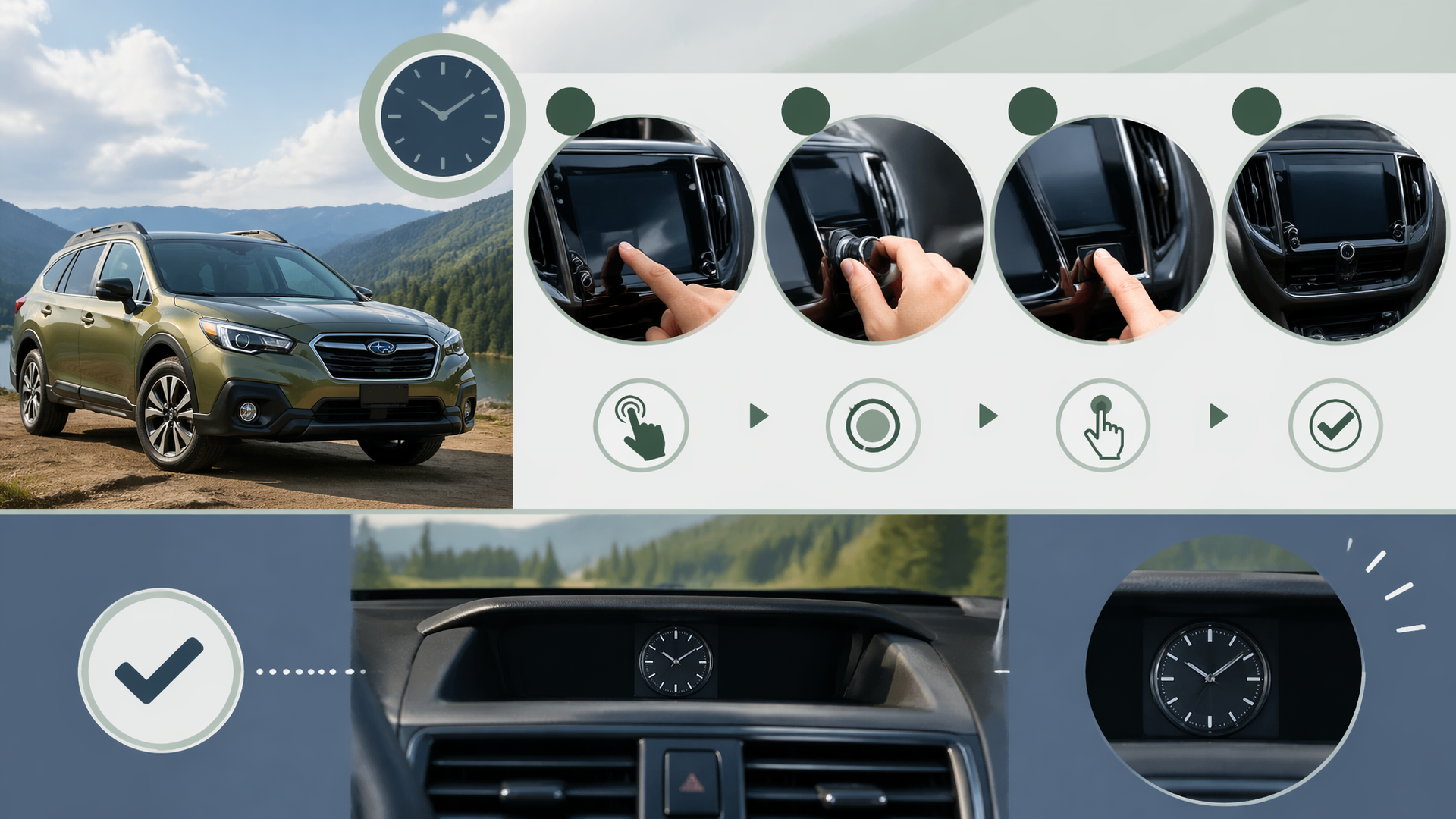
If your Subaru Outback’s clock needs adjusting, whether for Daylight Saving Time or because it’s showing the wrong time, you can typically change it through the infotainment system. For a 2018 Subaru Outback, the process usually involves accessing the settings menu to manually set the time or ensuring the automatic time feature is correctly configured.
Step-by-Step: Setting the Clock Manually
When the automatic time setting isn’t an option or isn’t working, you’ll need to adjust it yourself.
1. Access Settings: On your Outback’s infotainment touchscreen, find and tap the “Settings” icon.
2. Locate Clock Options: Within the Settings menu, look for an option labeled “Clock,” “Time,” or “Date & Time.”
3. Disable Auto Time (If Necessary): If you see an option for “Auto Time,” “GPS Time,” or “Automatic Time Setting,” select it and ensure it is turned OFF. This is crucial for allowing manual input.
4. Select Your Time Zone: Choose the correct time zone for your current location from the list provided.
5. Adjust Time: Use the on-screen controls to set the accurate hour and minute. Be mindful of AM/PM indicators.
6. Save Changes: Tap “OK,” “Done,” or a similar confirmation button to save your adjustments.
How to Check If It Worked
After setting the clock, glance at the display to confirm it shows the correct time. It’s also a good idea to check again after a few minutes of driving or after turning the vehicle off and on again to ensure the setting has been saved properly and the time hasn’t reverted.
If Your Menu Looks Different
Subaru’s infotainment systems can have minor variations between model years and trim levels. If the menu labels or layout on your 2018 Subaru Outback don’t exactly match the steps above, search for similar terms. For instance, “System Settings” might contain the clock options, or the “Display” menu could have related adjustments. The fundamental principle of disabling automatic time and then manually setting the hour and minute will likely remain the same.
Understanding and Using Auto Time
Many Subaru Outbacks, including various 2018 models, are equipped with an automatic time feature that syncs with GPS data. If your vehicle has this capability and it’s enabled, it will automatically adjust for time zones and Daylight Saving Time. To use this, ensure “Auto Time” or “GPS Time” is selected in the clock settings. If this feature is enabled but the time is still incorrect, it could point to an issue with the GPS signal or the infotainment system itself.
When to Seek Professional Help
If you’ve tried the manual steps and the clock remains incorrect, or if the automatic time feature consistently fails, it’s best to consult your Subaru Outback’s owner’s manual for precise instructions for your specific model. Persistent issues may indicate a problem with the vehicle’s electronic systems, and you may need to contact a Subaru dealership or a qualified automotive technician for further diagnosis and repair.
Explore This Topic
- How To Change The Clock In A Subaru Outback
- Changing The Clock Settings In A Subaru Outback A Guide
- Changing The Clock On A Subaru Outback A How To

Greedy Wheels is the founder and lead editor at Wheels Greed. With over 15 years of hands-on automotive experience — from rebuilding engines in a home garage to managing fleet maintenance for a regional logistics company — he brings real-world mechanical knowledge to every guide.
His work has been featured in automotive forums, owner communities, and dealership training materials. When he’s not researching the latest car owner questions, you’ll find him at a local track day, wrenching on his project car, or testing the newest OBD2 diagnostic tools.
At Wheels Greed, every article is reviewed against manufacturer service manuals, NHTSA bulletins, and verified owner reports. No AI-generated fluff. No guesswork. Just practical answers from someone who has turned the wrench.