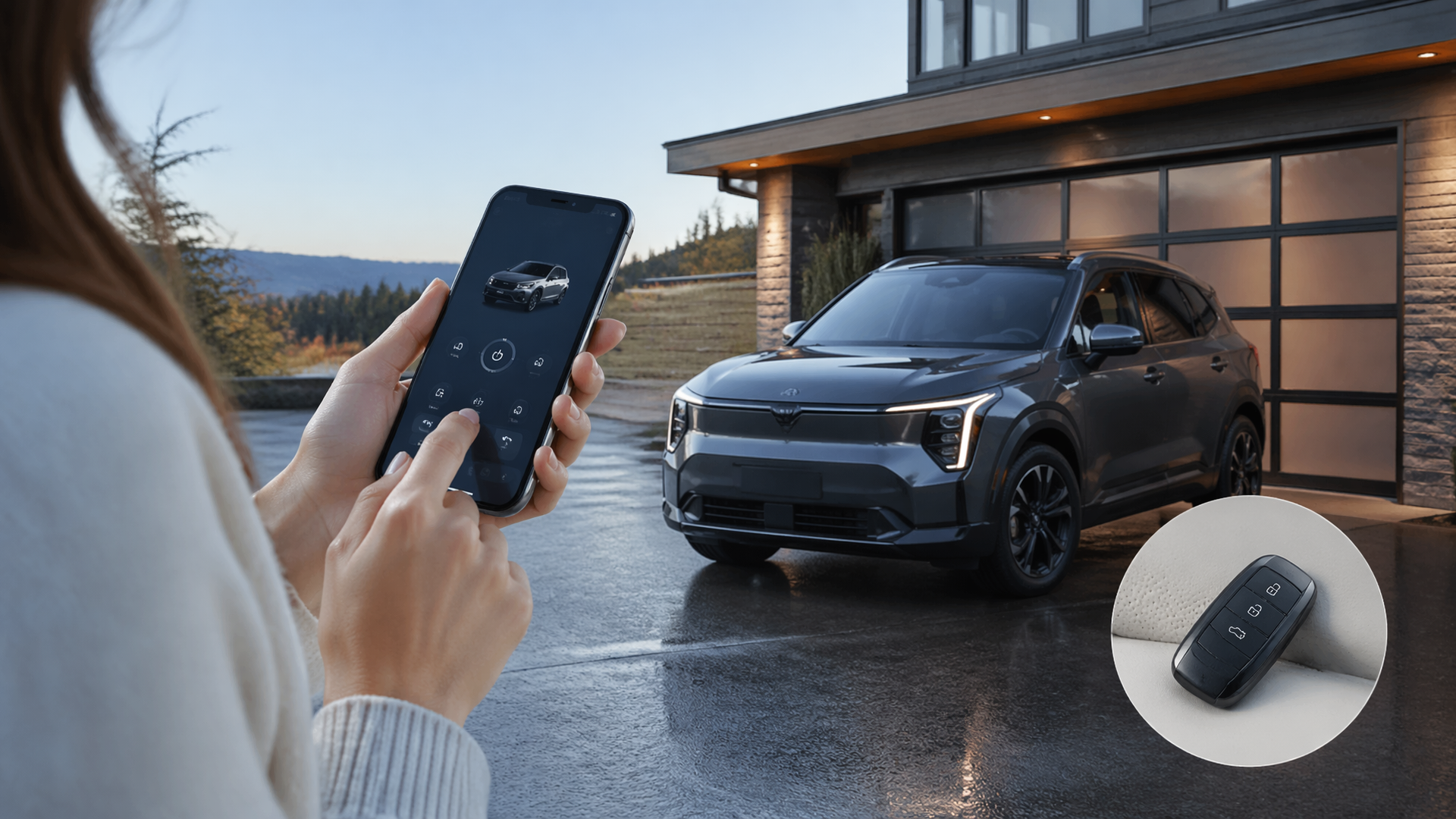
How to activate Kia Connect remote start and what to do if it will not activate
Activating Kia Connect remote start allows you to pre-condition your vehicle’s cabin temperature before you even step outside, making your drive more comfortable. The primary method for activation is through the Kia Connect mobile app, though some models might offer in-vehicle controls. If remote start isn’t working, common causes include an expired subscription, a vehicle door or trunk not being fully closed, or a temporary system glitch.
Verify Your Kia Connect Subscription
Remote start is a feature tied to your Kia Connect subscription. If this feature isn’t working, the first crucial step is to confirm that your subscription is active and hasn’t expired.
- Check Status: Log in to your account on the Kia Connect website or through the app to view your subscription details. Ensure the tier you are subscribed to includes remote start functionality.
- Trial Periods: Be aware that free trial periods for Kia Connect have a set duration. Once expired, you’ll need to renew your subscription to continue using features like remote start.
Steps to Initiate Remote Start
The most common way to activate remote start is via the Kia Connect mobile app on your smartphone.
1. Open Kia Connect App: Launch the app and ensure you are logged into the account linked to your vehicle.
2. Access Vehicle Controls: Navigate to the section within the app that allows you to control your car’s functions. This is typically labeled “Vehicle Controls” or something similar.
3. Select Remote Start: Tap on the “Remote Start” icon or option.
4. Confirm Command: Follow any on-screen prompts. For security, you may need to enter a PIN or confirm your identity.
5. Await Confirmation: The app will provide a status update indicating if the command was successful. The engine should then start, and your climate control system will begin working.
Troubleshooting Remote Start Failures
If you’ve confirmed your subscription is active and the app is functioning correctly, but remote start still won’t engage, consider these common issues.
Check All Vehicle Entry Points
For safety, Kia’s remote start system will not activate if any door, the trunk, or the hood is not securely closed.
- Visual Inspection: Walk around your vehicle and ensure all doors are fully latched. Check that the trunk is properly shut.
- Dashboard Indicators: Look for any warning lights on your dashboard that might indicate an open door, hood, or trunk. If you see one, address it before attempting to remote start.
Vehicle State and Battery Health
The remote start system is designed to operate only when the vehicle is in a ready state with sufficient power.
- Low Battery: If your vehicle’s 12-volt battery is critically low, the system may disallow remote start to prevent the car from being unable to start later.
- Check Engine Light: If your “Check Engine” light is illuminated, the remote start feature will be disabled as a safety precaution.
- Verification: Ensure your vehicle has been driven recently to maintain battery charge. For electric or plug-in hybrid vehicles, confirm the main battery is sufficiently charged. Any illuminated warning lights should be diagnosed according to your owner’s manual.
App or System Glitches
Occasionally, temporary software issues within the Kia Connect app or the vehicle’s telematics system can cause remote start to fail.
- Restart the App: Force close the Kia Connect app on your phone and then relaunch it.
- Log Out/In: Try logging out of your Kia Connect account within the app and then logging back in.
- Restart Your Phone: A simple restart of your smartphone can resolve connectivity issues between the app and the service.
- Infotainment System Reset: For some models, a reset of the vehicle’s infotainment or connected services module might be necessary. Consult your owner’s manual for specific instructions on how to perform this reset, as it can vary by model year.
Model Year and Feature Compatibility
The availability and operation of Kia Connect remote start can differ significantly based on your Kia’s model, trim level, and model year.
- Confirm Feature: Refer to your vehicle’s owner’s manual or original purchase documentation to verify that your specific Kia is equipped with the Kia Connect remote start feature. Older models or certain base trims may not have this capability.
When to Seek Professional Assistance
If you have meticulously followed the troubleshooting steps, confirmed your subscription is active, and verified that your vehicle is supposed to have remote start, it’s time to escalate the issue.
- Contact Kia Support: Reach out to Kia America’s customer support line. They can provide further troubleshooting guidance, check for any service bulletins related to your vehicle, and assist with any subscription-related inquiries.
- Visit a Kia Dealership: A certified Kia dealership’s service department can perform a diagnostic check on your vehicle’s telematics system, remote start module, and related components to identify and repair any hardware or software faults.
Explore This Topic

Greedy Wheels is the founder and lead editor at Wheels Greed. With over 15 years of hands-on automotive experience — from rebuilding engines in a home garage to managing fleet maintenance for a regional logistics company — he brings real-world mechanical knowledge to every guide.
His work has been featured in automotive forums, owner communities, and dealership training materials. When he’s not researching the latest car owner questions, you’ll find him at a local track day, wrenching on his project car, or testing the newest OBD2 diagnostic tools.
At Wheels Greed, every article is reviewed against manufacturer service manuals, NHTSA bulletins, and verified owner reports. No AI-generated fluff. No guesswork. Just practical answers from someone who has turned the wrench.