Which Volvo Models Have Apple CarPlay and How to Use It
Not every Volvo model and model year supports Apple CarPlay in exactly the same way, so the first question is compatibility before setup. If you want to know which Volvo models have Apple CarPlay, how to connect your iPhone, and what to try when it does not show up, the quick answers are below.
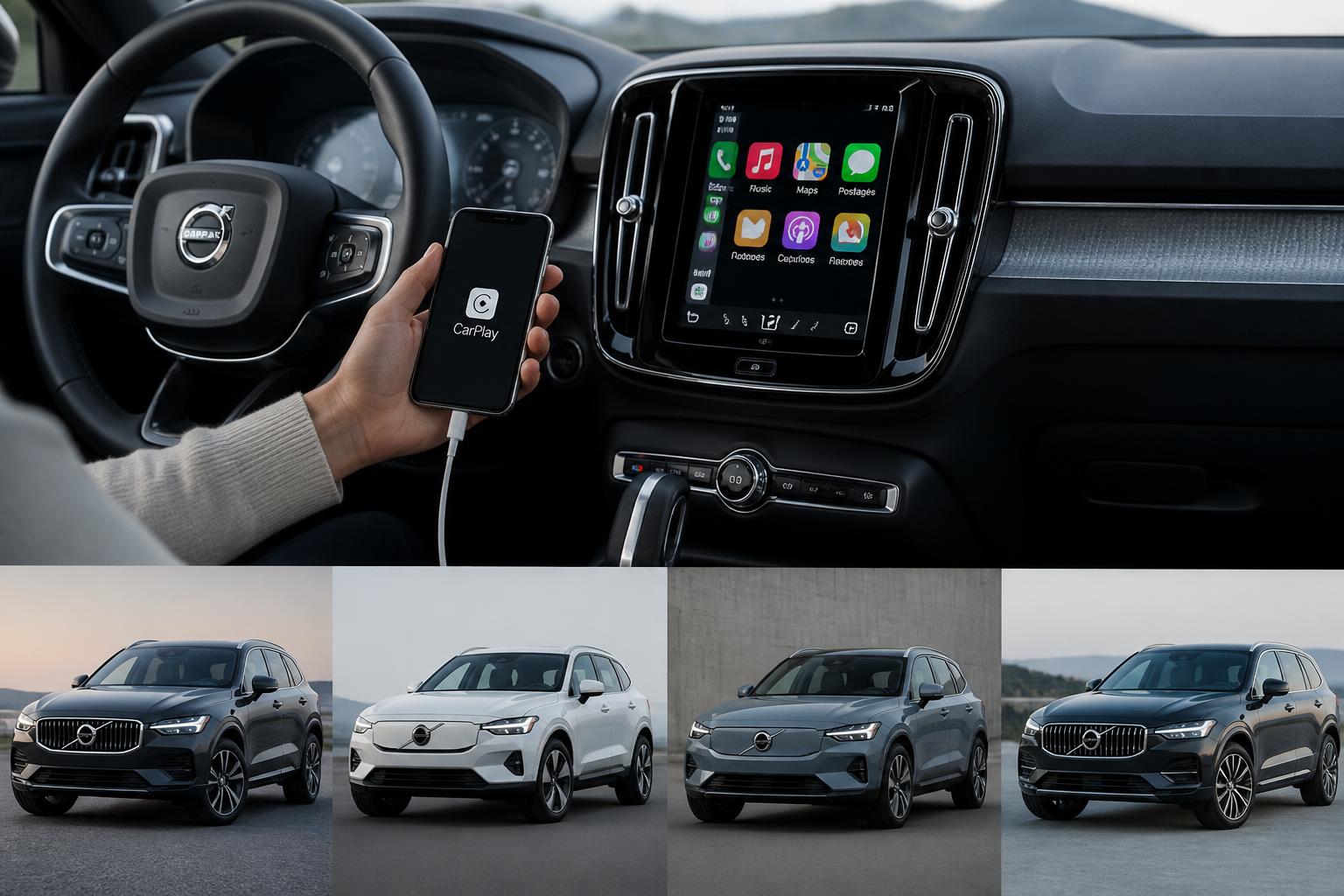
Quick Compatibility Snapshot
| Question | Quick Answer |
|---|---|
| Do all Volvo models support Apple CarPlay? | No. Compatibility depends on model, model year, and infotainment setup. |
| What should I check first? | Check your model year, current software, connection method, and whether your system supports wired or wireless CarPlay. |
| What matters most for setup? | An updated iPhone, the right cable or supported wireless workflow, and CarPlay enabled in the vehicle settings. |
| What if CarPlay does not appear? | Check software version, cable quality, iPhone permissions, and whether the feature is enabled in your Volvo?s settings. |
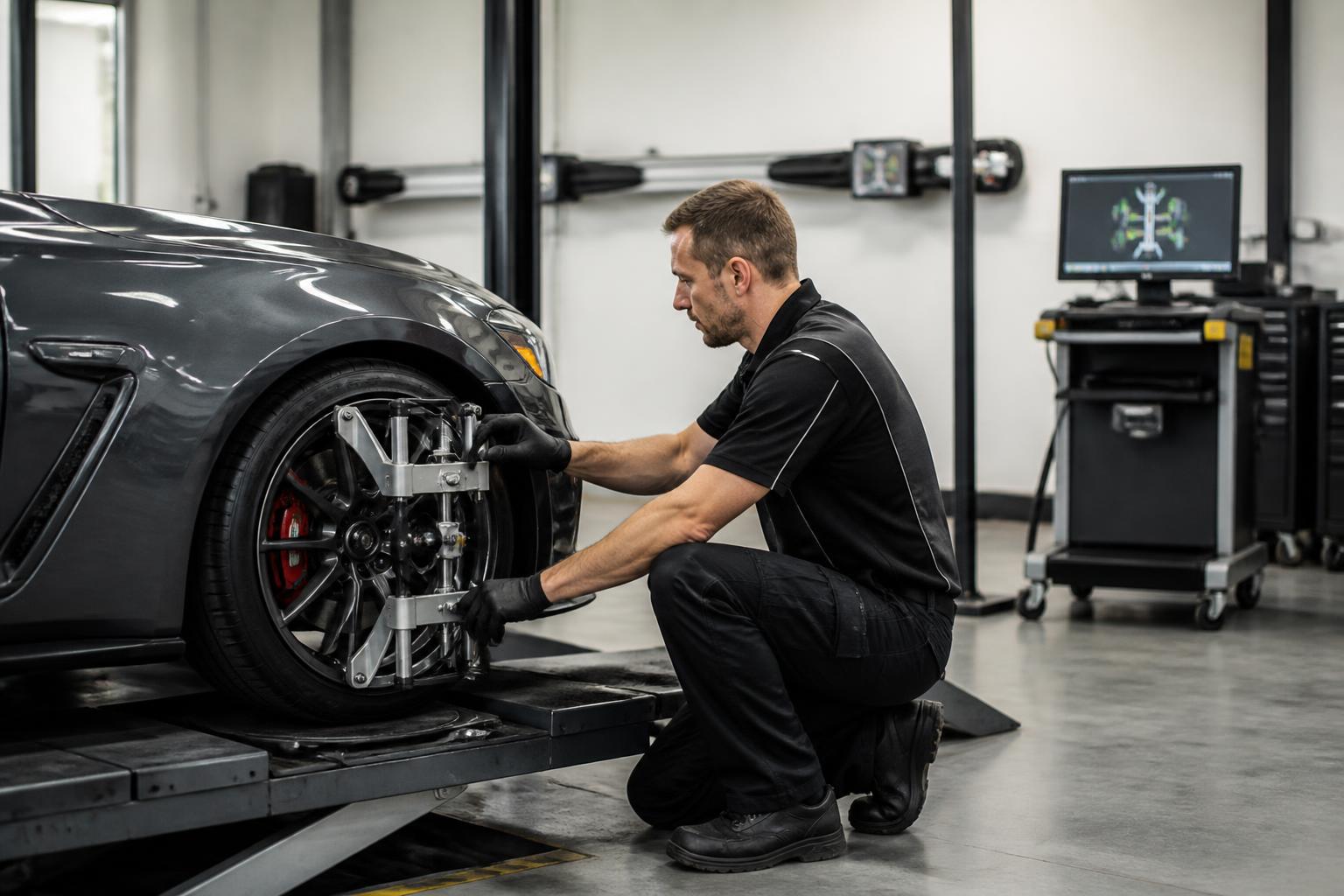
Fast Setup Order
- Confirm your Volvo model and year support Apple CarPlay.
- Update your iPhone and make sure Siri and CarPlay are enabled.
- Connect by the correct USB port or supported wireless method.
- Approve the CarPlay prompts on both the iPhone and the Volvo screen.
- If it fails, restart both devices and test with a different cable before assuming the feature is unsupported.
Most Common Problems
- Wrong USB port or unstable cable connection.
- Outdated software on the iPhone or infotainment system.
- CarPlay disabled in settings or blocked by phone permissions.
Key Takeaways
Apple CarPlay is standard in Volvo models from 2017 onward, including XC90, S90, and V90, with compatibility in XC60, V60, and S60 from 2018 onward.
Benefits of Apple CarPlay include seamless iPhone integration, hands-free communication, and easy access to music and navigation.
To set up Apple CarPlay, ensure your iPhone is updated, connect via USB or wirelessly, and customize settings through the iPhone’s menu.
Common issues can often be resolved by checking Bluetooth settings, restarting devices, and ensuring the CarPlay feature is enabled in the vehicle settings.
Volvo Models Compatible with Apple CarPlay
Your Volvo can be equipped with Apple CarPlay in several models, enhancing your driving experience. If you own a 2017 or newer Volvo, you’re likely to find this feature available. Models like the XC90, S90, and V90 come standard with Apple CarPlay. The XC60 also supports this technology, providing seamless integration. Even the V60 and S60 models include this functionality from 2018 onward. If you’re considering a pre-owned Volvo, check if it has the required software updates. You can easily connect your iPhone using a USB cable or wirelessly, depending on the model. Once connected, you’ll see your apps displayed on the touchscreen. Enjoy hands-free control of your music, navigation, and calls while driving.
Benefits of Using Apple CarPlay in Your Volvo
The benefits of using Apple CarPlay in your Volvo include seamless integration with your iPhone, allowing for easier navigation and hands-free communication. You’ll find that accessing your favorite apps becomes a breeze while driving. It keeps your focus on the road, reducing distractions that come from handling your phone. Your music and podcasts are just a tap away, meaning you can enjoy your drives even more. Utilizing Siri for voice commands makes it simpler to send messages or make calls without taking your hands off the wheel. You’ll also benefit from real-time traffic updates, helping you avoid congested routes. Customizing your interface lets you prioritize the apps you use most. With regular updates, your system stays fresh and functional. Overall, it enhances your driving experience, making every journey more enjoyable.
Setting Up Apple CarPlay in Your Volvo
Setting up Apple CarPlay in a Volvo can enhance your driving experience significantly. To get started, make sure your iPhone’s updated to the latest iOS version. Plug your iPhone into the USB port in your Volvo using a compatible lightning cable. Your car’s display should prompt you to enable Apple CarPlay; just follow the on-screen instructions. If you’re using wireless CarPlay, ensure your Bluetooth and Wi-Fi are turned on. Once connected, you’ll see the CarPlay interface on your car’s screen. You can now access your favorite apps, use Siri for hands-free commands, and navigate with ease. Don’t forget to customize your CarPlay settings in the iPhone’s settings menu for a tailored experience. Enjoy the seamless integration and enhanced convenience while driving!
Navigating with Apple CarPlay
Navigating with Apple CarPlay makes finding directions easier than ever. You can quickly access your favorite navigation apps right from your Volvo’s display. Just plug in your phone, and you’ll see the map interface pop up. It lets you enter destinations using voice commands, so you can keep your hands on the wheel. You’ll appreciate the turn-by-turn directions that appear clearly on the screen. If you need to change your route, just ask Siri for an alternative. You can also find nearby gas stations, restaurants, or attractions effortlessly. The system updates in real-time, helping you avoid traffic jams. With Apple CarPlay, you’re always just a command away from getting where you need to go.
Accessing Music and Entertainment
Accessing music and entertainment through Apple CarPlay in your Volvo makes it easy to enjoy your favorite playlists and podcasts on the go. You can connect your iPhone with a USB cable or wirelessly, depending on your Volvo model. Once connected, you’ll see your familiar apps displayed on the infotainment screen. Just tap on your preferred music app, whether it’s Apple Music, Spotify, or another service. You can use voice commands to control playback, making it safer while driving. You can also create playlists or select specific albums right from the screen. If you receive notifications for new podcasts, you can easily access them through CarPlay too. It’s like having your own personal DJ while you’re on the road. Enjoy the seamless experience that keeps you entertained without missing a beat!
Using Siri with Apple CarPlay
Using Siri with Apple CarPlay lets you control various functions hands-free while driving. You can ask Siri to play your favorite songs or switch playlists effortlessly. By simply saying, “Hey Siri,” you can initiate commands without taking your hands off the wheel. Siri can also read incoming messages and allow you to respond using your voice. If you’re looking for directions, just ask Siri to navigate to your desired location. You’ll find it incredibly convenient to get updates about your schedule or set reminders while on the go. With Siri’s assistance, you can manage calls without any distractions. This feature enhances your driving experience by keeping you connected and focused on the road. However, if you encounter any issues while using Siri with Apple CarPlay, you might need to troubleshoot some common problems.
Troubleshooting Common Apple CarPlay Issues
Troubleshooting common Apple CarPlay issues can save you a lot of frustration on the road. If your iPhone isn’t connecting, make sure Bluetooth is enabled on both your phone and car. Sometimes, simply restarting your iPhone or the car’s infotainment system can resolve connectivity problems. You might also want to check for any software updates on your iPhone and ensure your Volvo’s system is up to date. If you’re experiencing lag, try disconnecting and reconnecting the cable, or use a different Lightning cable altogether. Occasionally, certain apps may not function correctly; check their permissions and settings on your iPhone. If CarPlay isn’t showing up at all, verify that the feature is enabled in your vehicle’s settings. You could also try resetting network settings on your iPhone as a last resort. With these tips, you’re on your way to a smoother driving experience, paving the way to explore the future of Apple CarPlay in Volvo vehicles.
Future of Apple CarPlay in Volvo Vehicles
The future of Apple CarPlay in your Volvo promises even more seamless integration and enhanced features. You’ll likely see updates that enhance voice control for a hands-free experience. Your dashboard may become an even more intuitive display, allowing for easier access to apps and navigation. Expect an expansion of compatible apps, giving you more options while you’re on the road.
With future software updates, you’ll enjoy improved connectivity and faster response times. Your Volvo could also support wireless CarPlay, eliminating the need for cables. As technology evolves, you might find more personalized settings tailored to your preferences. Integration with other smart devices could enhance your driving experience like never before. Overall, the future looks bright for Apple CarPlay in your Volvo.
Frequently Asked Questions
Are there any subscription fees associated with using apple carplay in my volvo?
No, there aren’t any subscription fees for using Apple CarPlay in your vehicle. Once you’ve got the compatible hardware, you can connect your iPhone without any additional costs. Just make sure your phone’s updated to the latest iOS version for the best experience. Enjoy the seamless integration without worrying about any hidden fees!
Can i customize the apple carplay interface in my volvo?
Yes, you can customize the Apple CarPlay interface in your Volvo to some extent. You can rearrange the app icons and choose which apps you want to display on the home screen. However, the level of customization might be limited compared to other platforms. So, while you can tweak it to suit your preferences, it won’t be as flexible as some might hope.
What smartphones are compatible with apple carplay in volvo vehicles?
If you’re wondering about smartphone compatibility with Apple CarPlay, you’ll find that most iPhones from the iPhone 5 and newer work seamlessly. You’ll need to make sure your device’s software is updated, as CarPlay requires iOS 7.1 or later to function properly. Unfortunately, Android devices aren’t compatible, so you’ll need an iPhone to take advantage of the features. Just connect your phone via USB, and you’ll be ready to enjoy everything CarPlay has to offer!
Conclusion
Incorporating Apple CarPlay into your Volvo can truly elevate your driving experience. With its user-friendly interface and seamless integration, you’ll find it easier to stay connected and navigate on the go. Remember to keep your iPhone updated for the best performance and connectivity. If you encounter any issues, a few simple troubleshooting steps can usually get things back on track. Overall, this feature not only enhances convenience but also promotes safer driving habits.
If you’re interested in vehicle safety and insurance concerns, you might want to check out our article on whether Ford Fusions are more likely to be stolen. Understanding the risks associated with different car models can help you make informed decisions about your vehicle. For more details, visit Ford Fusion insurance risk.
Explore This Topic
- When Did Volvo Introduce Apple Carplay To Its Models
- Why Apple Carplay Is Not Working In Your Volvo And How To Reset It
- Wireless Apple Carplay In Volvos A Guide To Models And Connectivity

Greedy Wheels is the founder and lead editor at Wheels Greed. With over 15 years of hands-on automotive experience — from rebuilding engines in a home garage to managing fleet maintenance for a regional logistics company — he brings real-world mechanical knowledge to every guide.
His work has been featured in automotive forums, owner communities, and dealership training materials. When he’s not researching the latest car owner questions, you’ll find him at a local track day, wrenching on his project car, or testing the newest OBD2 diagnostic tools.
At Wheels Greed, every article is reviewed against manufacturer service manuals, NHTSA bulletins, and verified owner reports. No AI-generated fluff. No guesswork. Just practical answers from someone who has turned the wrench.