Hyundai Key Fob Battery Replacement: Step-by-Step for Every Model
If your Hyundai key fob has stopped locking or unlocking doors at normal range, or the dashboard shows a low-battery warning, you likely need a new coin battery. Most Hyundai fobs from the 2010s onward use a CR2032 lithium 3V cell that costs a few dollars and takes about five minutes to swap yourself. This guide covers the majority of Hyundai models from 2010 to the present (including Elantra, Sonata, Tucson, Santa Fe, Kona, and Palisade), with specific notes for older models.
Applicability note: If you own a 2009 or older model, the battery may be a CR2025 or CR1632, and some fobs require a manual resync after replacement – check your owner’s manual before prying anything open. For 2011 and newer models, pairing data is stored in non-volatile memory, so no reprogramming is needed.
Key Fob” /> Battery Replacement
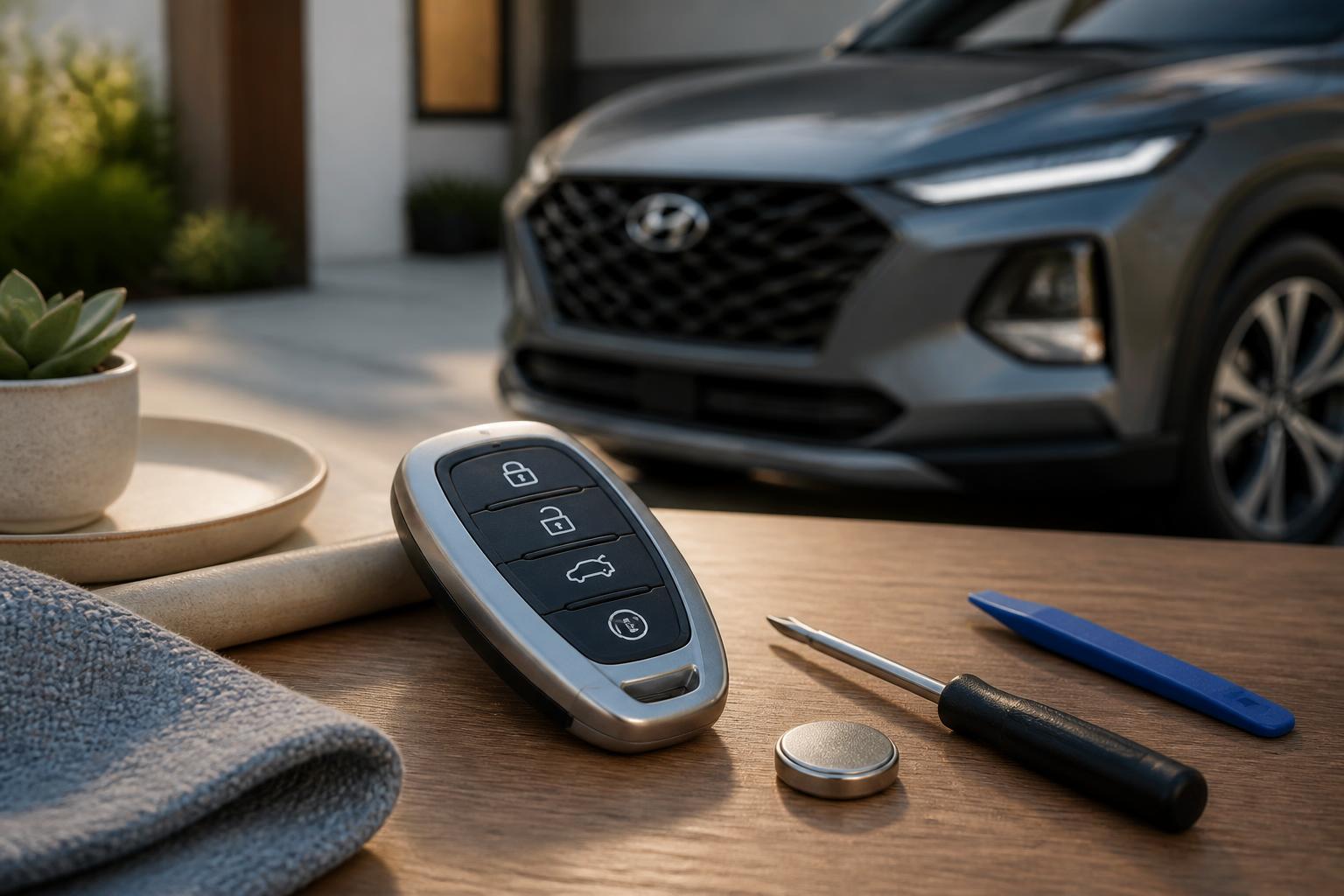
What You’ll Need
- Replacement battery: The correct number is stamped on the original battery. Common Hyundai fob batteries by model year:
| Model Year Range | Typical Battery | Notes |
|---|---|---|
| 2010–present (most) | CR2032 (3V, 225 mAh) | Standard for Elantra, Sonata, Tucson, Santa Fe, Kona, Palisade, etc. |
| 2006–2009 (some smart keys) | CR2025 (3V, 170 mAh) | Thinner than CR2032 – do not substitute |
| 2004–2008 (older flip keys) | CR1632 (3V, 140 mAh) | Rare; verify in owner’s manual |
| 2000–2005 (some models) | CR1620 (3V, 80 mAh) | Check existing battery before ordering |
Buy a brand-name lithium battery (e.g., Panasonic, Energizer, Duracell). Avoid rechargeable coin cells – their 1.5V output won’t power the fob reliably.
- Small flathead screwdriver or a plastic pry tool – metal may scratch the fob shell. If using a metal tool, wrap the tip with tape to avoid marring the plastic.
- A clean, well-lit work surface.
- (Optional) Multimeter – to verify old battery voltage and confirm it’s truly dead.
Practical decision point: Doing this yourself saves the $20–40 a dealer or locksmith would charge. But using the wrong battery type can damage the clip or cause intermittent failure. A CR2025 is 2.5 mm thick; a CR2032 is 3.2 mm. If you force a thicker battery into a slot designed for a thinner one, you may crack the plastic retainer. Always match the exact number stamped on the original battery.
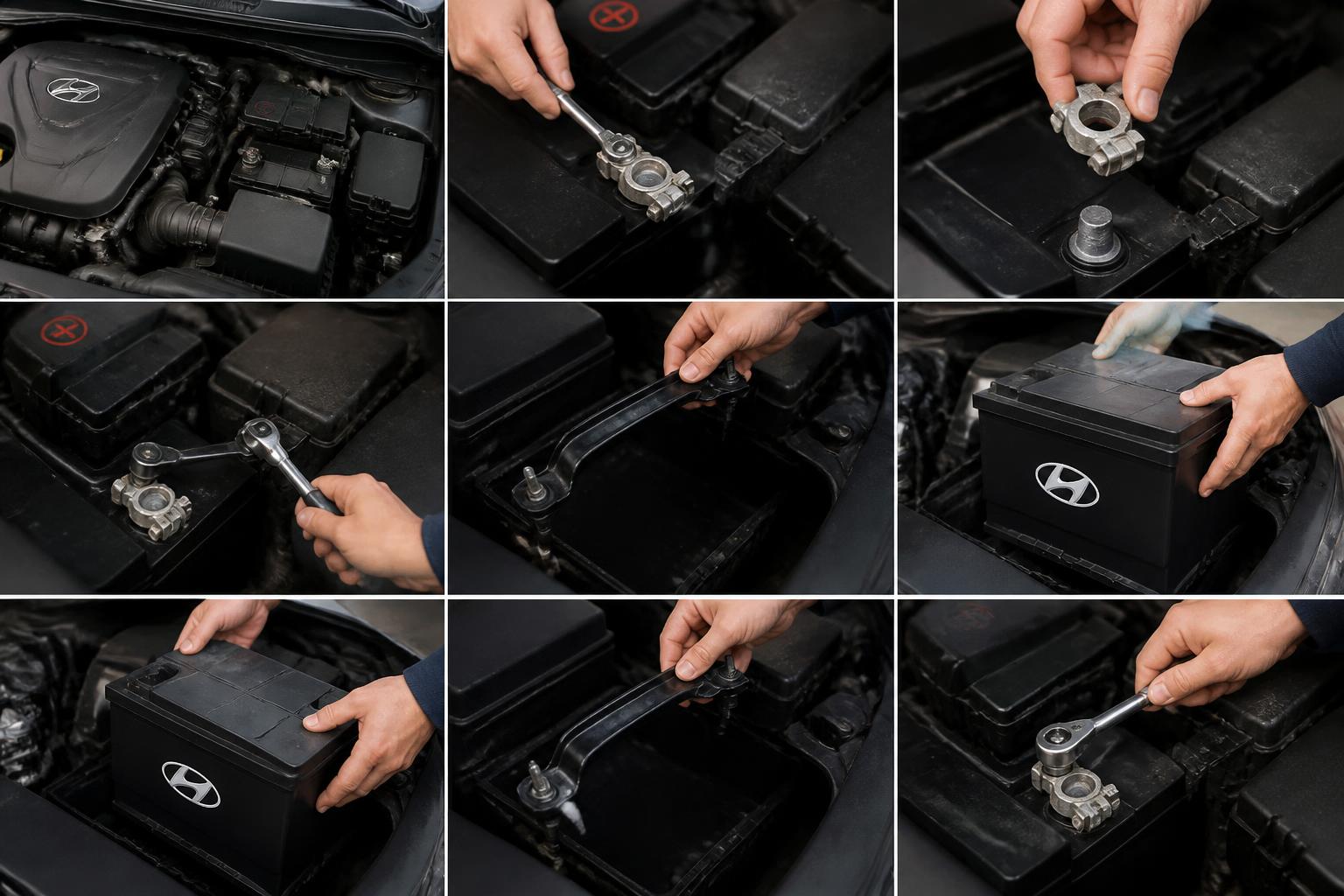
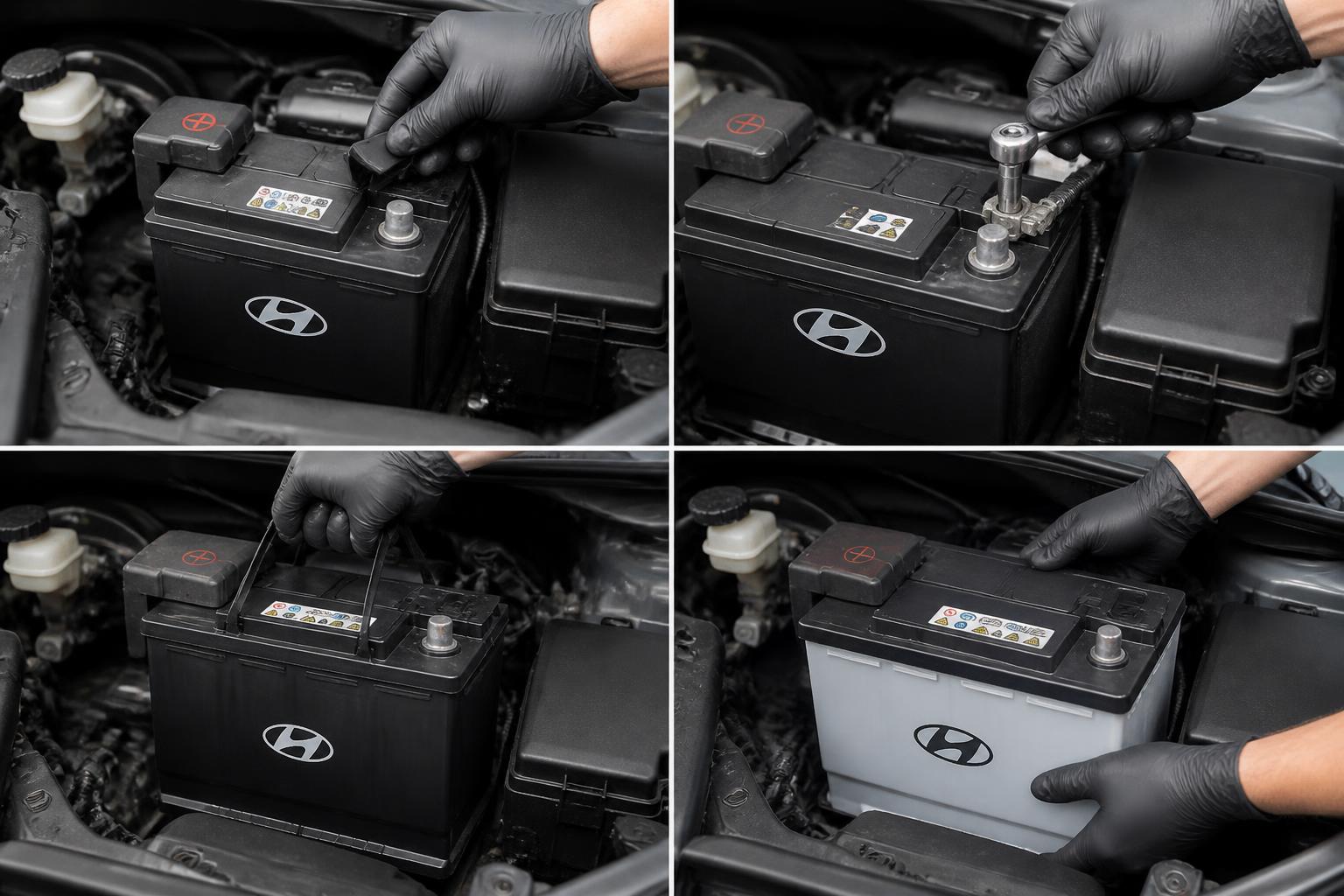
Quick check before you start: If the fob has a mechanical key blade, remove it (slide the release button or tab). That often exposes the seam you need to pry. On Hyundai smart keys (2020+ Sonata, 2021+ Tucson), the release is a small button near the key ring; on older flip keys, you pull out the metal key manually.
Step-by-Step Battery Swap
Step 1: Open the fob case. Locate the small notch or seam along the edge. Insert your screwdriver or pry tool gently and twist to pop the two halves apart. Some Hyundai fobs (e.g., 2017+ Elantra, 2019+ Tucson) have a hidden slot near the key ring; others require prying at the bottom edge. Work slowly – broken plastic clips mean a loose fob that may not seal properly. If you hear a snap, you’re on the right track. If the case doesn’t separate easily, check for a hidden screw (rare, but some 2009–2011 Genesis fobs have a small Phillips screw under the key blade).
Step 2: Remove the old battery. It is usually held in place by a spring clip or sits in a recess. Use your fingernail or the screwdriver to flip it out. Note the battery orientation (positive side up or down – most Hyundai fobs have the positive “+” facing upward, but check the marking in the slot). If there’s a small metal contact tab, take a photo first so you remember the orientation.
Step 3: Test the old battery (optional but helpful). If you have a multimeter, set it to DC volts and touch the probes to the battery terminals. A fresh CR2032 reads 3.0–3.2V. Anything below 2.8V is degraded and confirms the battery was the cause. A reading of 0V may mean the battery has been dead for a while or internal corrosion is present. This step helps rule out a defective fob board.
Step 4: Verify battery fit. Before inserting the new battery, place it side-by-side with the old one on a flat surface. A CR2032 measures about 3.2 mm thick; a CR2025 is only 2.5 mm. If the new battery looks noticeably thinner or thicker, you have the wrong number – do not force it in. Wrong size will cause poor contact or a loose shell. Also check diameter: all these cells are 20 mm in diameter except CR1632 (16 mm) and CR1620 (16 mm). If the new battery doesn’t sit flush, stop and compare again.
Step 5: Insert the new battery. Place it into the slot exactly the same way the old one sat – same side up. Press down gently until the spring clip snaps over the edge. Do not use excessive force; if it doesn’t seat, check orientation again. Some fobs have a small plastic tab that must be aligned with the battery notch – if you force it, the tab can break.
Step 6: Snap the fob halves together. Align the two halves and press firmly around the edges until you hear the clips click. Double-check that the rubber seal (if present) sits flush. Reinsert the mechanical key blade if you removed it. Press the buttons once or twice to feel that they click cleanly – a squishy feel means the case isn’t fully closed. If the buttons are stuck, open the fob again and check for debris or misaligned rubber pads.
Step 7: Verify the fix. Walk near your Hyundai and press the lock/unlock buttons – the doors should respond at normal range (30–50 feet for most models). Also check the trunk and panic button. If the LED on the fob flashes weakly or doesn’t flash at all, the battery may be inserted backward or the fob may need resynchronization (rare – usually handled automatically). If the fob works only at very close range (1–2 feet), the battery may be weak or the wrong type; replace it with a fresh name-brand cell.
Where People Get Stuck
- Using the wrong battery. A CR2025 is thinner than a CR2032 and will rattle, causing intermittent contact – you may not notice until the fob stops working far from your car. Always match the exact number stamped on the original. Example: a 2012 Elantra uses CR2032, but some aftermarket guides mistakenly say CR2025. Always verify by looking at the old battery.
- Inserting the battery upside down. The polarity is reversed on some older models (e.g., 2008–2012 Sonata with the older rectangular fob). If the fob doesn’t work after replacement, flip the battery and retest – it won’t damage anything. The LED may flash dimly even with reversed polarity, so don’t rely on that alone.
- Breaking the plastic clip. Prying at the wrong seam or using a wide screwdriver can crack the inner tab. If the fob feels loose after reassembly, wrap it in a small rubber band temporarily or order a replacement shell online (≈$10–15). A cracked shell may let moisture in, gradually corroding the contacts. For 2019+ Palisade smart fobs, the clips are especially fragile – use a plastic pry tool only.
- Forgetting to resync. On a few models (e.g., 2006–2010 Santa Fe, 2007–2011 Veracruz) you may need to re-sync the fob after battery change. The typical procedure: insert the key, turn to ON (not start), press the lock button 4 times within 10 seconds, then turn OFF and remove the key. Check your owner’s manual for the exact sequence – some models require pressing unlock instead. If your car is 2011 or newer, resyncing is almost never necessary.
- Corroded contacts. If the old battery leaked, the spring clip may have white or green corrosion. Clean it with a cotton swab dipped in white vinegar, then dry thoroughly before inserting a new battery. Corrosion can eat through the metal over time – if the clip is damaged, replace the fob shell.
FAQ (Quick Follow-Ups)
Q: How long should a Hyundai key fob battery last?
Typically 2–4 years, depending on usage. Frequent use of remote start or proximity features can drain it faster. If your fob dies in under a year, check for a parasitic drain (e.g., stuck button) or consider a different battery brand.
Q: Can I use a generic battery brand?
Yes, as long as it’s a fresh lithium CR2032 (or the correct number). Avoid “rechargeable” coin cells – they have lower voltage (1.5V instead of 3V) and won’t work reliably. Stick to Panasonic, Energizer, Duracell, Sony, or Maxell – these are the most consistent.
Q: My fob works at close range but not from across the parking lot. Is that the battery?
Often yes – a weak battery still produces a signal at very short distances. Replace it first. If range remains poor after a new battery, the fob itself may have internal damage (cracked circuit board or antenna). Test the fob near the rear bumper; if it works only within a few feet, the fob may need replacement.
Q: What if the fob won’t open at all?
Use the mechanical key blade to unlock the driver’s door manually (turn the key clockwise for most Hyundai models). Then hold the fob near the start button (if push-to-start) and press the brake and start button – many Hyundai models allow emergency start this way. For older models with a physical key ignition, insert the key and turn to start while holding the fob near the ignition ring.
Q: Do I need to reprogram the fob after battery replacement?
In nearly all Hyundai models (2011 and newer), no. The pairing data is stored in non-volatile memory. Only older models (2009 and earlier) may require a reset procedure as noted above. If your fob still doesn’t work after a fresh battery and correct resync, the fob itself may be faulty or the car’s receiver may have an issue.
Q: What if the fob has a broken spring clip?
You can still use the fob by pressing the battery down with a small piece of electrical tape or a foam pad. But this is temporary – order a replacement fob shell or visit a dealer for a new fob housing (about $20). Do not leave a loose battery in the fob – it can short against the metal contacts.
Replacing a Hyundai key fob battery is a straightforward DIY task that saves $20–40 and keeps you from being stranded. If the fob still fails after a fresh battery and proper orientation, inspect for broken contacts, corrosion, or consider having the fob tested at a service center. With the correct battery and a careful pry, you can restore full remote function in under ten minutes.
Explore This Topic
- Back to Key Fob Battery Replacement
- Back to Keys, Fobs & Access

Greedy Wheels is the founder and lead editor at Wheels Greed. With over 15 years of hands-on automotive experience — from rebuilding engines in a home garage to managing fleet maintenance for a regional logistics company — he brings real-world mechanical knowledge to every guide.
His work has been featured in automotive forums, owner communities, and dealership training materials. When he’s not researching the latest car owner questions, you’ll find him at a local track day, wrenching on his project car, or testing the newest OBD2 diagnostic tools.
At Wheels Greed, every article is reviewed against manufacturer service manuals, NHTSA bulletins, and verified owner reports. No AI-generated fluff. No guesswork. Just practical answers from someone who has turned the wrench.