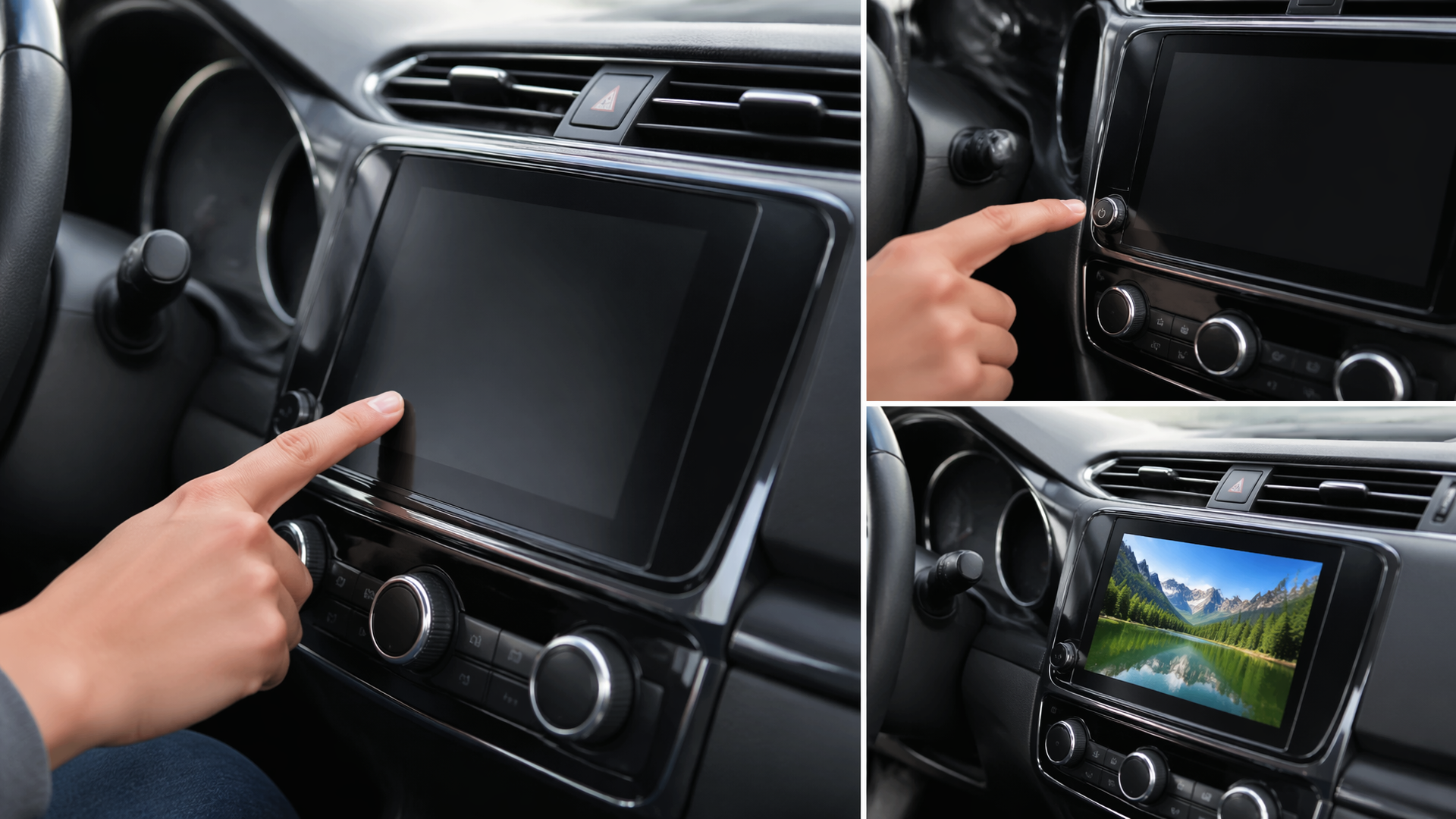
Rebooting Your Honda Infotainment System: A Troubleshooting Guide
If your Honda’s infotainment system is frozen, unresponsive, or glitching, a system reboot is the first and most effective troubleshooting step. This process is akin to restarting a computer and can resolve temporary software issues without impacting your vehicle’s core driving functions or personal data. Before exploring more complex solutions, try this simple reboot to see if it restores normal operation.
Performing the Standard Infotainment Reboot
Most Honda vehicles allow for a straightforward reboot by cycling the vehicle’s power. While the exact steps can vary slightly depending on your specific model year and infotainment system, the general procedure is consistent:
1. Park Safely: Ensure your Honda is parked in a secure location and engage the parking brake.
2. Turn Off the Engine: Completely shut down the vehicle.
3. Open and Close a Door: This action helps ensure all electronic systems fully power down.
4. Wait for Full Power Down: Allow a minimum of 5 to 10 minutes. Some owners find waiting up to 30 minutes provides a more thorough system reset.
5. Restart the Engine: Turn your Honda back on and observe the infotainment screen.
Confirming the System Has Responded
Once your Honda is running again, carefully watch the infotainment display. A successful reboot will typically show the Honda logo as it starts up, followed by the main interface loading without errors, freezing, or unexpected behavior. To verify functionality, briefly test key features such as the radio, navigation system (if equipped), and Bluetooth connection. If the system loads properly and these features work as intended, the reboot has resolved the problem.
When the Basic Reboot Doesn’t Resolve the Issue
If the infotainment system remains frozen, blank, or continues to act erratically after the standard reboot, the problem may be more deeply rooted. This could stem from a more complex software conflict, a hardware component issue, or a need for a more intensive reset procedure.
Attempting a Hard Reset Sequence
Some Honda models feature a more forceful reset option, often accessed via a specific button or a combination of button presses. Consult your vehicle’s owner’s manual for the precise hard reset instructions specific to your model. This often involves using a pointed object, like a straightened paperclip, to press a small, recessed button on the face of the infotainment unit. Be aware that performing a hard reset may revert some of your personalized system settings to their factory defaults.
Checking for and Installing Software Updates
An outdated infotainment system software can be a common culprit behind glitches and performance issues. Honda regularly releases software updates to enhance functionality and address bugs. If your system is still partially responsive, navigate to the “Settings” or “System Information” menu and look for a “Software Update” option. If the screen is completely unresponsive, you will need to visit a Honda dealership to have them check for and install any available updates.
Escalating to Professional Service
If you have attempted both the basic and hard reset procedures, and you are either unable to check for software updates due to system unresponsiveness or the updates do not resolve the problem, it is time to seek professional help. Persistent issues can signal more significant hardware failures, such as a malfunctioning display, a problem with the central control unit, or issues with connected modules like GPS or cameras.
At this point, stop further troubleshooting and contact your local Honda dealership or a certified automotive technician. They possess the specialized diagnostic tools and expertise necessary to accurately diagnose and repair complex infotainment system problems. Attempting further resets or repairs without professional guidance could potentially lead to additional damage.
Explore This Topic

Greedy Wheels is the founder and lead editor at Wheels Greed. With over 15 years of hands-on automotive experience — from rebuilding engines in a home garage to managing fleet maintenance for a regional logistics company — he brings real-world mechanical knowledge to every guide.
His work has been featured in automotive forums, owner communities, and dealership training materials. When he’s not researching the latest car owner questions, you’ll find him at a local track day, wrenching on his project car, or testing the newest OBD2 diagnostic tools.
At Wheels Greed, every article is reviewed against manufacturer service manuals, NHTSA bulletins, and verified owner reports. No AI-generated fluff. No guesswork. Just practical answers from someone who has turned the wrench.