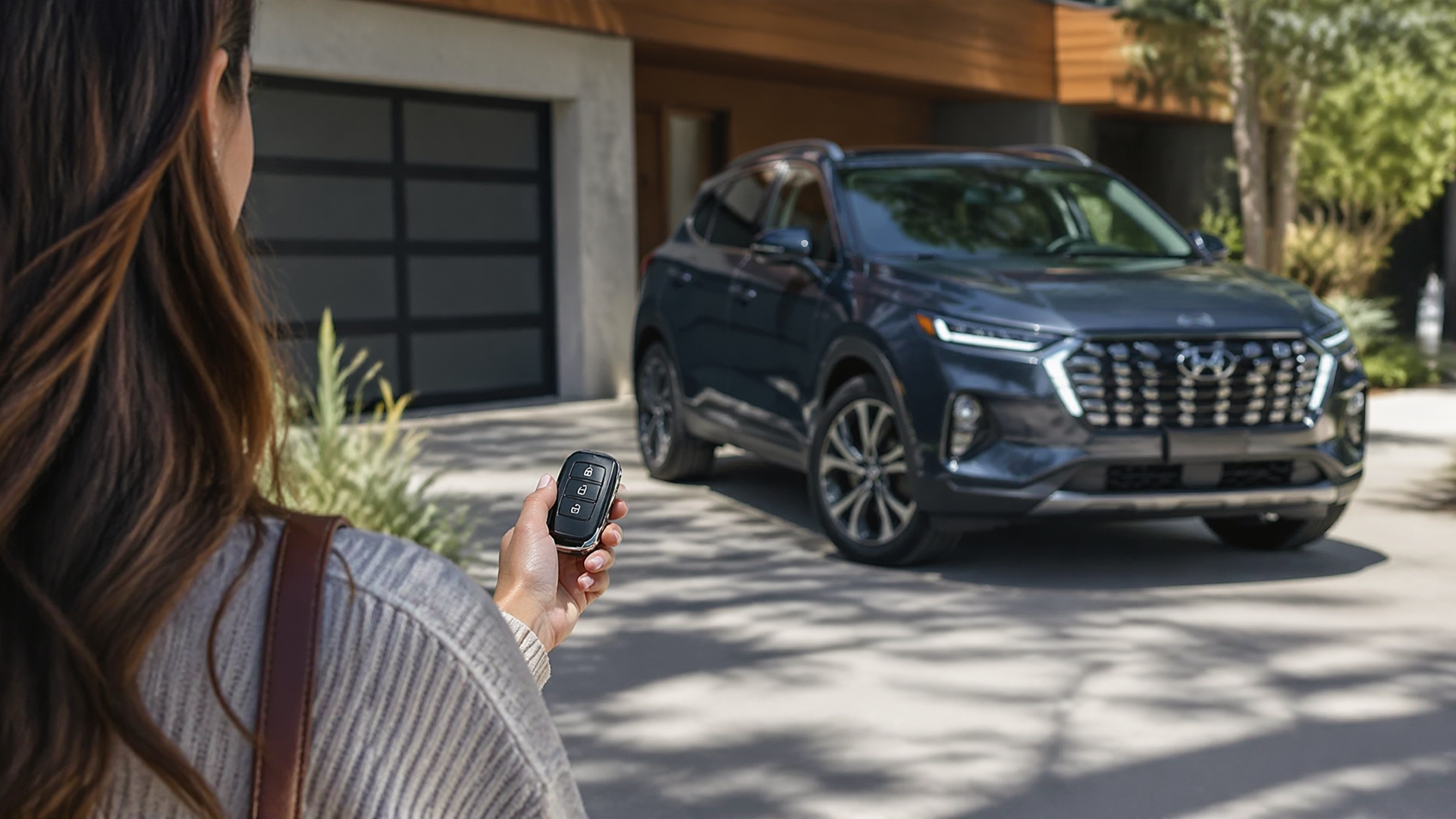
How to Use Hyundai Remote Start and Climate Start
Hyundai’s remote start and climate start features allow you to pre-condition your vehicle’s interior, making it more comfortable before you even step inside. To activate these conveniences, you’ll typically use your key fob or the Hyundai Remote Smart app, provided your vehicle is equipped with the necessary system and subscription. The primary requirements are that the vehicle must be in Park, the hood must be closed, and all doors and windows must be shut.
Activate Remote Start with Your Key Fob
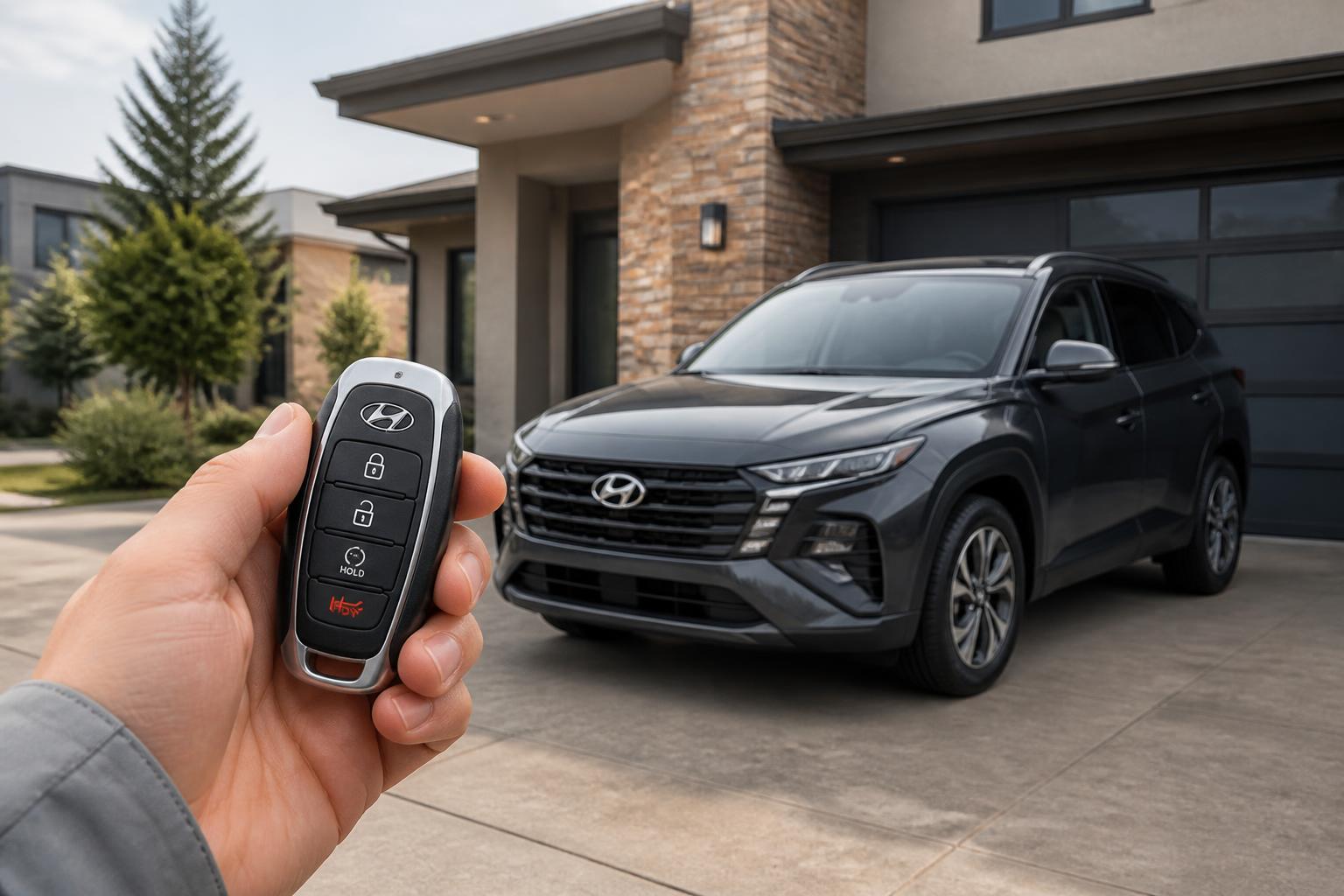
The most direct way to use your Hyundai’s remote start and climate features is via the key fob. First, press and hold the “Lock” button on your fob. Within two seconds of pressing “Lock,” press and hold the “Remote Start” button (often marked with a circular arrow or a climate icon). Your vehicle’s hazard lights will flash to confirm the signal was received, and the engine will then start, activating the climate control based on its last-used settings or a pre-programmed temperature. To stop the engine remotely, simply repeat the same lock-then-remote-start button sequence.
Set Your Preferred Climate Conditions
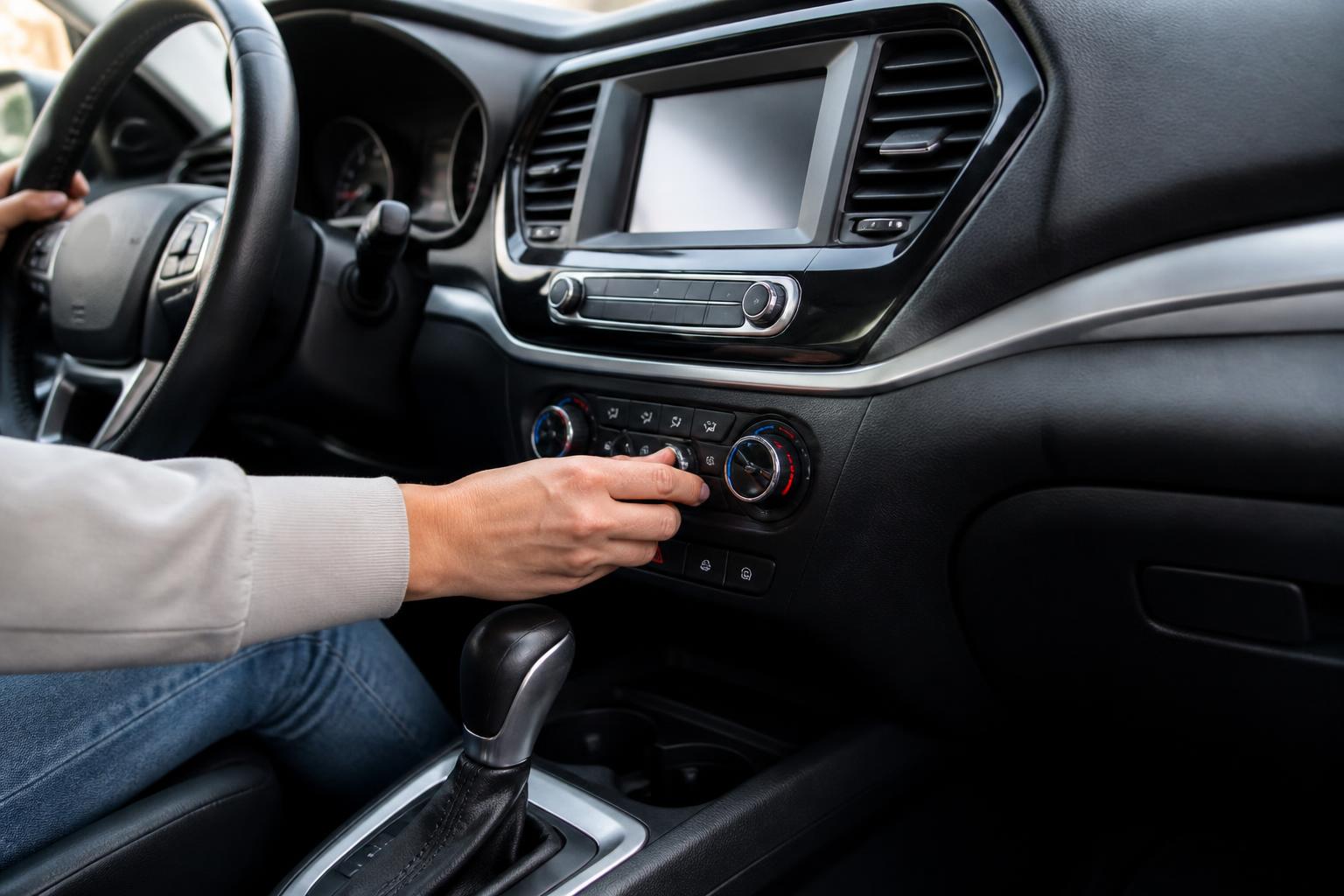
For the climate start to be most effective, you can set your desired cabin temperature and fan speed. Do this while the engine is running and you are inside the vehicle. Adjust the climate control system to your preferred temperature, fan speed, and air direction. The vehicle’s system is designed to remember these settings for the next time you use the remote start feature. Some Hyundai models may offer more advanced climate customization options within the infotainment system’s settings, allowing you to prioritize defrosting in winter or maximum cooling in summer.
Utilize the Hyundai Remote Smart App
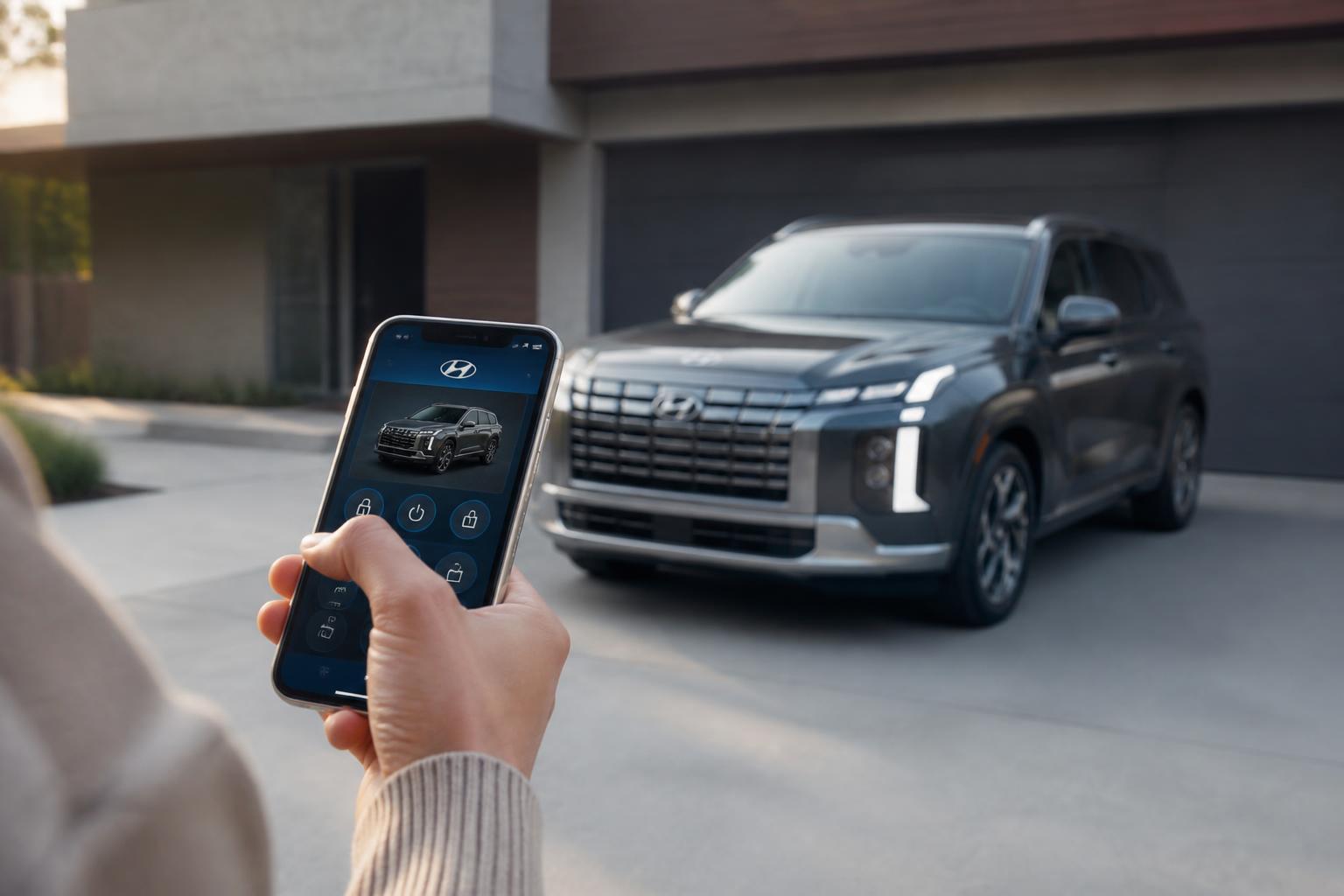
If your Hyundai is equipped with Bluelink connected car services, you can also manage remote start and climate control through the Hyundai Remote Smart app on your smartphone. After logging into the app, navigate to the remote functions section. You’ll typically find options to “Start Engine” and then select specific climate control preferences. This often includes setting a target temperature, fan speed, and even activating heated or ventilated seats and the steering wheel, if your vehicle is equipped with these features. This method provides greater control and the ability to check your vehicle’s status from a distance.
Key Requirements for Operation
For remote start and climate start to function, whether via key fob or app, several conditions must be met. The vehicle must be in Park (P) gear. The hood must be securely latched, and all doors, windows, and the sunroof must be completely closed. If any of these are not satisfied, the system will not initiate. Most remote start systems have an automatic shut-off timer, typically around 10 minutes, to ensure safety and conserve fuel. You can often extend this runtime by repeating the remote start sequence before the initial period expires.
Confirming Feature Availability and Settings
To verify if your Hyundai has remote start and climate start capabilities and to check current settings, consult your vehicle’s owner’s manual. For models equipped with Bluelink, you can also access feature details and subscription status through the Hyundai Remote Smart app or the Bluelink website. Many vehicles display a remote start icon on the instrument cluster when the feature is active or ready to be used. If you’re unsure about specific model year compatibility or feature variations, your Hyundai dealership can provide precise information.
When Remote Start Might Not Work
A common reason for remote start failure is not meeting the prerequisite conditions. Ensure the vehicle is truly in Park and that no doors are even slightly ajar, as this is a frequent oversight. Another cause could be a depleted key fob battery or an expired Bluelink subscription, which is necessary for app-based remote start. If using the app, a weak or unavailable cellular or Wi-Fi signal on your phone can prevent commands from reaching the vehicle. In some cases, a critically low vehicle battery may also prevent the remote start system from engaging.
Next Steps for Persistent Issues
If you’ve confirmed all prerequisites are met and your subscription is active, but remote start still isn’t functioning, the next practical step is to consult your vehicle’s owner’s manual for specific troubleshooting tips related to your model year. If the issue persists, it’s advisable to contact your local Hyundai dealership. They have the diagnostic tools and expertise to identify and resolve complex system issues, ensuring your remote start and climate features operate correctly.

Greedy Wheels is the founder and lead editor at Wheels Greed. With over 15 years of hands-on automotive experience — from rebuilding engines in a home garage to managing fleet maintenance for a regional logistics company — he brings real-world mechanical knowledge to every guide.
His work has been featured in automotive forums, owner communities, and dealership training materials. When he’s not researching the latest car owner questions, you’ll find him at a local track day, wrenching on his project car, or testing the newest OBD2 diagnostic tools.
At Wheels Greed, every article is reviewed against manufacturer service manuals, NHTSA bulletins, and verified owner reports. No AI-generated fluff. No guesswork. Just practical answers from someone who has turned the wrench.