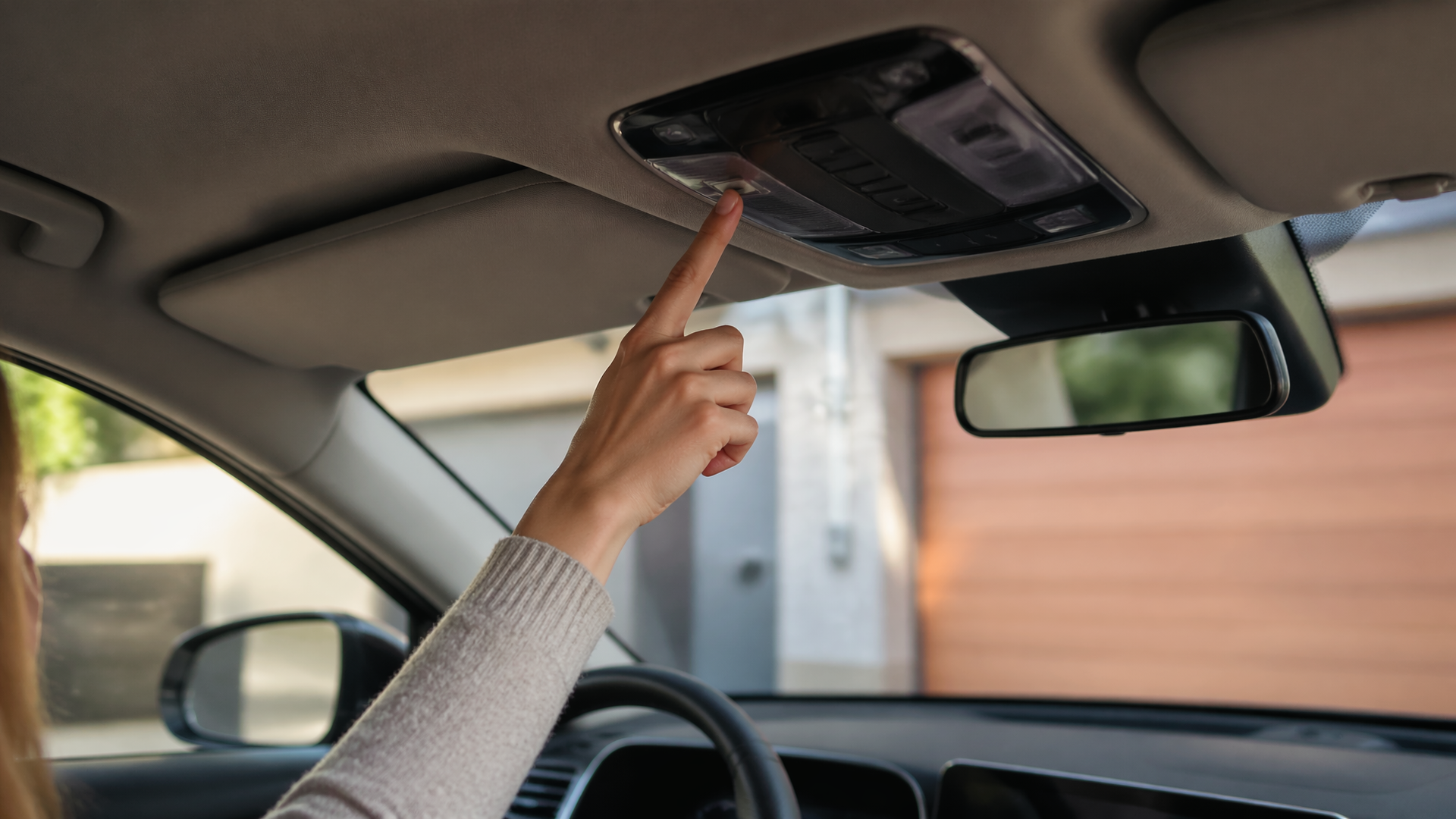
How to Use and Program Your Kia’s HomeLink Garage Door Opener
If you’re looking to program your Kia Sportage’s HomeLink system to operate your garage door, the process is designed to be straightforward and can typically be completed within your vehicle. This integrated system allows you to control your garage door, gate, or other compatible devices without needing a separate remote. For most Kia models, including the Sportage, you’ll find the HomeLink buttons located on the visor or overhead console. The programming requires your existing garage door opener remote and your vehicle.
Preparing for Programming
Before you begin, ensure you have your original garage door opener remote readily available, as you will need to press buttons on it. It’s also beneficial to have a step stool or ladder if your garage door opener’s “Learn” or “Smart” button is located high up on the motor unit. Most HomeLink systems require a clear line of sight to the garage door opener motor unit for the initial synchronization. Make sure your vehicle’s ignition is in the ON or ACCESSORY position during the programming sequence.
Programming a New Garage Door Opener
1. Clear Existing HomeLink Codes (Optional but Recommended): To ensure a clean slate, press and hold the two outer HomeLink buttons (typically buttons 1 and 3) simultaneously for about 10 seconds. The indicator light will flash rapidly, then turn solid, indicating the memory has been cleared. This is a good practice, especially if you’re unsure of the system’s previous programming.
2. Select and Activate a HomeLink Button: Choose one of the three HomeLink buttons in your Kia that you wish to assign to your garage door. Press and hold the chosen HomeLink button, then press and hold the existing garage door opener remote’s button simultaneously. Keep both buttons pressed.
3. Observe the HomeLink Indicator Light: Continue holding both buttons. The HomeLink indicator light will cycle through different patterns. It will likely flash slowly at first, then change to a faster flash, and finally, it may turn solid or flash rapidly. This indicates that the HomeLink system is receiving the rolling code from your remote.
4. Release Buttons and Test: Once the HomeLink indicator light flashes rapidly or turns solid, release both the HomeLink button and the remote button. If the indicator light turns solid, your garage door opener is likely programmed and ready to test. Press the programmed HomeLink button briefly.
Success Check: Testing the Programmed Button
After releasing the buttons, the HomeLink indicator light should be solid. Press the programmed HomeLink button once more. If your garage door opens or closes, the initial programming was successful, and you can proceed to use your Kia’s HomeLink system. If the door does not operate, you will need to proceed to the next step to train the garage door opener motor unit.
Training the Garage Door Opener Motor Unit (for Rolling Codes)
If the garage door does not operate after the initial programming step, or if your garage door opener uses a rolling code system (common in most modern openers), you will need to train the garage door opener motor unit itself. This step synchronizes the vehicle’s signal with the opener’s rolling code.
1. Locate the “Learn” or “Smart” Button: Go to your garage door opener motor unit. You’ll need to find the “Learn” or “Smart” button, which is usually located near the antenna or on the back of the unit. This button is typically small and often colored.
2. Press the “Learn” Button: Press and release the “Learn” or “Smart” button on the motor unit. You will usually have about 30 seconds to complete the next step before the signal expires. Some units have an LED light that illuminates to indicate the learning mode has been activated.
3. Return to Your Vehicle and Press the HomeLink Button: Immediately return to your Kia and press and hold the HomeLink button you programmed in the previous step for a few seconds. The garage door opener motor unit should now receive the signal and activate, causing the garage door to open or close.
Troubleshooting Common Issues
If your HomeLink system doesn’t program correctly on the first or second attempt, several factors could be at play.
- Incorrect Button Combination: Ensure you are pressing and holding both the HomeLink button and the original remote button simultaneously for the initial programming step. Releasing too early can prevent the signal from being captured.
- Weak Remote Battery: A weak or dead battery in your original garage door opener remote can prevent the signal from being transmitted properly to the HomeLink system. Try replacing the battery in your remote if you suspect this is the issue.
- Opener Compatibility: While HomeLink is widely compatible with over 99% of garage door openers, some older or specialized systems might require a special adapter or may not be fully compatible. You can check the HomeLink website for a compatibility checker using your opener’s brand and model.
- Rolling Code Training Failure: If the motor unit training step (Section 3) fails, ensure you are pressing and holding the HomeLink button for at least 2-3 seconds after pressing the learn button on the opener. Also, confirm you are within the 30-second window. If the opener’s LED light turns off before you press the HomeLink button, you’ve missed the window and need to press the opener’s learn button again.
If you continue to experience difficulties after trying these troubleshooting steps, consult your Kia Sportage’s owner’s manual for model-specific instructions or contact Kia customer support or a qualified garage door technician for further assistance.
Explore This Topic

Greedy Wheels is the founder and lead editor at Wheels Greed. With over 15 years of hands-on automotive experience — from rebuilding engines in a home garage to managing fleet maintenance for a regional logistics company — he brings real-world mechanical knowledge to every guide.
His work has been featured in automotive forums, owner communities, and dealership training materials. When he’s not researching the latest car owner questions, you’ll find him at a local track day, wrenching on his project car, or testing the newest OBD2 diagnostic tools.
At Wheels Greed, every article is reviewed against manufacturer service manuals, NHTSA bulletins, and verified owner reports. No AI-generated fluff. No guesswork. Just practical answers from someone who has turned the wrench.