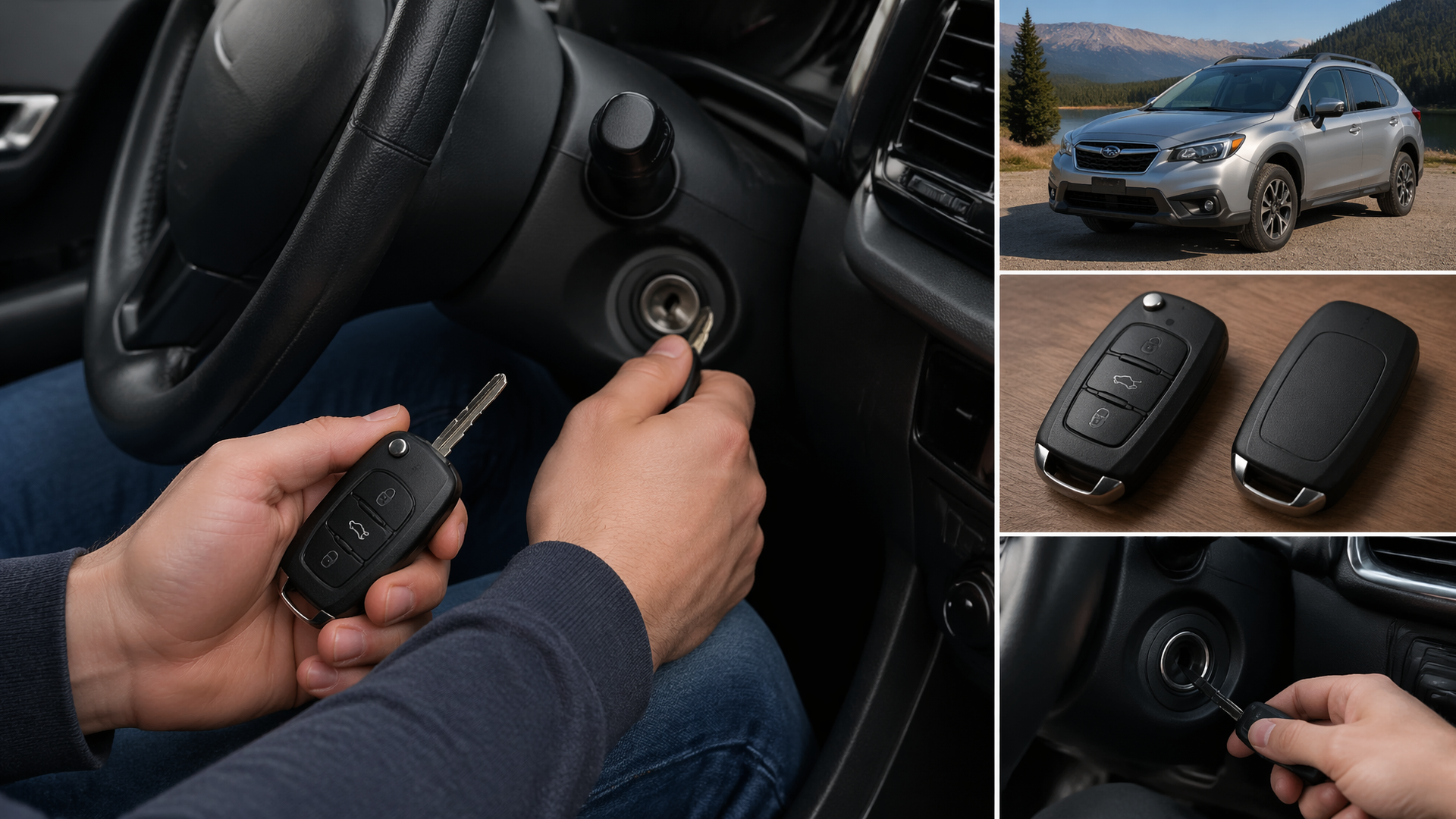
How to Program a Subaru Key Fob: A DIY Guide
If you need to program a new key fob for your Subaru, you can often do this yourself without needing to visit a dealership. The process generally involves a specific sequence of actions using your ignition key and the buttons on the fob, though the exact method can differ based on your Subaru’s model year. This guide will walk you through the typical procedure for programming a Subaru key fob and address common problems that might arise.
Confirm Your Subaru and Key Fob Compatibility
Before you begin, it’s essential to ensure your Subaru is equipped for keyless entry and that the key fob you have is compatible. Most Subaru models from the early 2000s onward that feature power door locks can be programmed. However, some base trims or older models may not have this capability. It’s a good idea to check your owner’s manual or contact a Subaru dealer if you’re uncertain. Trying to program an incompatible fob won’t work and could potentially cause minor electrical issues.
Steps to Program Your Subaru Key Fob
This common method requires that all vehicle doors are closed and locked before you start.
1. Enter and Prepare: Sit in the driver’s seat with the key fob you intend to program.
2. Ignition Sequence: Insert your ignition key into the ignition cylinder. Turn the key to the “ON” position (when the dashboard lights illuminate), then immediately turn it back to “OFF” and remove the key. Repeat this ON-OFF-REMOVE sequence three times within a 10-second period.
3. Return to ON: Insert the ignition key back into the ignition cylinder and turn it to the “ON” position.
4. Initiate Programming Mode: Close all vehicle doors. Press and hold the “LOCK” button on the driver’s door. While holding the “LOCK” button, press the “UNLOCK” button on the driver’s door three times.
5. Listen for Confirmation: Release the “LOCK” button. You should hear a distinct chime or the vehicle’s horn chirp twice. This sound indicates that the vehicle’s system is now ready to accept a new key fob. If you don’t hear this confirmation, the system has not entered programming mode, and you will need to restart the entire sequence.
6. Program the New Fob: Within 30 seconds of hearing the confirmation sound, press and hold both the “LOCK” and “UNLOCK” buttons on the key fob you wish to program simultaneously for at least one second.
7. Verify Individual Fob Programming: You should hear the vehicle’s horn chirp once. This single chirp confirms that this specific key fob has been successfully programmed.
8. Program Additional Fobs: If you have more key fobs to program, repeat steps 6 and 7 for each additional fob.
9. Exit Programming Mode: Once all desired key fobs have been programmed, turn the ignition key to the “OFF” position. Open and then close the driver’s door. This action finalizes the programming session and exits the vehicle from programming mode.
Confirming Successful Programming
After completing the programming sequence, it’s important to test each key fob to ensure it functions correctly.
- Test Lock and Unlock: Step away from your Subaru. Press the “LOCK” button on the programmed fob; all doors should lock. Then, press the “UNLOCK” button; the doors should unlock.
- Check Other Functions: If your key fob includes additional buttons, such as a trunk release or panic alarm, test these features as well to ensure they are operational.
If the doors lock and unlock as expected, and any other buttons on the fob function, your key fob has been successfully programmed to your Subaru.
Troubleshooting Common Programming Issues
If your Subaru key fob does not program successfully, the following are the most frequent causes and checks to perform:
- Timing Errors: The precise timing of the key insertion and turning sequences is critical. If you are too slow or too fast during steps 2 and 3, the vehicle may not enter the programming mode. Ensure you are performing the ON-OFF-REMOVE actions rapidly within the specified 10-second window.
- Incompatible Key Fob: Double-check that the key fob you are using is specifically designed for your Subaru’s model year and trim. Fobs can vary in frequency or internal chip type, and using an incorrect one will prevent programming.
- Weak or Dead Fob Battery: A low battery in the key fob itself can hinder its ability to send the necessary signal for programming. If you suspect this, try replacing the fob’s battery with a new one, typically a CR2032 coin cell.
- Ignition Cylinder Function: Ensure your ignition cylinder is in good working order and can smoothly transition between the “OFF” and “ON” positions.
- Door Lock System Malfunction: If the vehicle does not respond to the lock or unlock commands during the programming sequence, there might be an issue with the door lock actuators or the overall door lock system.
If you have repeatedly followed these steps without success, it’s advisable to consult your Subaru’s owner’s manual for any model-specific programming instructions. Alternatively, you may need to seek assistance from a professional automotive locksmith or a Subaru dealership, as some vehicles may require specialized diagnostic tools for key fob programming.
Explore This Topic
- Subaru Key Fob Complete Guide
- Changing The Battery In Your Subaru Key Fob A Diy Guide
- How To Disable Your Subaru Key Fob

Greedy Wheels is the founder and lead editor at Wheels Greed. With over 15 years of hands-on automotive experience — from rebuilding engines in a home garage to managing fleet maintenance for a regional logistics company — he brings real-world mechanical knowledge to every guide.
His work has been featured in automotive forums, owner communities, and dealership training materials. When he’s not researching the latest car owner questions, you’ll find him at a local track day, wrenching on his project car, or testing the newest OBD2 diagnostic tools.
At Wheels Greed, every article is reviewed against manufacturer service manuals, NHTSA bulletins, and verified owner reports. No AI-generated fluff. No guesswork. Just practical answers from someone who has turned the wrench.