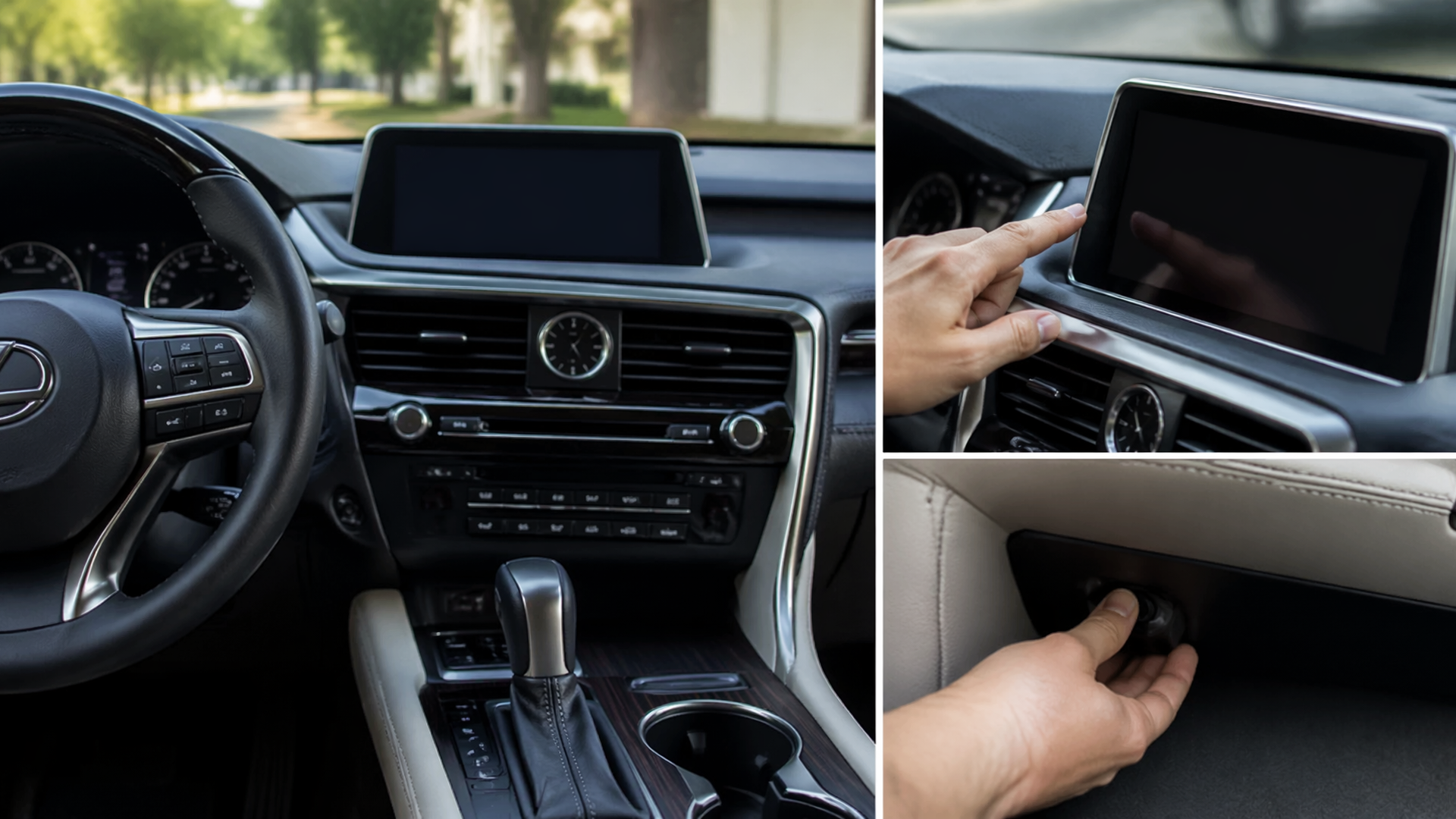
How to Reset Your Lexus RX 350 (System Reset Guide)
If your Lexus RX 350’s infotainment system is frozen, unresponsive, or exhibiting other electronic glitches, performing a system reset can often resolve these issues. This guide covers the common methods for resetting your vehicle’s electronics, from a quick infotainment reboot to a full battery disconnect.
Before You Start: Important Preparations
Before attempting any reset, ensure you are prepared. For infotainment resets, have your radio presets and any paired Bluetooth devices ready to be reconfigured. If you plan to disconnect the battery, locate your car’s audio system security code, as it may be required after reconnection. Always refer to your owner’s manual for vehicle-specific warnings and instructions.
Rebooting the Infotainment System
This is the simplest reset and is effective for most common screen freezes or unresponsive touch controls.
1. Find the Power/Volume Knob: This is usually the large knob on the main infotainment display unit.
2. Press and Hold: Simultaneously press and hold both the Power/Volume knob and the “Menu” button. The Menu button is often located near the screen or on the steering wheel controls.
3. Maintain Pressure: Continue holding both buttons for about 10 to 15 seconds.
4. Release and Watch: Let go of the buttons. The screen should turn black and then display the Lexus logo as it restarts.
This process restarts the infotainment software without altering vehicle settings or erasing stored data.
Performing a Full System Reset via Battery Disconnect
A more comprehensive reset, often called a hard reset, involves temporarily disconnecting the car battery. This can resolve a wider array of electronic issues that a simple infotainment reboot might not fix, but it will reset all electronic control units (ECUs) and erase personalized settings.
1. Locate the Battery: In most Lexus RX 350 models, the battery is found under the hood. Check your owner’s manual for the precise location.
2. Disconnect the Negative Terminal: Using an appropriate wrench (typically 10mm), loosen the nut on the clamp holding the negative (-) battery terminal. Carefully remove the cable from the battery post. Ensure the disconnected cable doesn’t touch the battery terminal again.
3. Wait for Discharge: Leave the negative terminal disconnected for at least 15 to 30 minutes. Some recommend up to an hour to ensure all electronic modules fully discharge their capacitors.
4. Reconnect the Terminal: Reattach the negative cable to the battery post and tighten the clamp securely.
5. Start the Vehicle: Turn on your Lexus RX 350. The engine’s idle speed might fluctuate slightly for a few minutes as the ECUs relearn their operating parameters.
Note: After reconnecting the battery, you will need to reset your clock, radio presets, and re-pair any Bluetooth devices. If your RX 350 has a navigation system or premium audio, you might need to enter a security code.
What to Expect When the Reset Works
If the infotainment reboot is successful, the screen will cycle through the Lexus logo and return to its normal operating state, with the touch controls and menus functioning again. After a battery disconnect, the vehicle should start normally, and most electronic systems will resume operation. You’ll notice the need to reconfigure personalized settings as confirmation that the reset was effective.
Troubleshooting After a Reset
If problems persist or new ones arise, consider these common issues:
- Infotainment System Remains Unresponsive: If the infotainment screen doesn’t reboot after holding the buttons, double-check that you are pressing both the Power/Volume knob and the Menu button simultaneously for the full duration. If the issue continues, it may indicate a more complex hardware problem requiring professional diagnosis.
- New Dashboard Warning Lights: After a battery disconnect, it’s common for some warning lights to illuminate temporarily as the vehicle’s systems recalibrate. Driving the car for a short period often allows these lights to clear on their own. However, if any warning lights remain illuminated after a test drive, it’s best to have them inspected by a qualified technician.
- Security System Activation: Some Lexus models have anti-theft features that can trigger after a battery disconnect. If your car’s alarm sounds or it won’t start, consult your owner’s manual for the specific disarming procedure, which may involve a key fob sequence or entering a code.
When to Escalate to a Professional
While system resets can resolve many minor electronic glitches, they are not a solution for all problems. If you have performed the appropriate reset procedures and your Lexus RX 350 continues to experience significant electronic issues, such as persistent warning lights, system failures, or unusual behavior, it is recommended to schedule an appointment with a Lexus dealership or a certified automotive technician. They have the specialized tools and expertise to diagnose and repair more complex electronic faults.
Explore This Topic
- How To Reset Your Lexus Rx 350 General System Reset
- What Gas Does A Lexus Rx 350 Take
- What Is The Lexus Rx 350 Premium Package

Greedy Wheels is the founder and lead editor at Wheels Greed. With over 15 years of hands-on automotive experience — from rebuilding engines in a home garage to managing fleet maintenance for a regional logistics company — he brings real-world mechanical knowledge to every guide.
His work has been featured in automotive forums, owner communities, and dealership training materials. When he’s not researching the latest car owner questions, you’ll find him at a local track day, wrenching on his project car, or testing the newest OBD2 diagnostic tools.
At Wheels Greed, every article is reviewed against manufacturer service manuals, NHTSA bulletins, and verified owner reports. No AI-generated fluff. No guesswork. Just practical answers from someone who has turned the wrench.