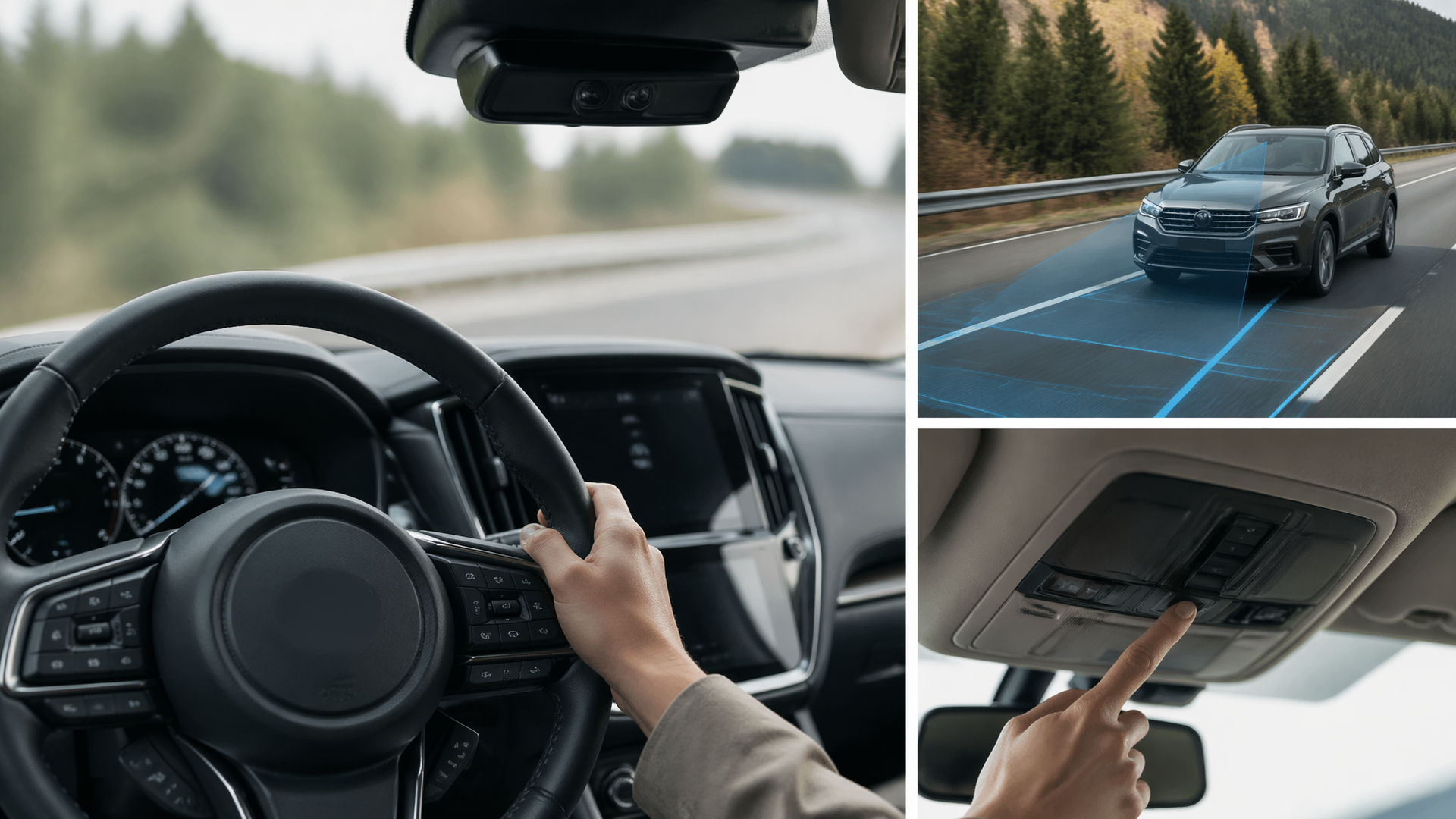
How to Disable Subaru EyeSight: A Step-by-Step Guide
If you need to temporarily turn off Subaru’s EyeSight driver assistance system, the process is straightforward and can be done directly from your vehicle’s settings. While EyeSight is designed to enhance safety, there are situations, such as specific driving conditions or when using certain aftermarket accessories, where disabling it might be necessary. This guide provides the exact steps to temporarily deactivate EyeSight features.
Preparing to Disable EyeSight
Before you begin, ensure your Subaru is in Park or Neutral, and that the engine is running. Some EyeSight features may not be adjustable while the vehicle is in motion or if certain fault conditions are detected by the system. Familiarize yourself with which specific EyeSight functions you intend to disable, as the system comprises several components like Adaptive Cruise Control, Pre-Collision Braking, and Lane Keep Assist.
Steps to Temporarily Disable EyeSight
The exact menu options may vary slightly depending on your Subaru model year and trim, but the general process involves navigating through the vehicle’s Multi-Function Display (MFD).
1. Access Vehicle Settings: Locate the “Settings” button on your steering wheel or dashboard. Press it to enter the main settings menu on the MFD.
2. Navigate to EyeSight Settings: Use the arrow or scroll buttons on your steering wheel to navigate through the menu. Look for an option labeled “EyeSight” or “Driver Assist Technology.” Select it.
3. Select Features to Disable: Within the EyeSight menu, you will see a list of individual features. Common options include:
- Pre-Collision Braking
- Pre-Collision Throttle Management
- Adaptive Cruise Control
- Lane Keep Assist
- Lead Vehicle Start Alert
4. Toggle Features Off: For each feature you wish to disable, select it and then toggle the setting to “Off” or “Disabled.”
5. Confirm Changes: After making your selections, you may be prompted to confirm the changes. Follow the on-screen instructions.
Confirming EyeSight is Disabled
Once you have completed the steps, you should see a confirmation on the MFD. Typically, a small EyeSight indicator light on the dashboard will change color or disappear, and a message may appear stating that EyeSight is off. For example, if you disable Pre-Collision Braking, the system will likely display a message indicating it is off, and the corresponding warning light will illuminate. Adaptive Cruise Control will also become unavailable.
Common Reasons for Disabling EyeSight
Drivers may choose to temporarily disable EyeSight for several reasons:
- Aftermarket Accessories: Some windshield-mounted accessories, like certain dashcams or toll transponders, can interfere with the EyeSight cameras.
- Specific Driving Conditions: In heavy snow, dense fog, or during severe rain, the cameras may have reduced visibility, leading to system warnings or malfunctions. Disabling EyeSight can prevent unnecessary alerts.
- Towing or Loading: When towing a trailer or carrying an unusually heavy load that significantly alters the vehicle’s height, EyeSight sensors might not function optimally.
- Road Conditions: Driving on poorly marked roads or roads with construction that confuses lane detection can sometimes trigger false positives.
What to Try Next if EyeSight Won’t Disable
If you follow the steps and are unable to disable EyeSight, or if the system continues to display warnings, try these troubleshooting steps:
1. Restart the Vehicle: Turn off the engine completely, wait for about 30 seconds, and then restart the vehicle. This can reset temporary electronic glitches.
2. Check for Obstructions: Ensure the windshield area in front of the EyeSight cameras is clean and free of debris, stickers, or damage.
3. Consult Your Owner’s Manual: Refer to the specific section on EyeSight in your Subaru owner’s manual for model-specific instructions or troubleshooting tips.
When to Escalate to a Professional
If you are unable to disable EyeSight, or if the system continues to show fault indicators after troubleshooting, it is advisable to contact your Subaru dealership or a qualified Subaru technician. Persistent issues may indicate a problem with the sensors, cameras, or other system components that require professional diagnosis and repair. Do not attempt to service the EyeSight system yourself beyond the recommended user-level adjustments.
Explore This Topic
- What Is Eyesight By Subaru
- How To Turn On Eyesight In A 2023 Subaru
- What Does Eyesight Mean In A Subaru Vehicle

Greedy Wheels is the founder and lead editor at Wheels Greed. With over 15 years of hands-on automotive experience — from rebuilding engines in a home garage to managing fleet maintenance for a regional logistics company — he brings real-world mechanical knowledge to every guide.
His work has been featured in automotive forums, owner communities, and dealership training materials. When he’s not researching the latest car owner questions, you’ll find him at a local track day, wrenching on his project car, or testing the newest OBD2 diagnostic tools.
At Wheels Greed, every article is reviewed against manufacturer service manuals, NHTSA bulletins, and verified owner reports. No AI-generated fluff. No guesswork. Just practical answers from someone who has turned the wrench.