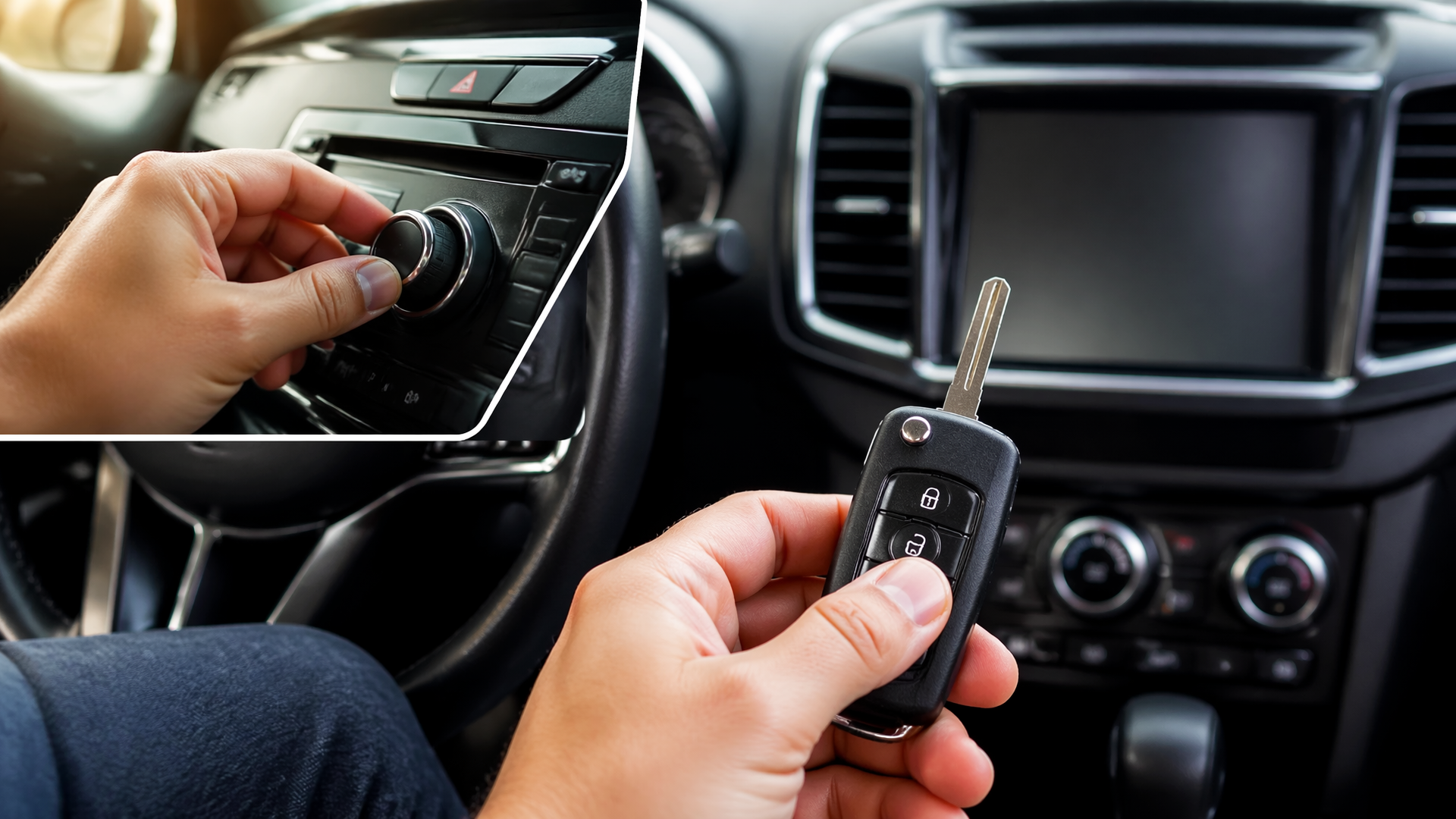
How to Disable MyKey Volume Limit on Ford
If you’re looking to remove the MyKey volume limit on your Ford, the key requirement is having an Admin Key. This special key allows you to access and clear all MyKey settings, including audio restrictions. If you only have a programmed MyKey and no Admin Key, you’ll need to visit a Ford dealership to have the system reset.
The Essential Role of the Admin Key
To make any changes to the MyKey system, such as disabling the volume limit, you absolutely need the Admin Key. This is a regular key fob that has been designated as the administrator for your vehicle’s MyKey settings. It’s the only key that can create new MyKeys, modify existing ones, or completely clear all MyKey profiles. If you cannot locate your Admin Key and only have a MyKey, your ability to disable restrictions yourself is intentionally limited by Ford’s design.
Clearing MyKey Restrictions: A Step-by-Step Process
With your Admin Key in hand, you can proceed to clear all MyKey settings, which will also remove the volume restriction.
1. Start Your Ford: Ensure the vehicle’s engine is running.
2. Use the Admin Key: Insert the Admin Key into the ignition or ensure it’s within the vehicle’s key detection range.
3. Navigate the Instrument Cluster: Use the buttons on your steering wheel to access the main menu on the instrument cluster display. Press the “OK” button or use the directional controls to scroll through options.
4. Find the MyKey Menu: Select “Settings” from the main menu, and then navigate to the “MyKey” option.
5. Initiate the Clear Process: Within the MyKey menu, look for an option labeled “Clear MyKey” or “Reset MyKey.” Select this option to begin the process.
6. Confirm Your Intent: The system will ask you to confirm that you wish to erase all MyKey settings. This is a critical step that will remove all programmed MyKeys and revert the vehicle to standard key operation. Typically, you will need to press and hold the “OK” button for several seconds to confirm this action.
7. Follow On-Screen Instructions: The instrument cluster will provide further prompts to complete the reset. This might involve turning the ignition off and on or reconfirming the action.
Crucial Note: Performing a “Clear MyKey” action will reset all MyKey restrictions, including any speed limiters or other programmed settings, not solely the audio volume. If you plan to re-establish MyKey settings later, you’ll need to reprogram them after clearing the existing ones.
When Only a MyKey is Available
If you only possess a MyKey and cannot find the Admin Key, you will be unable to disable the volume limit on your own. The MyKey system is designed to prevent users with only a MyKey from removing restrictions, ensuring the administrator’s control.
- Seek Dealership Assistance: In this scenario, your only option is to schedule an appointment at a Ford dealership. They have the necessary diagnostic tools and software to reset the MyKey system. Be prepared to show proof of vehicle ownership, and anticipate a service fee for this procedure.
Verifying the Volume Limit is Gone
Once you have successfully cleared the MyKey settings (either yourself with the Admin Key or via a dealership), you can confirm that the volume limit has been lifted.
1. Start the Engine: Use a regular key (not a MyKey) to start your Ford.
2. Test the Audio Volume: Turn on the audio system and try increasing the volume past the previous restriction point. If the volume now increases without hitting a hard limit, the MyKey volume restriction has been successfully disabled.
If you continue to experience volume limitations, or if the clearing process was interrupted, it is advisable to consult your vehicle’s owner’s manual for specific instructions or contact a Ford dealership for further support.
Potential Complications and Next Steps
While the “Clear MyKey” process is generally straightforward, a few issues can arise. If the vehicle loses power during the confirmation step, or if the Admin Key is not properly recognized, the system might not reset correctly, leaving MyKey restrictions in place. In such cases, or if the volume limit reappears unexpectedly after a successful clear, it’s best to repeat the “Clear MyKey” process. If the issue persists after a second attempt, or if the “Clear MyKey” option is unavailable in the menu, it indicates a more complex system fault. At this point, you should stop attempting further resets and contact a Ford dealership, as specialized diagnostics may be required.
Explore This Topic
- How To Disable Mykey On Ford F150
- How To Disable Mykey On A 2015 Ford Without An Admin Key
- How To Reset Mykey On Ford Vehicles

Greedy Wheels is the founder and lead editor at Wheels Greed. With over 15 years of hands-on automotive experience — from rebuilding engines in a home garage to managing fleet maintenance for a regional logistics company — he brings real-world mechanical knowledge to every guide.
His work has been featured in automotive forums, owner communities, and dealership training materials. When he’s not researching the latest car owner questions, you’ll find him at a local track day, wrenching on his project car, or testing the newest OBD2 diagnostic tools.
At Wheels Greed, every article is reviewed against manufacturer service manuals, NHTSA bulletins, and verified owner reports. No AI-generated fluff. No guesswork. Just practical answers from someone who has turned the wrench.