Pairing your iphone to a lexus: a bluetooth guide
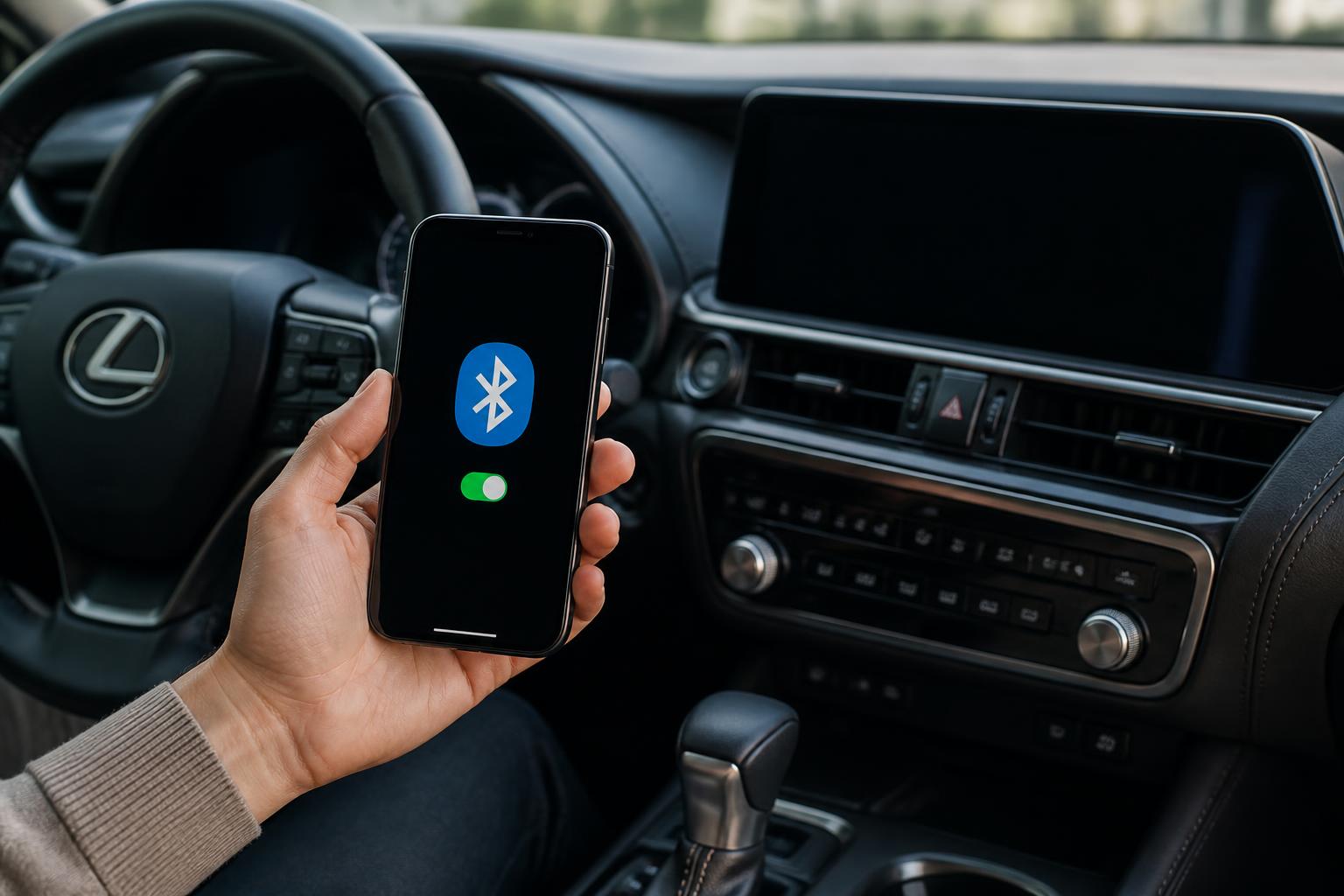
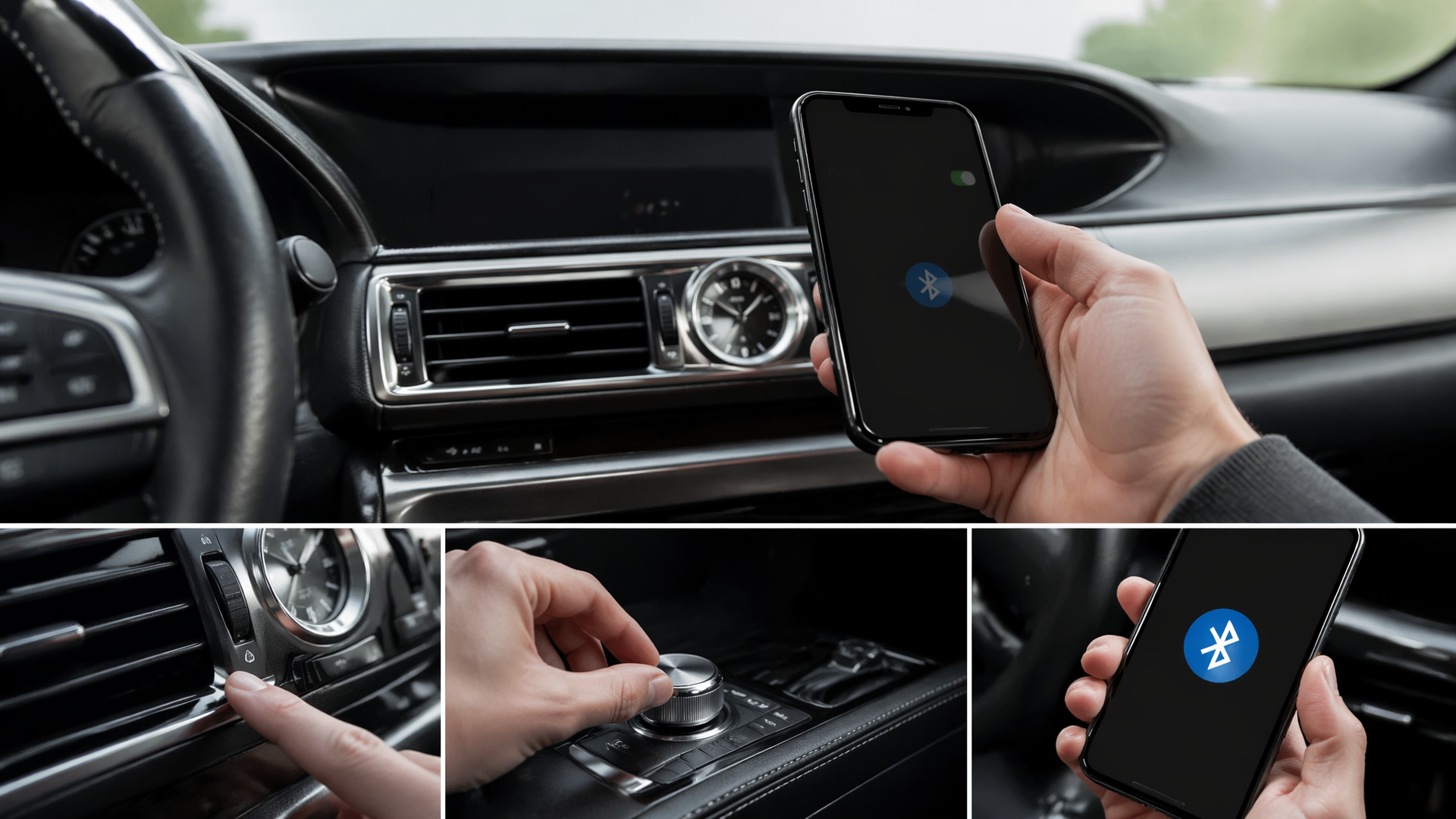
I’ve always found that connecting my iPhone to my Lexus makes my driving experience so much more enjoyable. Whether it’s listening to my favorite playlists or answering calls hands-free, Bluetooth pairing is essential for convenience on the road. In this guide, I’m going to walk you through the steps to successfully pair your devices. I’ll also share some tips on troubleshooting common issues you might encounter along the way. Let’s get started and make your in-car experience even better!
Lexus Bluetooth Pairing: One Main Guide for General Phone Setup
The general Lexus Bluetooth pages were all trying to answer the same setup question with only minor wording changes. This page now acts as the main Lexus-wide pairing guide, covering the core steps, the most common iPhone-related checks, and the quick troubleshooting owners need when the first attempt fails.
| Lexus Bluetooth question | Best short answer | Why the old pages overlapped |
|---|---|---|
| How do I pair a phone to Lexus Bluetooth? | Turn on Bluetooth on the phone, open the Lexus pairing menu, and complete the confirmation prompts on both devices. | The duplicate pages repeated the same pairing path with different titles for phone versus iPhone wording. |
| Does the process differ a lot for iPhone users? | Not usually. The exact menus differ slightly, but the core Lexus pairing flow is mostly the same. | Several pages acted like iPhone pairing was a completely separate topic even when the steps stayed nearly identical. |
| What should owners do if the connection fails? | Delete old pairings, keep the phone discoverable, and restart the Lexus system or phone before trying again. | Troubleshooting tips were spread across multiple weak duplicates instead of one stronger guide. |
Related Lexus connectivity guides
- Connect iPhone to Lexus RX 350 Bluetooth
- Lexus RX 350 Bluetooth pairing guide
- Does the 2005 Lexus GX470 have Bluetooth?
Key Takeaways
Ensure compatibility between your iPhone and Lexus model before attempting to pair via Bluetooth.
Follow specific steps in both the Lexus infotainment system and iPhone settings to establish a successful connection.
Troubleshoot common issues by checking settings, resetting connections, and keeping software updated.
Enhance your in-car experience by utilizing features like Siri integration, audio customization, and hands-free calling.
Checking Compatibility
Before diving into the pairing process, I need to ensure that my iPhone and Lexus are compatible. It’s crucial to check the Bluetooth version and confirm the specific model of my Lexus. With that in mind, let’s look at the key points to get started.
Verify Bluetooth Version
The Bluetooth version on my iPhone needs to match the requirements of my Lexus for a successful connection. I’ve checked the settings on my iPhone to see which version I’m running. Then, I looked up the Bluetooth specifications for my Lexus model. If there’s a discrepancy, I know I won’t be able to connect them. It’s important to have both devices on compatible versions before proceeding.
Confirm Lexus Model Compatibility
Finding out my Lexus model is essential for ensuring it’ll work seamlessly with my iPhone. I’ve got to check the year and trim to see if it supports the latest Bluetooth features. It’s important to look up the compatibility list on the Lexus website for the specific model. Once I know my model, I can move forward with the pairing process. I can’t wait to enjoy my music and calls hands-free while driving.
Preparing Your iPhone
Now that I’ve checked the compatibility, it’s time to prepare my iPhone for pairing with my Lexus. I’ll need to make sure everything’s set up correctly to ensure a smooth connection. Let’s dive into the key steps for preparing my iPhone.
Check Bluetooth Settings
Checking my Bluetooth settings is essential to ensure my iPhone can connect seamlessly with my Lexus. I’ve already turned on Bluetooth in my iPhone’s settings. I’ll also make sure my device is discoverable for pairing. It’s important to check for any available software updates too. Finally, I’ll clear any old connections that might interfere with the pairing process.
Update iOS Version
Updating my iOS version is crucial for ensuring my iPhone works seamlessly with my Lexus. I’ve got to check for any available updates in the settings. Once I find an update, I’ll need to install it to access the latest features. After that, I’ll restart my iPhone to finalize the installation. This way, I’ll be ready for a smooth Bluetooth pairing experience.
Enable Bluetooth on iPhone
Enabling Bluetooth on my iPhone is essential for connecting it to my Lexus. I usually swipe down from the top-right corner of the screen to access the Control Center. Then, I simply tap on the Bluetooth icon to turn it on. I often check that my iPhone is discoverable in the Bluetooth settings. This ensures my Lexus can find my iPhone when I’m ready to pair them.
Accessing Bluetooth Settings in Your Lexus
When I’m ready to connect my iPhone to my Lexus, I start by accessing the Bluetooth settings in my vehicle. It’s a straightforward process that makes pairing my device easy. Now, I can dive into the specific steps involved.
Locating Bluetooth Menu
I’ve found that locating the Bluetooth menu in my Lexus is usually easy with just a few taps on the screen. I simply navigate to the settings icon on the display. From there, I select the Bluetooth option without any hassle. It’s impressive how quickly I can see the available devices. Once I’m in the right spot, connecting my iPhone takes just seconds.
Enabling Bluetooth Connection
My Bluetooth connection’s ready to go, allowing me to link my iPhone seamlessly. I head to the Bluetooth settings in my Lexus and make sure the feature’s turned on. With a quick tap, I enable the Bluetooth connection, and my car starts searching for devices. Once it finds my iPhone, I can select it from the list. Finally, I confirm the pairing code, and I’m all set to enjoy hands-free calls and music.
Discovering New Devices
Discovering new devices is exciting, especially when I see my iPhone pop up on the Bluetooth list. I can feel that rush of anticipation as I click on the name to initiate the pairing process. It’s always a little thrilling to wait for the connection confirmation. Once it’s paired, I know I can access my music and calls seamlessly. There’s something satisfying about having my tech work together so effortlessly.
Managing Paired Devices
Managing paired devices in my Lexus allows me to easily switch between my iPhone and other Bluetooth devices without hassle. I can quickly access the list of paired devices through the car’s infotainment system. When I want to connect my iPhone, I just select it, and the connection is made instantly. If I don’t need a device anymore, I can easily remove it from the list. This seamless management makes my driving experience much more enjoyable.
Pairing Your Devices
Now that I’ve accessed the Bluetooth settings in my Lexus, I’m ready to pair my devices. It’s a straightforward process, but I know a few steps are essential to ensure everything connects smoothly. Let’s dive into the key points for a successful pairing experience.
Bluetooth Connection Steps
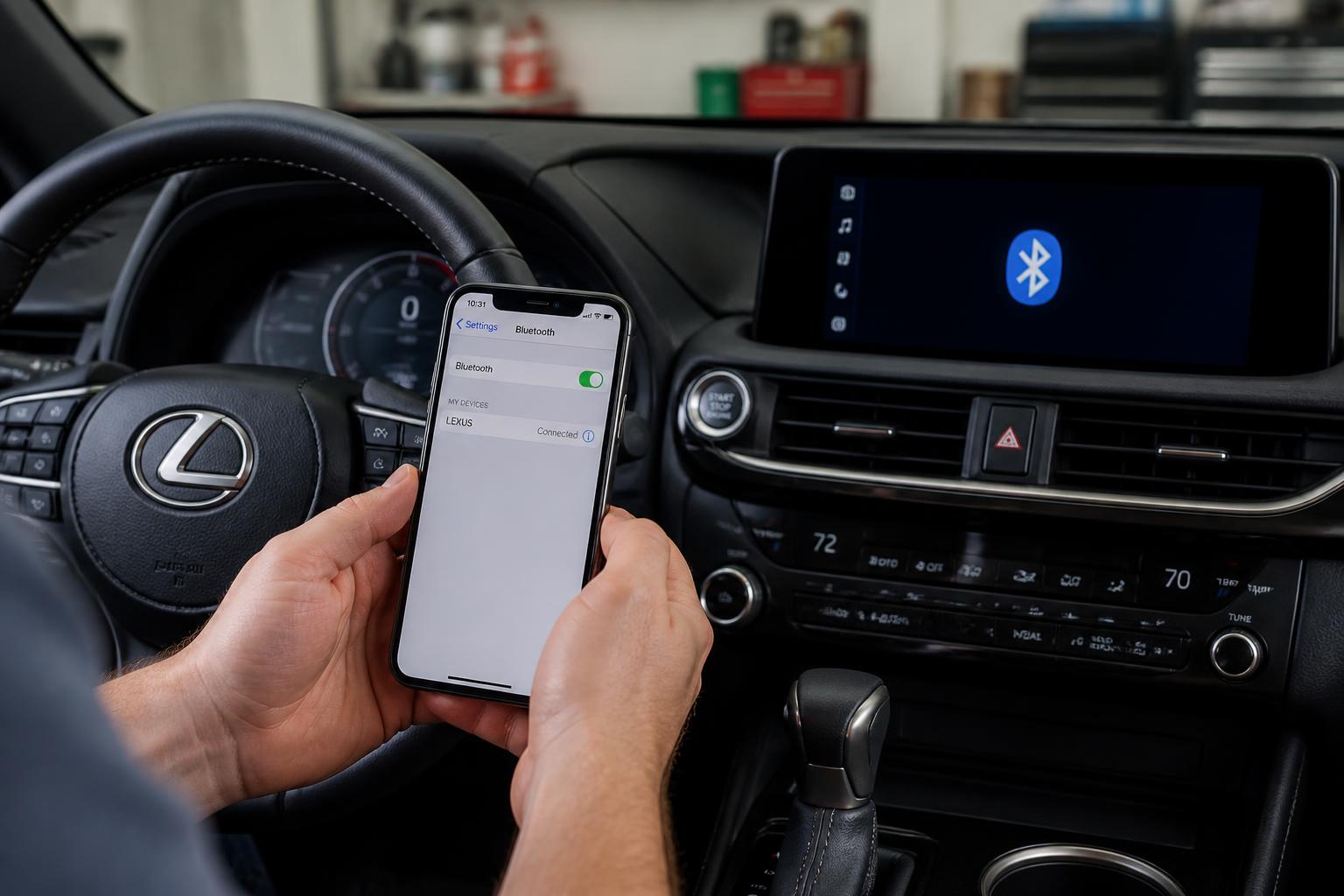
The Bluetooth connection steps require ensuring both devices are in pairing mode for a seamless experience. I’ve turned on the Bluetooth on my iPhone and selected the option to search for devices. Once my Lexus appears on the list, I tap on it to initiate the pairing. I’m prompted to confirm a code on both devices, which I do to finalize the connection. Now, I can enjoy hands-free calls and music streaming without any hassle.
Troubleshooting Common Issues
Common issues can arise during the Bluetooth pairing process, and I’ve faced a few of them myself. Sometimes, my iPhone just wouldn’t recognize the Lexus, leaving me frustrated. I’ve also had moments when the connection dropped unexpectedly, making it hard to listen to my favorite tunes. Occasionally, I’ve noticed that the Bluetooth settings needed a reset for everything to work again. In those times, patience and a little troubleshooting made all the difference.
Maintaining Device Compatibility
Maintaining device compatibility is crucial for me to ensure all my features work seamlessly together. I always check for software updates on my iPhone and Lexus to keep everything in sync. If my iPhone’s operating system is outdated, I might run into connection issues. I also pay attention to the Bluetooth version on both devices to avoid any compatibility problems. By staying informed, I can enjoy a hassle-free pairing experience every time.
Troubleshooting Connection Issues
Sometimes, I run into connection issues when trying to pair my iPhone with my Lexus. It can be frustrating, but I’ve found a few steps that usually help resolve the problem. Let’s dive into those points.
Check Bluetooth Settings
I’ve realized that checking the Bluetooth settings can often make a big difference in resolving connection issues. I usually start by ensuring that Bluetooth is enabled on my iPhone. Then, I make sure my Lexus is in pairing mode. If it still doesn’t connect, I try forgetting the device on my iPhone and re-pairing it. These steps often bring my devices back together smoothly.
Reset iPhone Connections
Resetting my iPhone’s connections often clears up any lingering issues with Bluetooth pairing. I usually go into the settings and toggle Bluetooth off and back on. Sometimes, I’ll even restart my iPhone to refresh everything. After that, I try to reconnect to my Lexus, and it often works. It’s a simple step, but it makes a big difference.
Update Vehicle Software
Updating my vehicle’s software has made a noticeable difference in the connectivity with my iPhone. I’ve noticed that calls and messages sync much more smoothly now. It’s amazing how a simple update can enhance the overall experience. I don’t have to reconnect as often, which saves me time and hassle. Now, I can enjoy my drives without worrying about connectivity issues.
Managing Bluetooth Preferences
Now that I’ve sorted out the connection issues, it’s time to focus on managing my Bluetooth preferences. I want to make sure my devices are paired correctly and working seamlessly. Let’s dive into the key points that will help me navigate this process.
Accessing Bluetooth Settings
Accessing my Bluetooth settings is crucial for ensuring everything is properly configured. I usually start by opening the Settings app on my iPhone. Then, I tap on Bluetooth to view all available devices. It’s important to check if my Lexus is listed and connected. If not, I can easily initiate the pairing process from here.
Pairing New Devices
Pairing new devices can sometimes be a bit tricky, but I’m ready to tackle it. I’ve got my iPhone and Lexus ready to connect. I’ll make sure Bluetooth is enabled on both devices before I start. Once I find my Lexus in the list of available devices, I’ll select it to initiate the pairing process. After confirming the code, I’ll be all set to enjoy hands-free features and music streaming.
Managing Connected Devices
I’m figuring out which connected devices I actually use and which ones I can remove to streamline my setup. I’ve noticed some devices rarely connect, causing unnecessary clutter in my Bluetooth settings. It’s helpful to prioritize the devices I use most, like my iPhone for calls and music. I’m also checking for any devices that might be draining my battery life without providing any real benefit. By managing my connected devices, I’m aiming for a more efficient and hassle-free experience.
Adjusting Audio Preferences
Adjusting my audio preferences will ensure that I get the best sound quality from my Bluetooth devices. I’ve noticed that tweaking the equalizer settings can make a big difference in how music sounds. I like to switch between the different sound profiles to find the one that fits my mood. Sometimes, I’ll even adjust the volume levels for calls and media separately for a more customized experience. It’s all about finding that perfect balance to enjoy every drive.
Enhancing Your In-Car Experience
Enhancing my in-car experience has made every drive more enjoyable and connected. I’ve discovered that pairing my iPhone to my Lexus creates a seamless integration between my devices. It’s amazing how I can access my playlists without fumbling through my phone. I love using Siri to make calls while keeping my hands on the wheel. The sound quality from the car’s speakers is incredible, bringing my favorite songs to life. Whenever I get a text, I can listen to it read aloud, which keeps me focused on the road. Navigating with Apple Maps through the car’s display makes trips much smoother. I’ve even found that I can use my favorite apps directly from the dashboard. Overall, it’s transformed my driving routine into something truly enjoyable.
Frequently Asked Questions
How do i reset the bluetooth settings on my iphone?
To reset the Bluetooth settings on my iPhone, I usually go to the Settings app first. From there, I tap on "Bluetooth" and then turn it off and back on. If I really need a fresh start, I can also choose to forget devices I’ve paired with before. Once I’ve done that, my Bluetooth settings are reset, and I can start fresh with new connections.
Can i connect multiple iphones to my lexus at the same time?
I can’t connect multiple iPhones to my Lexus at the same time. Typically, the system only allows one device to be connected for audio and calls at any given moment. However, I can switch between devices by disconnecting one and connecting another if needed. It’s a bit of a hassle, but it’s manageable.
Will pairing my iphone affect my lexus’s navigation system?
I don’t think pairing my iPhone will negatively affect my Lexus’s navigation system. From what I’ve experienced, the navigation usually continues to work seamlessly even when my phone is connected. However, I’ve noticed that certain features, like real-time traffic updates, might rely on my phone’s data connection. Overall, I’ve found the integration to be quite smooth without any major issues.
If you’re looking to expand your automotive knowledge beyond pairing your iPhone to a Lexus, I highly recommend checking out the guide on locating the transmission dipstick on a BMW at Wheels Greed. This resource provides valuable insights that every car owner should know to maintain their vehicle properly. Don’t miss out on enhancing your understanding of car maintenance!