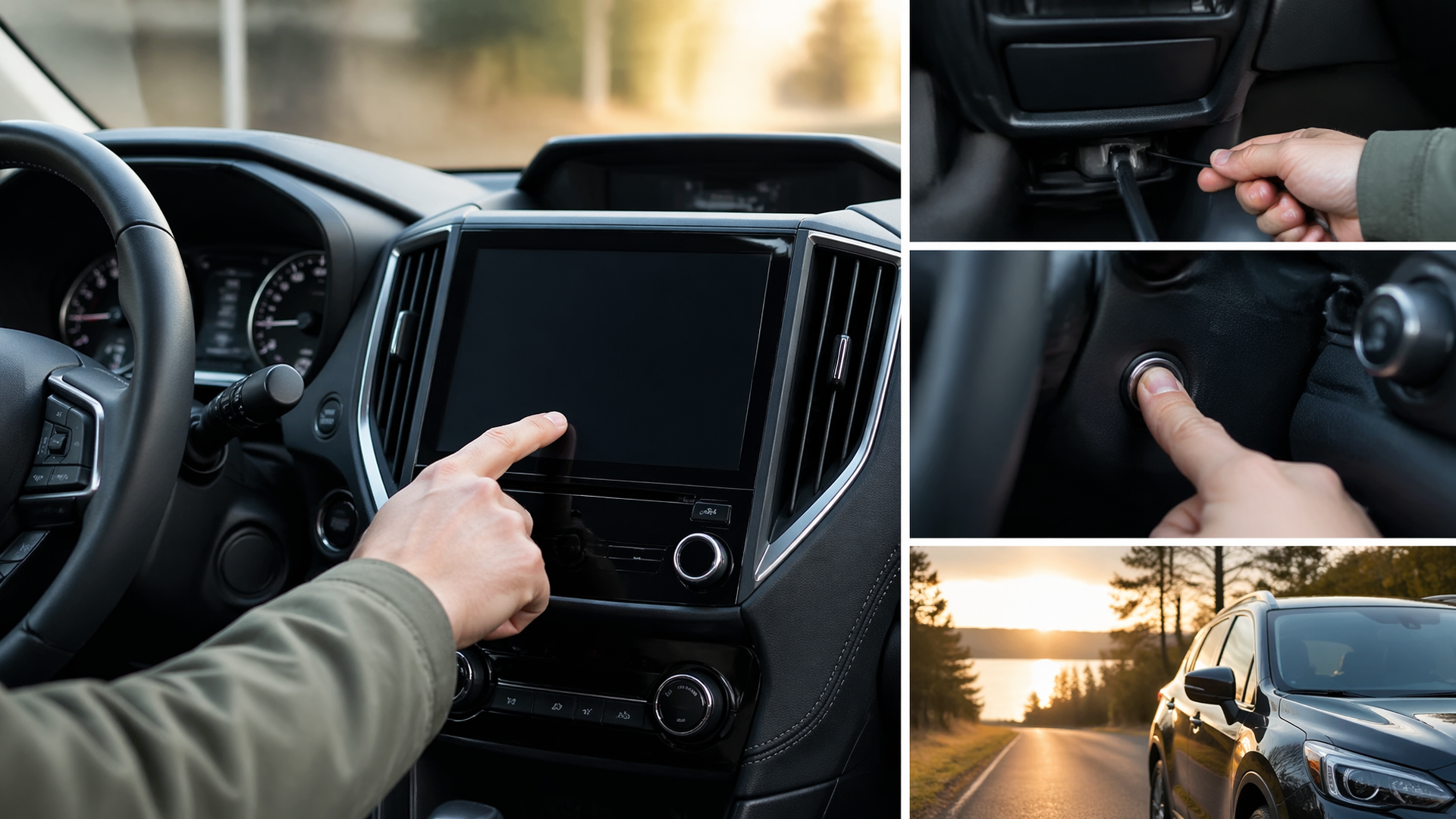
Subaru infotainment frozen or black screen: restart steps and when a reset will not help
If your Subaru’s infotainment screen is frozen or completely black, the first and often most effective solution is a simple system restart. This process can resolve temporary glitches without losing your settings. However, if restarting doesn’t work, or if the issue recurs frequently, it may indicate a deeper problem that requires professional attention. Understanding when to try a restart and when to seek expert help can save you time and frustration.
How to Restart Your Subaru Infotainment System
Most Subaru models allow for a straightforward infotainment system restart by holding down specific buttons. The exact procedure can vary slightly depending on your vehicle’s model year and trim level, but a common method involves pressing and holding the power button for the infotainment screen for approximately 10-30 seconds.
1. Locate the Power Button: This is typically a physical button, often found near the infotainment screen itself or integrated into the steering wheel controls. Consult your owner’s manual if you are unsure.
2. Press and Hold: Firmly press and hold the power button. You should see the screen go black and then attempt to reboot.
3. Release the Button: Once the Subaru logo or the initial boot-up screen appears, release the button.
4. Allow to Reboot: Let the system fully restart. This may take a minute or two.
If this method doesn’t work, some Subaru models may have a secondary reset procedure that involves holding down a combination of buttons, such as the power button and a volume knob, or a dedicated “reset” button often hidden behind a small panel. Again, your owner’s manual is the definitive source for your specific vehicle.
Confirming the Restart Solved the Issue
After performing the restart, it’s crucial to verify that the infotainment system is functioning correctly.
1. Check for Responsiveness: Touch the screen and navigate through different menus. Ensure that taps and swipes are registered accurately and without delay.
2. Test Core Functions: Try accessing the radio, navigation (if equipped), Bluetooth connectivity, and any other primary features you regularly use.
3. Observe for Glitches: Drive your vehicle for a short period, paying attention to whether the screen freezes, goes black, or exhibits any other unusual behavior.
If all functions operate normally and the screen remains responsive, the restart was successful.
Understanding Potential Causes for Freezing or Black Screens
When a simple restart doesn’t resolve the issue, or if it happens repeatedly, several underlying factors could be at play. These can range from software bugs to hardware failures.
Software Glitches and Updates
Temporary software errors are a common cause of infotainment system malfunctions. These can occur due to a complex series of operations, background processes, or even during a software update. If your system’s software is outdated, it might be more prone to these glitches. Checking for available software updates from Subaru and installing them can often resolve persistent issues.
Connectivity Problems
Issues with connected devices, such as smartphones via USB or Bluetooth, can sometimes cause the infotainment system to freeze or become unresponsive. A faulty USB cable, a problematic app on your phone, or interference with Bluetooth signals can all contribute.
Hardware Malfunctions
In some cases, the problem might stem from a failing component within the infotainment system itself. This could include the touchscreen, the central processing unit, or related wiring. These types of issues usually require diagnosis and repair by a qualified technician.
Power Supply Issues
An intermittent power supply to the infotainment unit can also lead to freezing or a black screen. This could be due to a loose connection, a failing fuse, or a problem with the vehicle’s electrical system.
When a Reset Won’t Help: Escalation and Next Steps
If you’ve attempted the restart procedure multiple times without success, or if the problem persists after a temporary fix, it’s time to consider more advanced troubleshooting or professional assistance.
Consult Your Owner’s Manual
Your Subaru’s owner’s manual is an invaluable resource. It often contains specific troubleshooting steps for infotainment issues and may detail alternative reset procedures unique to your model.
Seek Professional Diagnosis
For persistent or severe infotainment problems, a visit to a Subaru dealership or a trusted automotive electronics specialist is recommended. They have the diagnostic tools and expertise to:
- Perform Deeper Diagnostics: Identify specific error codes or hardware faults that are not apparent to the user.
- Install Software Updates: Ensure your system has the latest firmware, which can fix known bugs and improve stability.
- Test Hardware Components: Determine if any part of the infotainment system, such as the display or main unit, needs replacement.
- Address Electrical Issues: Investigate potential problems with the vehicle’s power supply to the unit, including fuses and wiring harnesses.
Ignoring recurring infotainment issues can sometimes lead to more significant problems or affect other vehicle systems. It’s best to address them promptly.

Greedy Wheels is the founder and lead editor at Wheels Greed. With over 15 years of hands-on automotive experience — from rebuilding engines in a home garage to managing fleet maintenance for a regional logistics company — he brings real-world mechanical knowledge to every guide.
His work has been featured in automotive forums, owner communities, and dealership training materials. When he’s not researching the latest car owner questions, you’ll find him at a local track day, wrenching on his project car, or testing the newest OBD2 diagnostic tools.
At Wheels Greed, every article is reviewed against manufacturer service manuals, NHTSA bulletins, and verified owner reports. No AI-generated fluff. No guesswork. Just practical answers from someone who has turned the wrench.